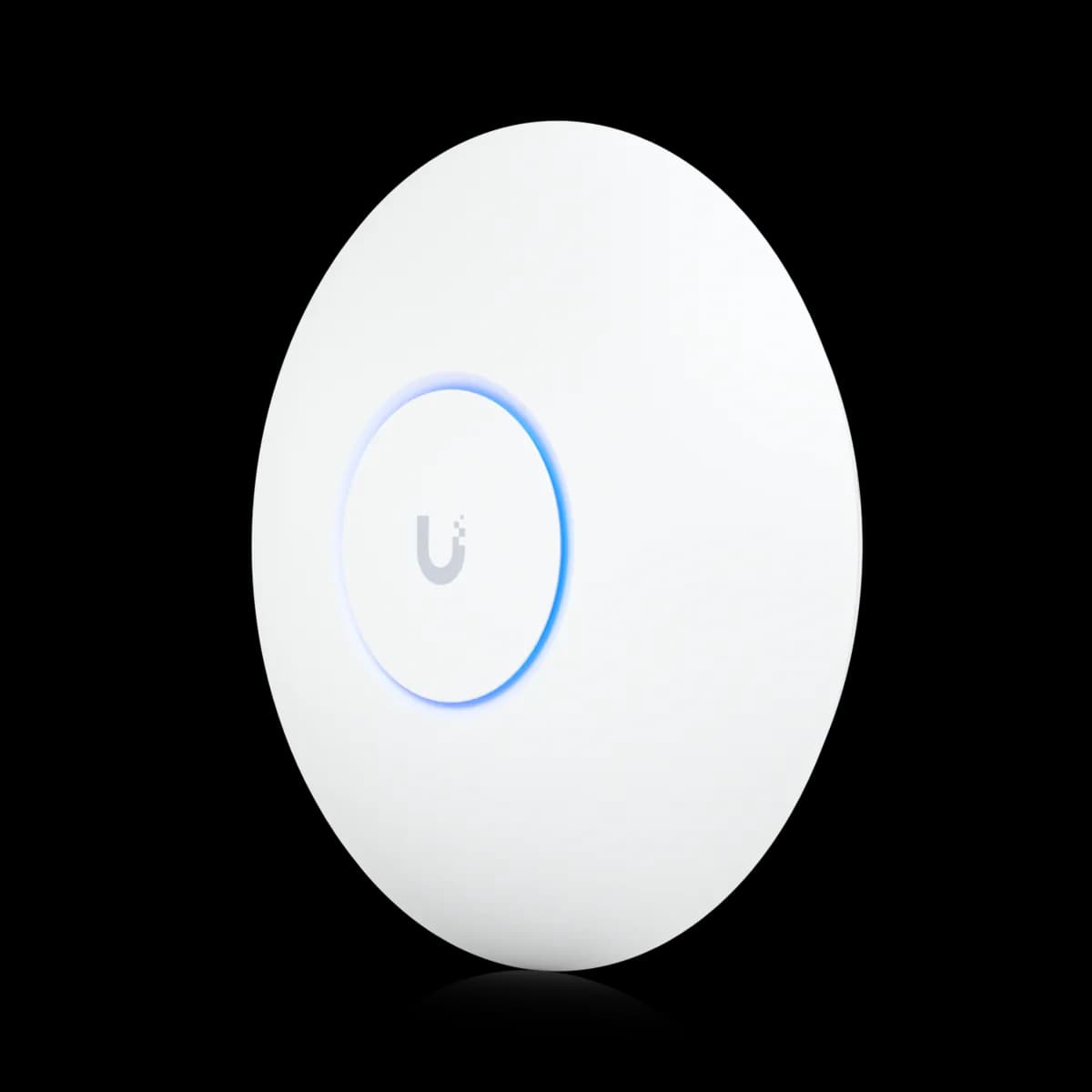
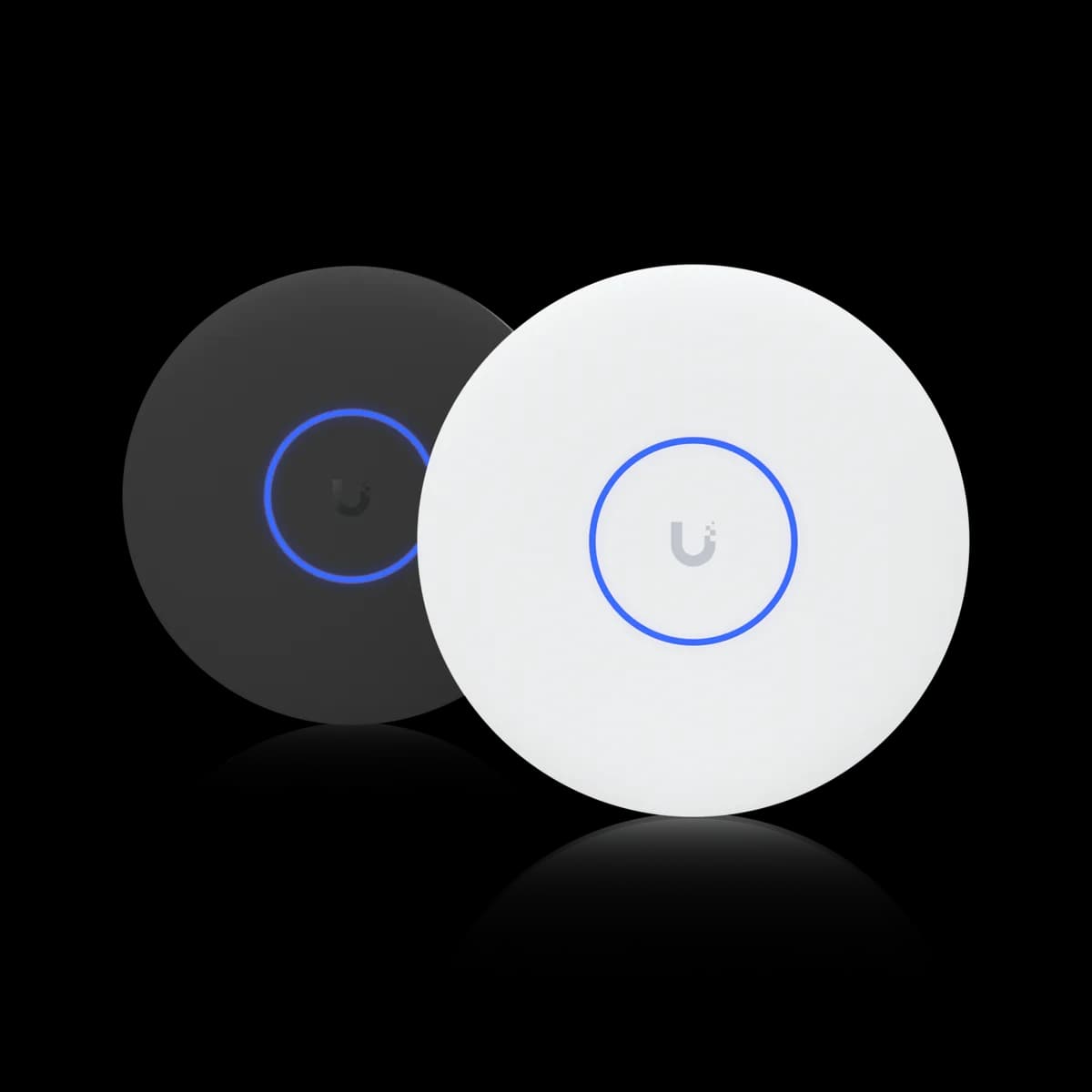
Comparison

UniFi U7 Pro vs U7 Pro XG: $10 for 10 GbE

Same tri-band Wi-Fi 7 ratings, same 140 m² and 300+ clients. The $199 U7 Pro XG swaps the U7 Pro's 2.5 GbE uplink for a 10 GbE port — when the $10 is worth it.

Should I buy the UniFi U7 Pro or the U7 Pro XG?

The U7 Pro XG ($199) is a U7 Pro ($189) with a 10 GbE RJ45 uplink in place of the Pro's 2.5 GbE port. The radio ratings match: six-stream tri-band Wi-Fi 7, 5.8 Gbps on 6 GHz, 140 m², 300+ clients. Both run on PoE+. The $10 pays off only behind a switch port faster than 2.5 GbE, where one Wi-Fi 7 client on a 320 MHz channel can outrun a 2.5 GbE wire. Buy the XG if your switch has 5 or 10 GbE PoE+ ports, or will; buy the U7 Pro if every port will stay at 2.5 GbE or slower, where the XG's faster port buys nothing.

Spec Comparison

SpecUniFi U7 ProUniFi U7 Pro XG
Wi-Fi StandardWi-Fi 7 (802.11be)Wi-Fi 7 (802.11be)
BandsTri-band (2.4 + 5 + 6 GHz)Tri-band (2.4 + 5 + 6 GHz)
6 GHz Rate5.8 Gbps (BW320)5.8 Gbps (BW320)
5 GHz Rate4.3 Gbps (BW240)4.3 Gbps (BW240)
2.4 GHz Rate688 Mbps (BW40)688 Mbps (BW40)
Spatial Streams66
5 GHz MIMO2×22×2
Uplink Port(1) 1/2.5 GbE RJ45(1) 10 GbE RJ45
Power MethodPoE+PoE+
Max Power Draw21 W22 W
Max Clients300+300+
Coverage Area140 m² (1,500 ft²)140 m² (1,500 ft²)
Dimensions⌀206 × 46 mm⌀206 × 32.5 mm
Weight680 g750 g
Max TX Power6 GHz 23 dBm · 5 GHz 26 dBm · 2.4 GHz 23 dBm6 GHz 24 dBm · 5 GHz 26 dBm · 2.4 GHz 23 dBm
5 GHz Antenna Gain6 dBi5 dBi
6 GHz Antenna Gain5.8 dBi6 dBi
Operating Temp-30 to 40 °C (-22 to 104 °F)-30 to 40 °C (-22 to 104 °F)

Pricing & Positioning

What are you paying $10 for? One port. The U7 Pro lists at $189 with a 1/2.5 GbE uplink; the U7 Pro XG at $199 with a 10 GbE RJ45 uplink. The Wi-Fi 7 radios, 140 m² rating, and 300+ client rating match; the XG draws 22 W to the Pro's 21 W, both on PoE+. (U7 Pro XG specs)

The U7 Pro XG arrived in March 2025 as part of Ubiquiti's Pro XG lineup, the wave that put 10 GbE ports on mainstream UniFi gear. It is a variant of the U7 Pro and sits beside it in the range. Ubiquiti priced the port at $10, which makes it the smallest paid step between any two of the nine ceiling APs this site tracks.

That is also why the choice is easy to get wrong in both directions. Buyers with a gigabit or 2.5 GbE switch pay $10 for a port that negotiates down to what they already have. Buyers with 10 GbE switching pick the plain U7 Pro and cap a 5.8 Gbps radio at 2.5 Gbps on the wire. How to choose a UniFi access point maps the rest of the range.

Same Rated Speeds, Streams & Coverage

Is the XG faster over the air? No. Both are tri-band Wi-Fi 7 with 2×2 on each band — six streams — rated at 5.8 Gbps (BW320) on 6 GHz, 4.3 Gbps (BW240) on 5 GHz, and 688 Mbps on 2.4 GHz, with 140 m² and 300+ clients. The U7 Pro XG's wireless ratings are the U7 Pro's. (U7 Pro specs)

Every rated throughput, stream, client, and coverage figure is shared. That includes all three radios, 320 MHz channels on 6 GHz for Wi-Fi 7 devices, and the 2×2 layout that the 4×4 U7 Pro Max improves on. Three RF rows differ slightly. The U7 Pro XG lists 5 dBi of 5 GHz antenna gain against the U7 Pro's 6 dBi, 24 dBm of 6 GHz transmit power against 23 dBm, and 6 dBi of 6 GHz antenna gain against 5.8 dBi. If streams are the question rather than the port, see U7 Pro vs U7 Pro Max.

Physically, little separates them. The XG keeps the U7 Pro's ⌀206 mm diameter in a thinner, heavier housing: 32.5 mm and 750 g against 46 mm and 680 g. The US store lists it in black as well as white, and the U7 Pro in white only. Both need a PoE+ (802.3at) port and both list a 40 °C operating ceiling. Beyond the uplink the differences are small and cut both ways: the XG is the slimmer unit, and the U7 Pro lists 1 dBi more 5 GHz antenna gain.

When does 10 GbE matter? When a single client can beat the wire. A Wi-Fi 7 client on a 320 MHz 6 GHz channel can push real throughput past 2.5 Gbps, where the U7 Pro's uplink stops. The U7 Pro XG's 10 GbE port removes that ceiling — behind a switch port running at 5 or 10 GbE. (U7 Pro XG specs)

The uplink is where a six-stream Wi-Fi 7 AP can hold back a single fast client. The U7 Pro's 6 GHz radio is rated at 5.8 Gbps. A modern Wi-Fi 7 laptop close to the AP on a clear 320 MHz channel can move more than 2.5 Gbps of real data. At that point the 2.5 GbE port is the limit, and the air is not. The U7 Pro XG's 10 GbE RJ45 port negotiates 10, 5, 2.5, or 1 GbE, so behind a fast enough switch port it stops being the ceiling.

The catch is the other end of the cable. The XG's 10 GbE port only helps behind a switch port faster than 2.5 GbE, and the AP needs PoE+ on that same run, from the switch port or from an injector that passes the link speed. Ubiquiti sells a $39 10G PoE++ Adapter (60W), which its store describes as providing a multi-gigabit LAN connection. The adapter's spec sheet lists 802.3at (PoE+) among the standards it supports.

The switches most home UniFi builds use top out at 2.5 GbE on their PoE ports. The USW Pro Max 24 PoE, for instance, has 2.5 GbE PoE ports and reserves its 10 GbE for SFP+ uplinks, which carry no PoE. Behind a port like that, the XG negotiates down to 2.5 GbE and matches the U7 Pro's uplink. UniFi uplinks and aggregation covers SFP+ uplinks and 2.5 GbE at the access edge. For 10 GbE on a PoE port, Ubiquiti's Pro XG 8 PoE is one example: all eight of its 10 GbE RJ45 ports supply PoE++, which also powers a PoE+ device like the XG.

PoE & Power Draw

What powers them? Both need PoE+ (802.3at): the U7 Pro draws up to 21 W, the U7 Pro XG up to 22 W. Ubiquiti specifies PoE+ for both, so a standard 802.3af port is below spec, and neither needs the PoE++ that the U7 Pro XGS requires. (U7 Pro specs)

Power is effectively a tie. Both need 802.3at on the switch port, or a PoE+ injector rated for the link speed the run has to carry. The one watt the U7 Pro XG adds matters only when a full switch budget is being counted, which PoE budget planning covers.

What neither of these needs is PoE++. The XG is the low-power way to get a 10 GbE uplink on a Wi-Fi 7 AP. The eight-stream U7 Pro XGS pairs the same port with a 4×4 5 GHz radio, and it is the one that crosses into 802.3bt at 29 W. If your switch is PoE+ only, the XG is as far up the 10 GbE ladder as that switch goes without a PoE++ injector.

Buying the Port for Later

Worth it on a 2.5 GbE switch today? Yes, if you expect to upgrade the switch in the AP's lifetime. The U7 Pro XG costs $10 more than the U7 Pro, links at the same speed on a 2.5 GbE PoE+ port, and gains 10 GbE when the switch does. If the switch stays at 2.5 GbE, the $10 buys nothing. (U7 Pro XG specs)

Ten dollars is a cheap option on the future. An AP bought today can still be on the ceiling when the switch behind it is replaced. A 10 GbE PoE+ port is also a more plausible upgrade in three years than it was when the U7 Pro launched. Buying the U7 Pro XG now means the AP is never the reason a later switch upgrade disappoints. The cable still can be: a full-length 10 GbE run wants Cat6A, while 2.5 GbE runs on existing Cat5e.

The argument cuts the other way for a fill-in AP. A unit covering a bedroom or a home office from a 2.5 GbE or gigabit port is unlikely ever to see a 10 GbE port at the other end of its cable. The U7 Pro is the right unit there, or the U7 Lite on 802.3af. Where the AP is the main one in the house and the switch closet is on an upgrade path, the XG is the safer buy.

Who Should Buy Which

The rated speeds, streams, and coverage are identical, so this is a switch question wearing an access-point disguise. Look at the port the AP will plug into — now and in the next few years — and the answer follows.

Buy the U7 Pro XG if:

  • Your switch has 5 or 10 GbE PoE+ ports. The 10 GbE uplink stops a 320 MHz Wi-Fi 7 client from hitting a 2.5 GbE wall.
  • The switch is on an upgrade path. $10 keeps the AP ahead of the wire for its whole life.
  • It is the primary AP. The unit that carries the busiest clients is the one that should never be uplink-bound.
  • You want black. The US store lists the XG in black or white, and the U7 Pro in white only.

Buy the U7 Pro if:

  • Every port you have is 2.5 GbE or gigabit, and will stay so. On that wire the XG negotiates down to the U7 Pro's uplink.
  • It is a secondary AP. A bedroom or home-office unit is unlikely to see a 10 GbE port.
  • You are buying several. Four or five XGs pay off only with four or five 10 GbE PoE ports behind them, and that switch is the real cost: the eight-port Pro XG 8 PoE lists at $499.

Deciding across the family? Start with how to choose a UniFi access point, see the eight-stream 10 GbE option in U7 Pro Max vs U7 Pro XGS, or browse the Access Points hub.

Frequently Asked Questions

The uplink. The U7 Pro ($189) has a 1/2.5 GbE RJ45 port; the U7 Pro XG ($199) has a 10 GbE RJ45 port. Both are tri-band six-stream Wi-Fi 7 APs rated at 5.8 Gbps on 6 GHz, 4.3 Gbps on 5 GHz, 140 m², and 300+ clients, and both need PoE+ (the XG draws 22 W to the Pro's 21 W). The XG is also sold in black.

Only on the wire, and only behind a 5 or 10 GbE switch port. Over Wi-Fi the two are rated the same. A Wi-Fi 7 client on a 320 MHz 6 GHz channel can exceed 2.5 Gbps of real throughput, which the U7 Pro's uplink cannot carry and the XG's 10 GbE port can. On a 2.5 GbE or gigabit switch port they have the same uplink.

No. The U7 Pro XG draws up to 22 W and runs on PoE+ (802.3at), like the U7 Pro at 21 W. Of the nine ceiling APs this site tracks, two require PoE++ (802.3bt): the eight-stream U7 Pro XGS at 29 W and the ten-stream E7 at 43 W.

To use the faster uplink, yes. The AP's 10 GbE port negotiates 10, 5, 2.5, or 1 GbE to match the switch port, and the run must also carry PoE+, from that port or from a multi-gig injector. On a 2.5 GbE PoE+ port the XG links at the U7 Pro's speed. On most UniFi switches 10 GbE lives only on SFP+ uplinks, which carry no PoE, so check for 10 GbE (or 5 GbE) PoE+ RJ45 ports before paying for the port.

If the AP is your primary unit and the switch is likely to gain 5 or 10 GbE PoE+ ports within the AP's lifetime, the $10 is worth it. The XG links at the same speed today and gains the faster uplink later. For a secondary AP on a port that will stay at 2.5 GbE or gigabit, the U7 Pro (or the 802.3af U7 Lite) is the better buy.