Buying Guide

How to Choose a UniFi Switch in 2026

A decision guide to the UniFi switch lineup — Lite 16, Flex 2.5G, Pro 24, and Pro Max 24 — across port count, PoE budget, 1 GbE vs 2.5 GbE, and Layer 3.

Which UniFi switch should I buy?

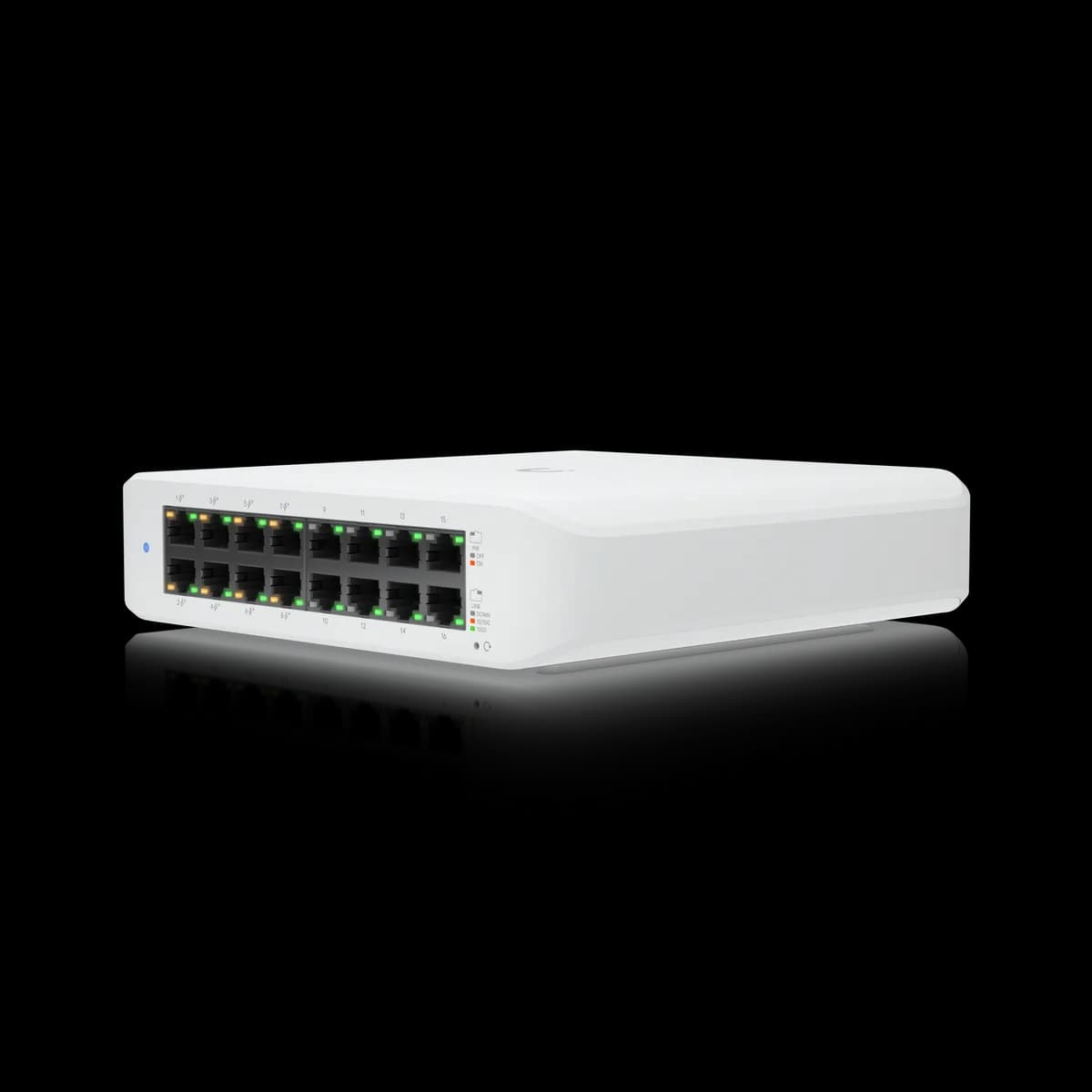
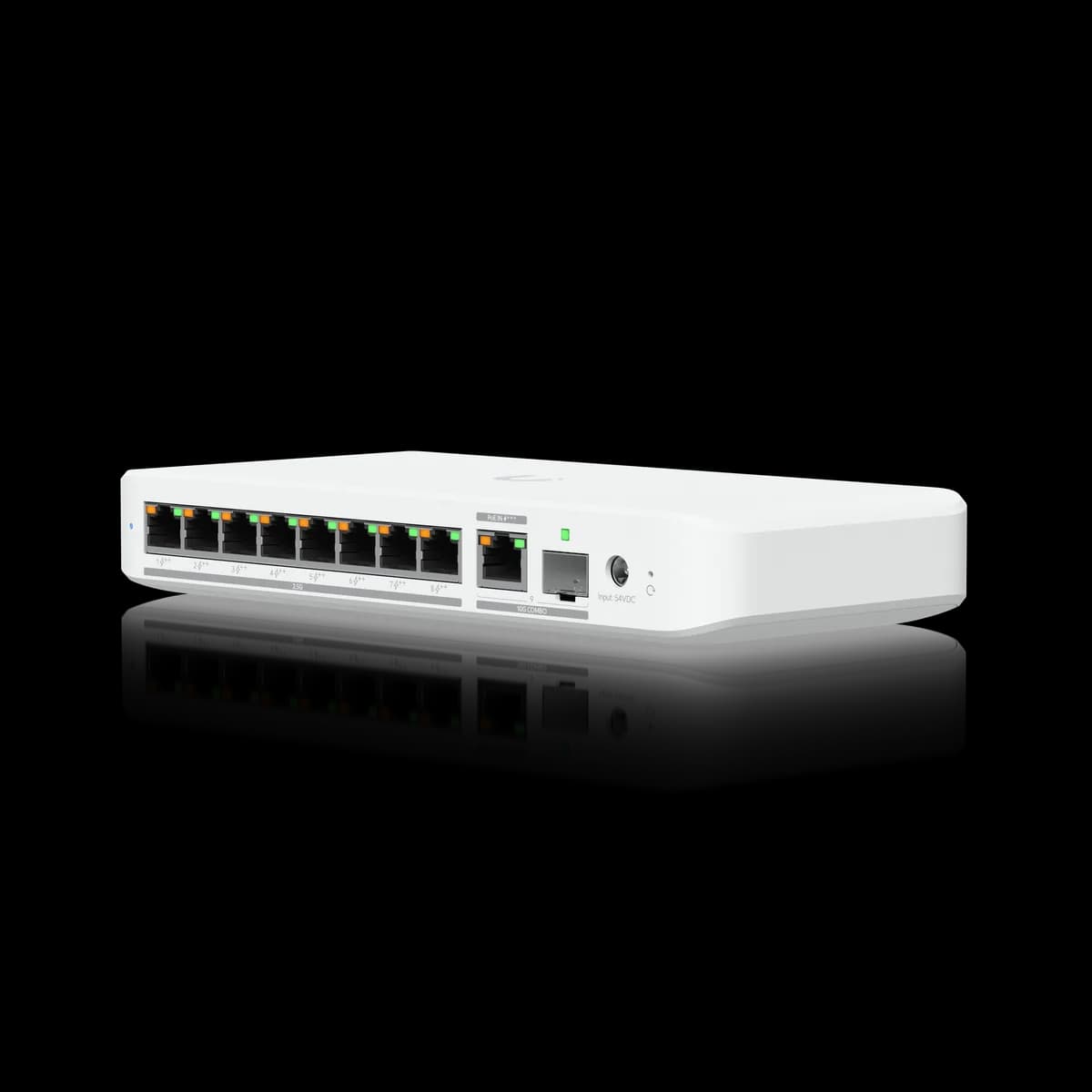
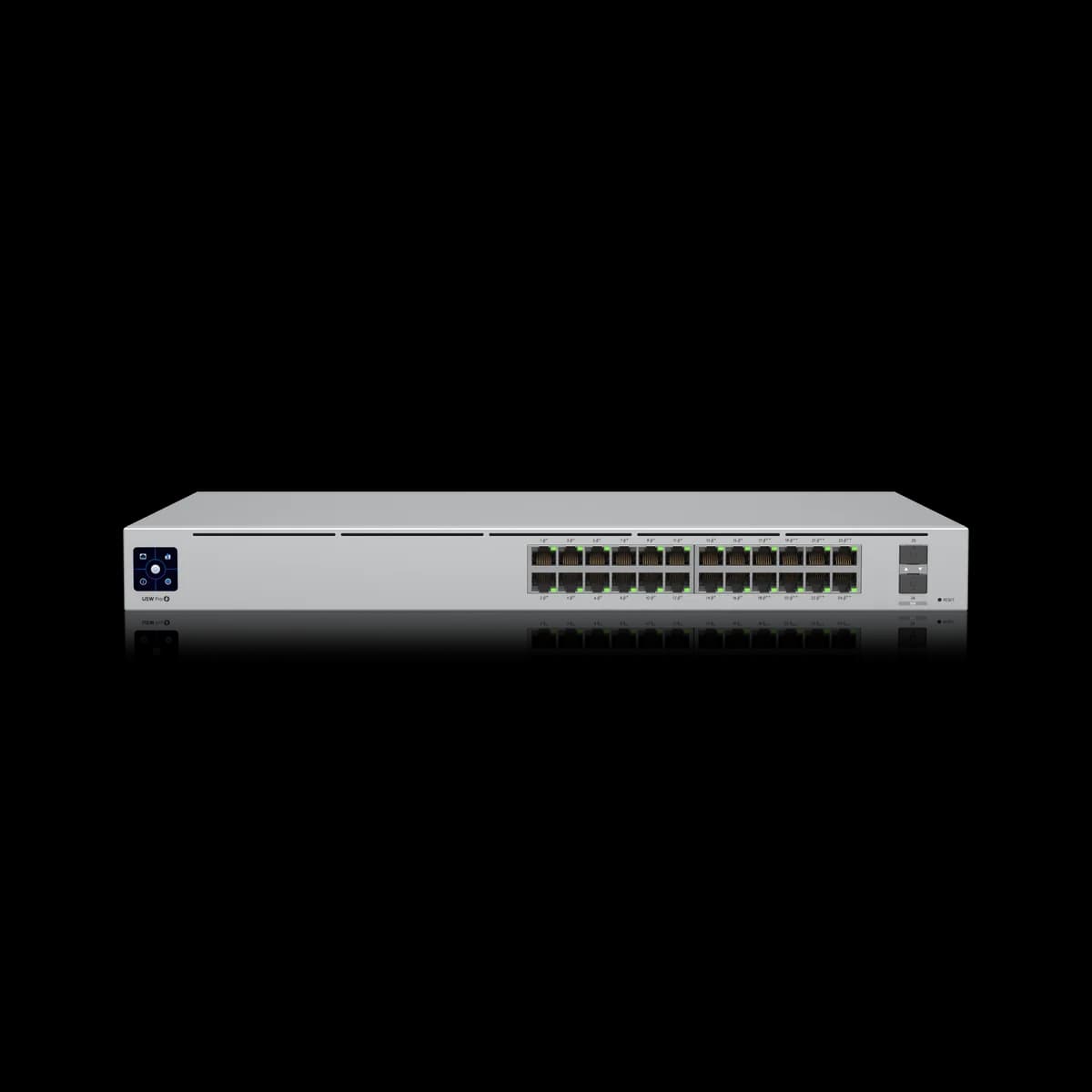
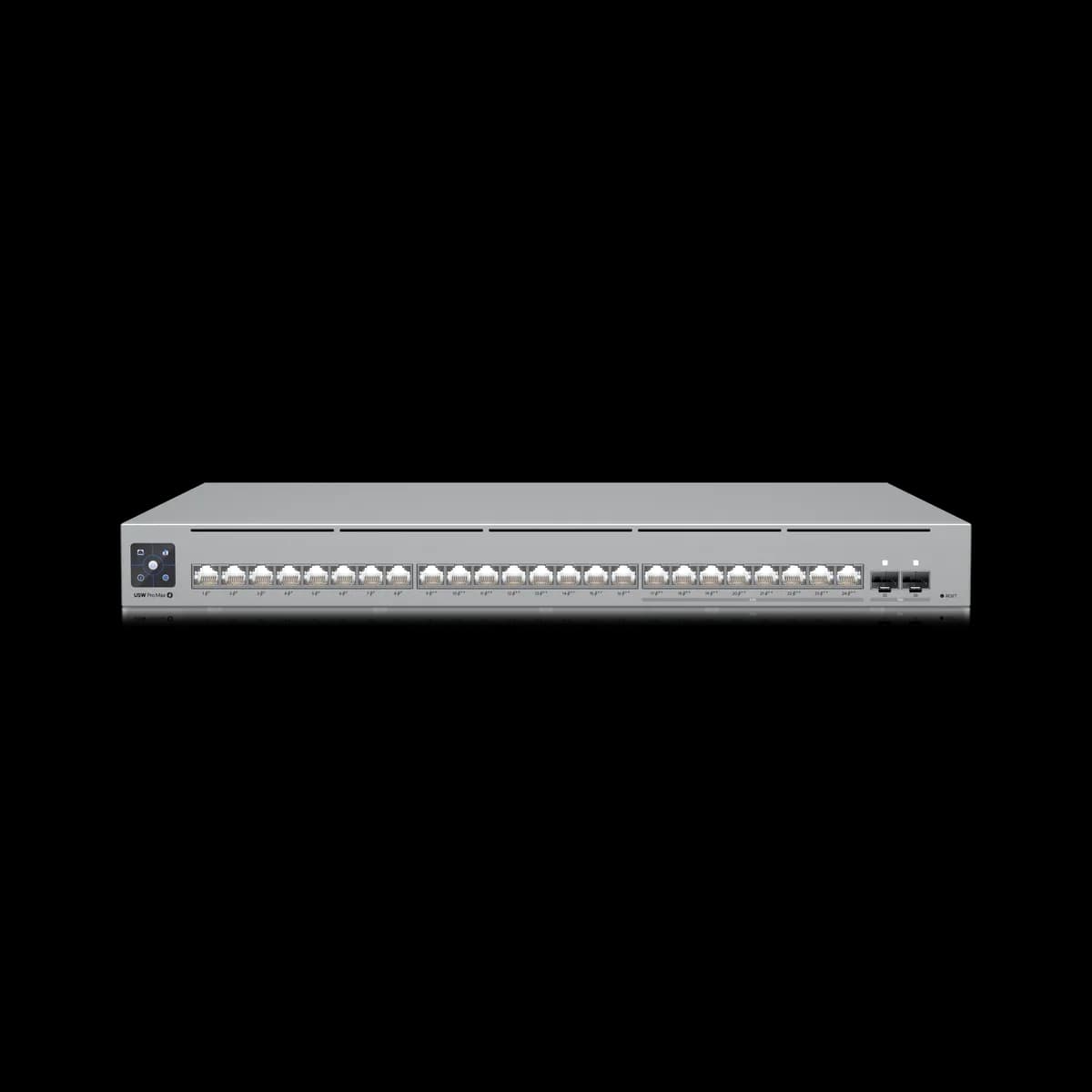
UniFi's switch lineup splits by port speed and form factor. The Lite 16 PoE ($199) is the budget gigabit pick; the Flex 2.5G 8 PoE ($199, plus a separate power adapter) is the compact multi-gig switch for Wi-Fi 7 backhaul. For a rack, the Pro 24 PoE ($699) is the all-gigabit workhorse and the Pro Max 24 PoE ($799) upgrades eight ports to 2.5 GbE. Match port count, PoE budget, and 1 GbE vs 2.5 GbE to your devices.

What a UniFi Managed Switch Does

What does a UniFi switch do? A UniFi switch adds wired ports to your network and, on PoE models, powers devices like access points and cameras over the same Ethernet cable. Every model here is fully managed in UniFi Network — VLANs, port profiles, and monitoring — and uplinks to your gateway. It is the wired backbone between your gateway and your devices.

A switch does not route between networks on its own unless it is a Layer 3 model; that job usually belongs to the gateway. What every switch here shares is managed control inside UniFi Network and Power over Ethernet on its PoE ports, so a single cable carries both data and power to an access point or camera.

The lineup splits along two axes: form factor (compact desktop versus 1U rackmount) and port speed (all-gigabit versus mixed 2.5 GbE). Everything below maps those two axes to the four switches most builds actually need. Browse them on the Switches hub.

The Five Things That Decide Your Switch

How do I choose? Five specs decide it: port count (how many wired devices), PoE budget (total watts for powered devices), port speed (1 GbE vs 2.5 GbE), uplinks (SFP+ for a 10G core), and Layer 2 vs Layer 3 (whether the switch itself routes). Match those five to your devices and the right model follows.

Port count is the obvious one: count your wired devices and leave headroom. PoE budget is the spec that quietly bites — every powered access point or camera draws from a shared watt budget, so a switch with many PoE ports but a small budget runs out fast (the Lite 16 PoE offers just 45 W).

Port speed decides whether you need multi-gig at all, covered next. Uplinks matter once you have a 10G core: the rack switches carry two 10G SFP+ ports. Layer 3 lets the switch route between VLANs itself instead of sending that traffic to the gateway — useful at scale, unnecessary for most homes. The head-to-heads work through these trade-offs: Lite 16 vs Flex 2.5G and Pro 24 vs Pro Max 24.

1 GbE vs 2.5 GbE: Do You Need Multi-Gig?

Do you need 2.5 GbE? Only if a device exceeds 1 Gbps on the wire — chiefly Wi-Fi 6E/7 access points and 2.5 GbE NAS or workstations. If everything is gigabit, an all-1 GbE switch like the Lite 16 PoE or Pro 24 PoE gives up nothing. For multi-gig, look at the Flex 2.5G or Pro Max 24.

Multi-gig is the single most over-bought spec in home networking. A gigabit port already exceeds most internet plans and most internal transfers, so paying for 2.5 GbE everywhere is wasted unless a specific device can use it. The clearest case is a modern access point: Wi-Fi 6E and Wi-Fi 7 radios can push past a gigabit, and a 2.5 GbE uplink removes that one bottleneck.

If only one or two devices need multi-gig, you do not need an all-2.5 GbE switch — a compact Flex 2.5G 8 PoE feeds those few, while a gigabit switch handles everything else. That mixed approach is exactly what the Flex 2.5G vs Pro Max 24 comparison weighs.

The Four Switches at a Glance

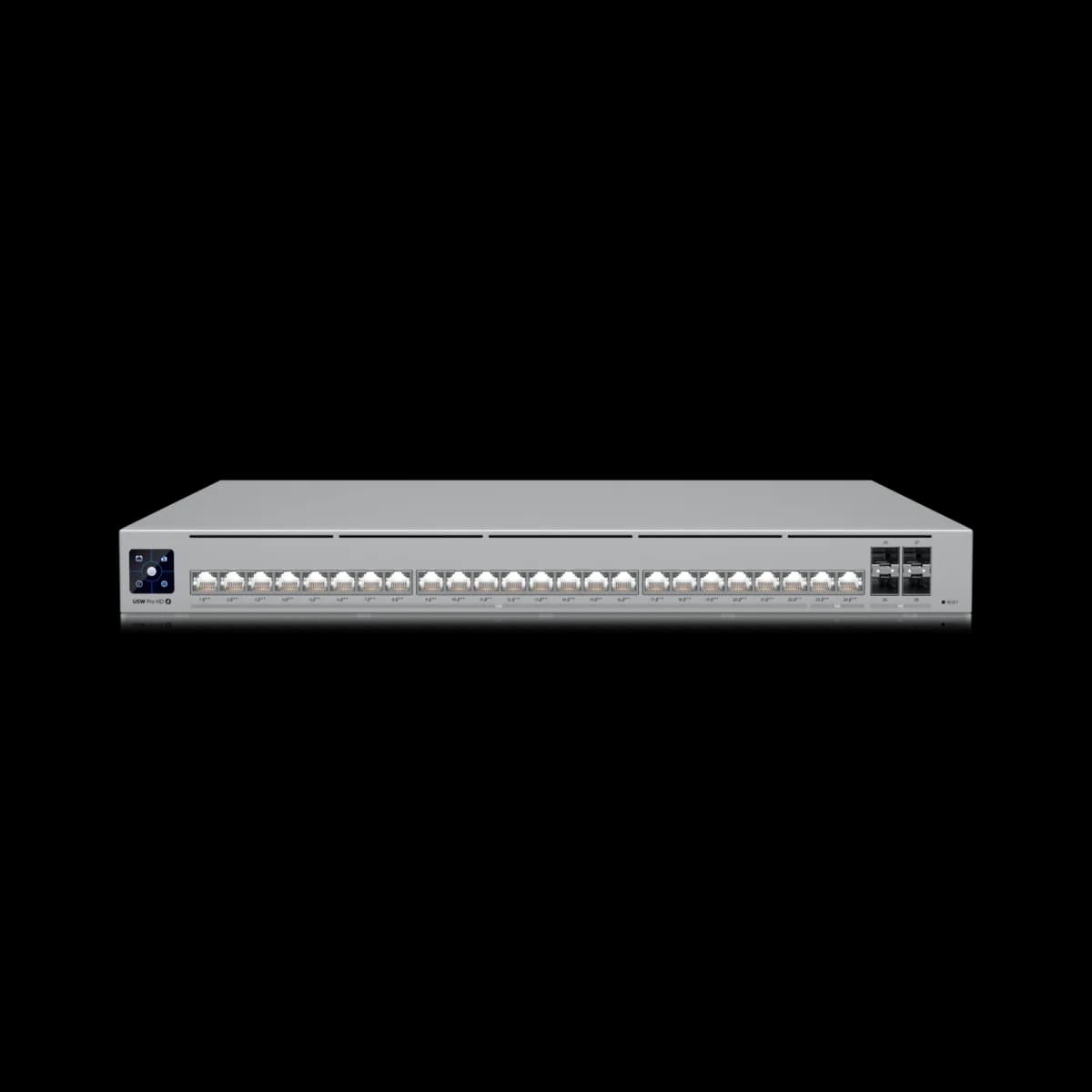
The four that cover most builds. The Lite 16 PoE ($199) is the budget gigabit switch; the Flex 2.5G 8 PoE ($199 plus a separate PSU) is the compact multi-gig switch; the rackmount Pro 24 PoE ($699) is the gigabit workhorse; and the Pro Max 24 PoE ($799) upgrades eight of its ports to 2.5 GbE.

The two desktop switches share a $199 sticker but solve opposite problems: the Lite 16 gives you sixteen gigabit ports and a modest 45 W PoE budget, while the Flex 2.5G gives you eight 2.5 GbE ports, a 196 W budget, and dual 10G uplinks — but its power adapter costs about $79 extra. That choice is mapped in Lite 16 vs Flex 2.5G.

The two rack switches are the same chassis with one difference: the Pro 24 is all gigabit, and the Pro Max 24 swaps eight ports to 2.5 GbE for $100 more. Both run Layer 3 with dual 10G SFP+ uplinks. The Pro 24 vs Pro Max 24 breakdown settles that one.

Pick by Scenario

Match the switch to the job. A small home or office on gigabit: the Lite 16 PoE. Backhauling Wi-Fi 6E/7 APs from a desk: the Flex 2.5G 8 PoE. A 24-port gigabit rack: the Pro 24 PoE. A rack feeding multi-gig APs or clients: the Pro Max 24 PoE.

For a first wired network with a few cameras or a single access point, the Lite 16 PoE is the safe, silent, low-cost floor — just keep an eye on that 45 W budget. The moment Wi-Fi 7 enters the plan, a multi-gig uplink matters, and the Flex 2.5G covers a handful of high-throughput APs from a shelf.

Once you are in a rack, the question is simply whether anything exceeds gigabit. If not, the Pro 24 PoE is the workhorse; if so, the Pro Max 24 PoE adds the multi-gig ports without changing anything else. Aggregation and 10G-core builds step beyond these four, but most networks never need to.

How a Switch Pairs With Your Gateway and APs

A switch is one layer of a UniFi network, not the whole thing. It uplinks to a gateway — which handles routing, firewall, and internet — and it feeds power and data to your access points and cameras over PoE. The gateway decides your WAN speed and IPS ceiling; the switch decides your wired capacity and PoE.

Start by picking the gateway, since it sets the ceiling for the whole network — our how to choose a UniFi gateway guide covers that. Then size the switch to your device count and PoE load, and confirm the uplink: a gigabit uplink is fine for a small switch, while a rack switch with 10G SFP+ wants a gateway or aggregation layer that can match it.

If your access points are Wi-Fi 6E or Wi-Fi 7, this is where the 2.5 GbE question comes back: a multi-gig switch port turns the AP's faster radio into real wired throughput. Browse the full Switches hub to compare specs side by side.

Frequently Asked Questions

Add up the draw of every powered device. A UniFi access point typically draws 10–20 W and a camera 5–15 W, so a few devices fit inside the Lite 16 PoE's 45 W budget, while a closet full of high-draw APs and PTZ cameras needs the 196 W (Flex 2.5G) or 400 W (Pro 24 and Pro Max 24) budgets. The total budget, not the port count, is the real ceiling.

Only if you want the switch itself to route between VLANs instead of sending that traffic up to the gateway. Most homes and small offices let the gateway route, so Layer 2 is enough — the Lite 16 PoE and Flex 2.5G 8 PoE are Layer 2. The rackmount Pro 24 PoE and Pro Max 24 PoE add Layer 3 for larger networks.

They are the same 1U switch with the same 400 W PoE budget, dual 10G SFP+ uplinks, and Layer 3 routing. The Pro Max 24 PoE upgrades eight of its 24 ports from 1 GbE to 2.5 GbE and doubles the PoE++ port count, for about $100 more. Choose the Pro Max only if you have multi-gig access points or clients.

No. The Flex 2.5G 8 PoE lists at $199 but its power adapter is sold separately for about $79, so the real entry cost is closer to $278. Budget for the adapter when comparing it against the Lite 16 PoE, whose power supply is built in.

Yes. All four are PoE switches, so they power access points and cameras over Ethernet. Match the device's PoE class — PoE, PoE+, or PoE++ — to the switch, and confirm your total powered load fits within the switch's PoE budget.

Only if you are building a 10G core or aggregation layer. The Pro 24 PoE and Pro Max 24 PoE each have two 10G SFP+ uplinks, and the Flex 2.5G 8 PoE has 10G uplinks; the Lite 16 PoE has none and uplinks over a gigabit port, which is fine for a small network.