Comparison

UniFi NVR G2 vs NVR G2 Pro: The $300 Buys Capacity, Not Speed

The $999 NVR G2 Pro doubles the $699 G2's drive bays to eight and its memory to 16 GB, for a 50 4K camera rating against 30. Same processor, same ports, twice the rack space.

Should I buy the UniFi NVR G2 or the NVR G2 Pro?

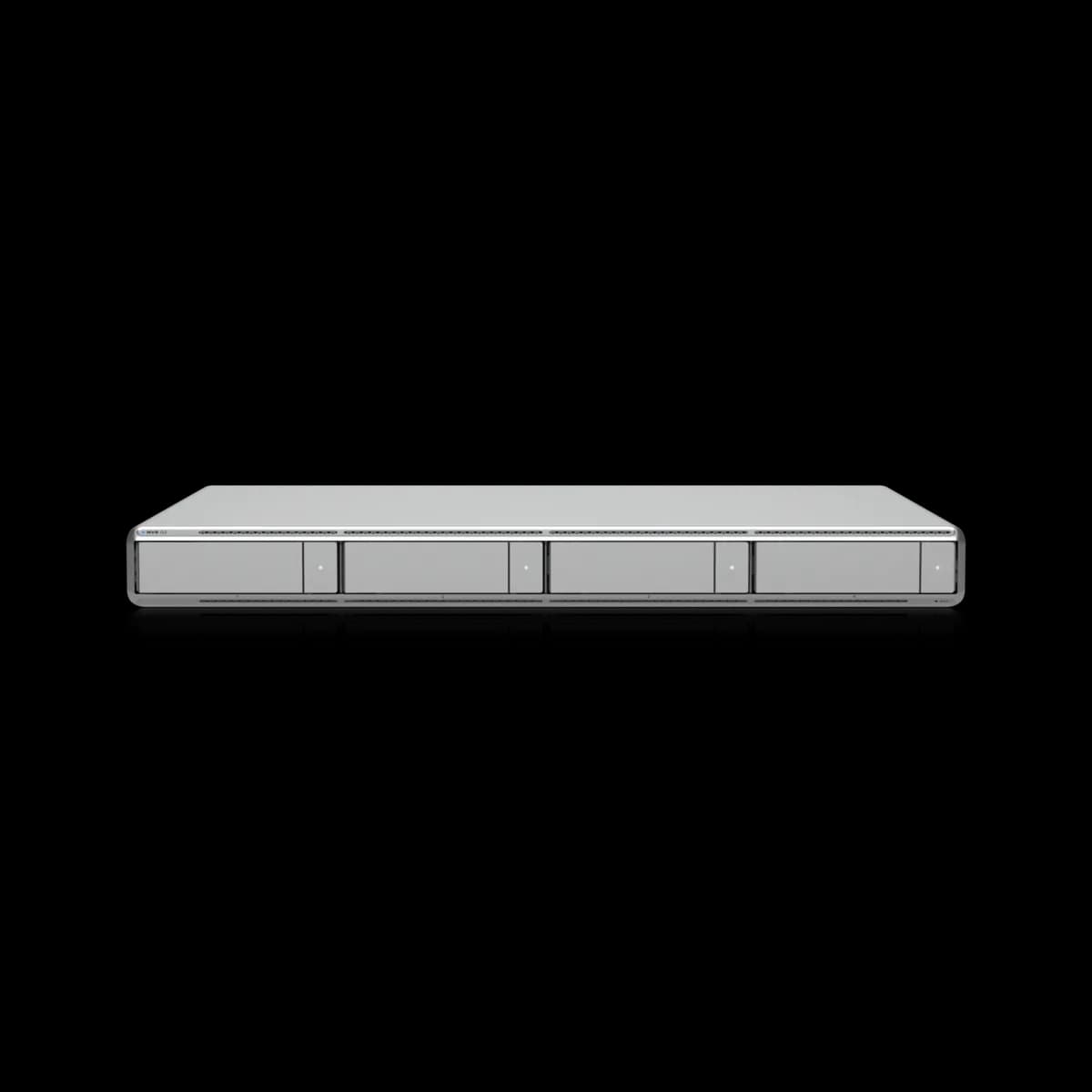
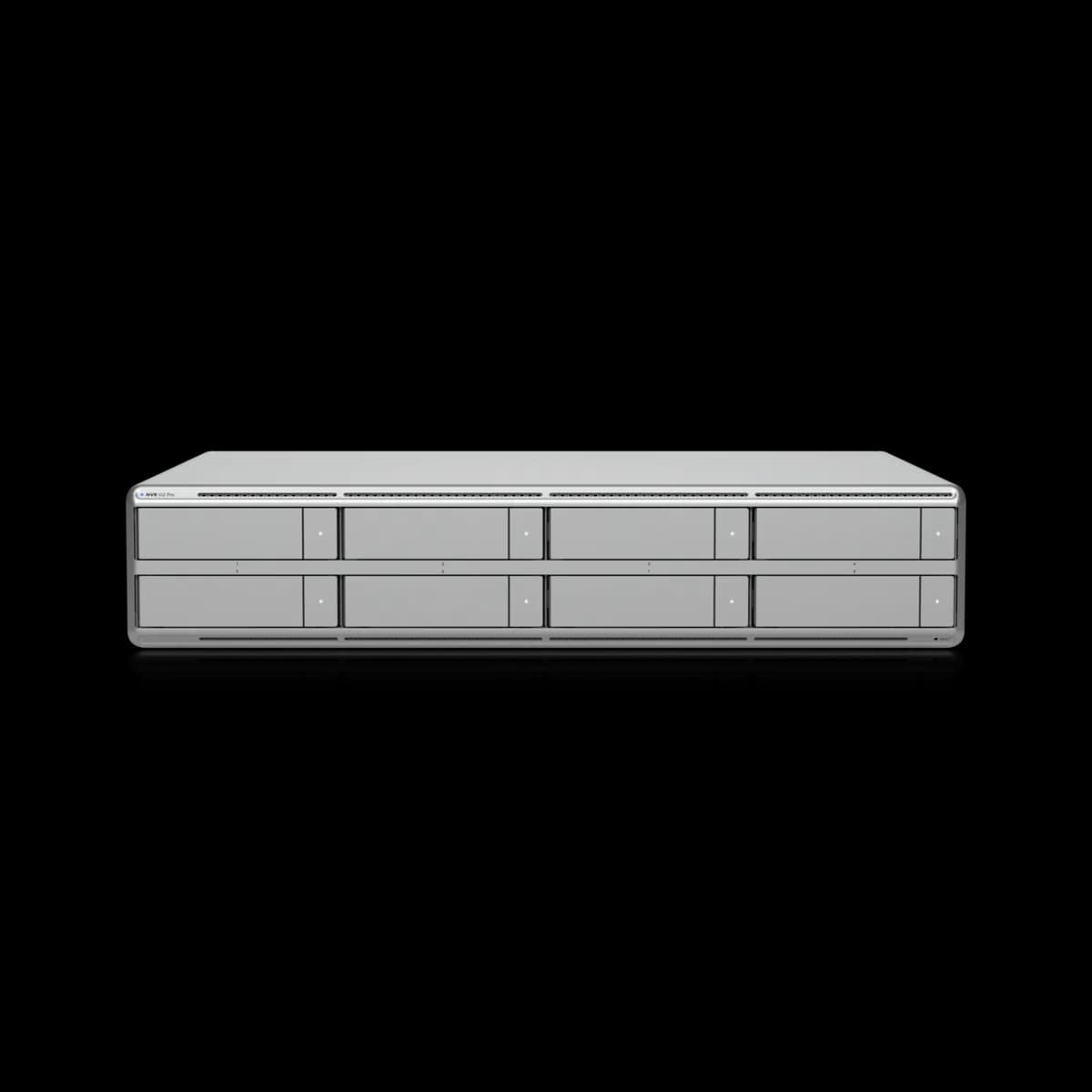
The G2 Pro ($999) is the G2 ($699) with twice the capacity and nothing else changed. It takes eight 2.5/3.5" drives against four, carries 16 GB of memory against 8 GB, and is rated for 50 4K cameras against 30. The processor is the same Qualcomm Kryo part, the networking is the same 10G SFP+ plus 2.5 GbE RJ45, and both support Protect, Access and Connect with USP-RPS power redundancy and 150+ access hubs. The costs are rack space — 2U against 1U — and a 200 W ceiling against 100 W. Buy the G2 unless the camera count or the retention window is past what four bays and 30 4K channels hold. Neither price includes drives.

Spec Comparison

SpecUniFi Network Video Recorder G2UniFi Network Video Recorder G2 Pro
ProcessorQualcomm Kryo (4 nm) — (1) prime @ 3.2 GHz, (4) performance @ 2.8 GHz, (3) efficiency @ 2.0 GHzQualcomm Kryo (4 nm) — (1) prime @ 3.2 GHz, (4) performance @ 2.8 GHz, (3) efficiency @ 2.0 GHz
System Memory8 GB16 GB
Drive Capacity(4) 2.5/3.5" HDD / SSD(8) 2.5/3.5" HDD / SSD
Max Power Budget for Drives75 W155 W
Managed Cameras(60) HD, (50) 2K, (30) 4K(100) HD, (70) 2K, (50) 4K
Managed Cameras (Viewport in use)(40) HD, (30) 2K, (20) 4K
Max Simultaneous Viewport Streams16 4K cameras16 4K cameras
Managed Access Hubs150+150+
Networking Interface(1) 10G SFP+ + (1) 2.5 GbE RJ45(1) 10G SFP+ + (1) 2.5 GbE RJ45
Data ProtectionYesYes
Power RedundancyYes (USP-RPS)Yes (USP-RPS)
Management ApplicationUniFi Protect, UniFi Access, UniFi ConnectUniFi Protect, UniFi Access, UniFi Connect
Form FactorRackmount (1U)Rackmount (2U)
Dimensions442.4 × 43.7 × 325 mm442.4 × 87.4 × 325 mm
Weight6 kg8.4 kg
Max Power Draw100 W200 W

Pricing & Positioning

What does $300 buy? Capacity, in three places and no others. The NVR G2 Pro ($999) takes eight 2.5/3.5" drives where the NVR G2 ($699) takes four, carries 16 GB of memory against 8 GB, and is rated for (100) HD, (70) 2K, (50) 4K cameras against (60) HD, (50) 2K, (30) 4K. The processor, the ports, the management applications and the redundancy support are identical. (NVR G2 Pro specs)

Most matchups on this site turn on a radio, a port class or a sensor. This one turns on nothing but size, which makes it one of the easier decisions here — and one of the easier ones to overspend on.

These are the two NVRs this site tracks, and both exist for the same reason: recording on the gateway stops scaling long before the camera count does. A UDM-Pro Max is rated for 15 4K cameras across two drive bays, and it is doing routing and IDS/IPS at the same time. The NVR G2 doubles that channel rating and does nothing but record; the Pro more than triples it.

Ubiquiti publishes no release date for either model on techspecs.ui.com, so this page makes no claim about when they shipped. The NVR hub lists both side by side.

What Does Not Change

Is the Pro faster? Not on any published figure. Both list the same Qualcomm Kryo processor — one prime core at 3.2 GHz, four performance cores at 2.8 GHz, three efficiency cores at 2.0 GHz — the same (1) 10G SFP+ and (1) 2.5 GbE RJ45, the same 16 4K simultaneous viewport streams, the same 150+ managed access hubs, and the same support for UniFi Protect, Access and Connect. Both list data protection and USP-RPS power redundancy. (NVR G2 specs)

This is the section that decides the purchase, because it is where the intuition is usually wrong. A model that costs 43% more and is rated for 67% more 4K cameras looks like a faster machine. On everything Ubiquiti publishes, it is the same machine with more room in it.

The shared 10G SFP+ matters more than the price gap suggests. Recording is a write-heavy, many-small-streams workload, and the uplink is what carries every camera's feed to the appliance. Both models put it on the same port, so a site that saturates the G2's networking will saturate the Pro's identically. If the uplink is the constraint, neither model solves it and the answer is elsewhere in the rack.

The shared 16 4K viewport streams is the other figure worth reading twice. That ceiling is about live decode to an attached display, not about recording, and it does not move with the price. A wall of monitors is not a reason to buy the Pro.

The Camera Ratings, and One Asymmetry

How many cameras? Ubiquiti rates the NVR G2 at (60) HD, (50) 2K, (30) 4K with the built-in HDMI viewport disabled, and at (40) HD, (30) 2K, (20) 4K with the viewport in use. It publishes a single figure for the NVR G2 Pro(100) HD, (70) 2K, (50) 4K — with no viewport-disabled variant listed. (NVR G2 specs)

The G2's viewport penalty is the sharpest number on either page and the one most likely to be missed. Using the built-in HDMI output costs a third of the 4K capacity: 30 channels drops to 20. A twenty-four-camera 4K site that budgets on the headline figure and then plugs a monitor into the front of the appliance is over its rating.

Ubiquiti prints two figures for the G2 and one for the Pro. This page will not explain why, because the specification does not say — it is not published as "no penalty", it is simply not published. If the plan involves a viewport on a Pro near its ceiling, confirm the number with Ubiquiti before committing to a camera count, rather than reading the single figure as a guarantee.

Channel ratings are also a ceiling, not a recommendation. Resolution, frame rate, retention and smart-detection load all sit underneath them. Protect storage sizing works through the arithmetic that actually determines how long footage survives, and how to choose a UniFi camera covers what feeds these appliances.

Rack Space, Power and the Drive Bill

What does the Pro cost to install? 2U against the G2's 1U, 8.4 kg against 6 kg, and a 200 W maximum draw against 100 W. Its drive budget is 155 W against the G2's 75 W. Both are 442.4 mm wide and 325 mm deep, and both accept a USP-RPS DC input alongside universal AC. (NVR G2 Pro specs)

Neither price includes a single drive, and that is the larger number in both cases. Eight bays is not merely twice the capacity of four — it is twice the disk invoice, at the moment of purchase, for storage that may not be needed for years. Four large drives in a G2 will usually beat eight small ones in a Pro on both cost and power.

The 2U is worth checking against the rack before ordering. In a half-height wall cabinet the difference between 1U and 2U is a meaningful fraction of what is there, and this appliance is 325 mm deep with cabling behind it.

Both models accept USP-RPS, so redundant power is available at either tier and is not a reason to move up. PoE budget planning covers the switch side of a camera build, which is where the power arithmetic for the cameras themselves lives.

Which to Buy

Buy the NVR G2 unless one of these is true:

  • The 4K camera count is above 30, or above 20 if a viewport will be in use. This is the rating that runs out first on real sites.
  • Retention is long and the cameras are 4K. Four bays fill faster than four bays sound like they will; Protect storage sizing is the calculation to run before deciding.
  • The rack has 2U free and the drives are already owned. Eight bays is cheap headroom when the disks are not a new purchase.

Buy the NVR G2 Pro for those cases and expect nothing else from it. It will not record faster, move footage faster, or drive more monitors than the G2 — it holds more.

If neither appliance is clearly justified, the question is whether a gateway still covers the site. The UDM-Pro Max records 15 4K cameras on two bays while routing, and how to choose a UniFi gateway sets out where that ceiling sits across the range. The Security Cameras hub lists what feeds either one.

Frequently Asked Questions

Capacity, in three places. The G2 Pro ($999) takes eight 2.5/3.5" drives where the G2 ($699) takes four, carries 16 GB of memory against 8 GB, and is rated for (100) HD, (70) 2K, (50) 4K cameras against the G2's (60) HD, (50) 2K, (30) 4K. Everything else Ubiquiti publishes is the same: the Qualcomm Kryo processor, the (1) 10G SFP+ and (1) 2.5 GbE RJ45 ports, 16 simultaneous 4K viewport streams, 150+ managed access hubs, data protection, USP-RPS power redundancy, and support for UniFi Protect, Access and Connect. The Pro is 2U against 1U and draws up to 200 W against 100 W.

Not on any published specification. Both list the same Qualcomm Kryo processor — one prime core at 3.2 GHz, four performance cores at 2.8 GHz and three efficiency cores at 2.0 GHz — and the same networking, a 10G SFP+ port with a 2.5 GbE RJ45 beside it. Both are rated for 16 simultaneous 4K viewport streams. The Pro's advantage is how much it holds and how many channels it is rated for, not how quickly it moves anything.

Yes, and substantially. Ubiquiti rates the NVR G2 at (60) HD, (50) 2K, (30) 4K with the built-in HDMI viewport disabled, and at (40) HD, (30) 2K, (20) 4K with it in use — a third of the 4K capacity. The NVR G2 Pro's page publishes a single set of figures, (100) HD, (70) 2K, (50) 4K, with no viewport-disabled variant listed. That is what the specification says; it does not state that the Pro has no such penalty, so a Pro running near its ceiling with a viewport attached is worth confirming with Ubiquiti rather than assuming.

No. Both list drive bays — four on the G2, eight on the G2 Pro — and a power budget for them, 75 W and 155 W respectively, but the $699 and $999 prices are for the appliance alone. On a new build the disks are usually the larger line item, which is why eight bays is a more expensive decision than the $300 between them suggests.

Not until the gateway's rating runs out. A UDM-Pro Max is rated for 15 4K cameras on two drive bays while also routing and running IDS/IPS; the NVR G2 is rated for 30 on four bays and does nothing else. The move to a dedicated recorder is about channel count, retention and separating recording from routing, rather than about picture quality — the cameras and the footage are identical either way.

Yes. Both list a USP-RPS DC input at 11.5V alongside a universal 100–240V AC input, so redundant power is available at either tier and is not a reason to choose the Pro. The Pro's AC input is rated to 3A against the G2's 2A, matching its 200 W ceiling against the G2's 100 W.