Field-tested guides & specs for every UniFi build
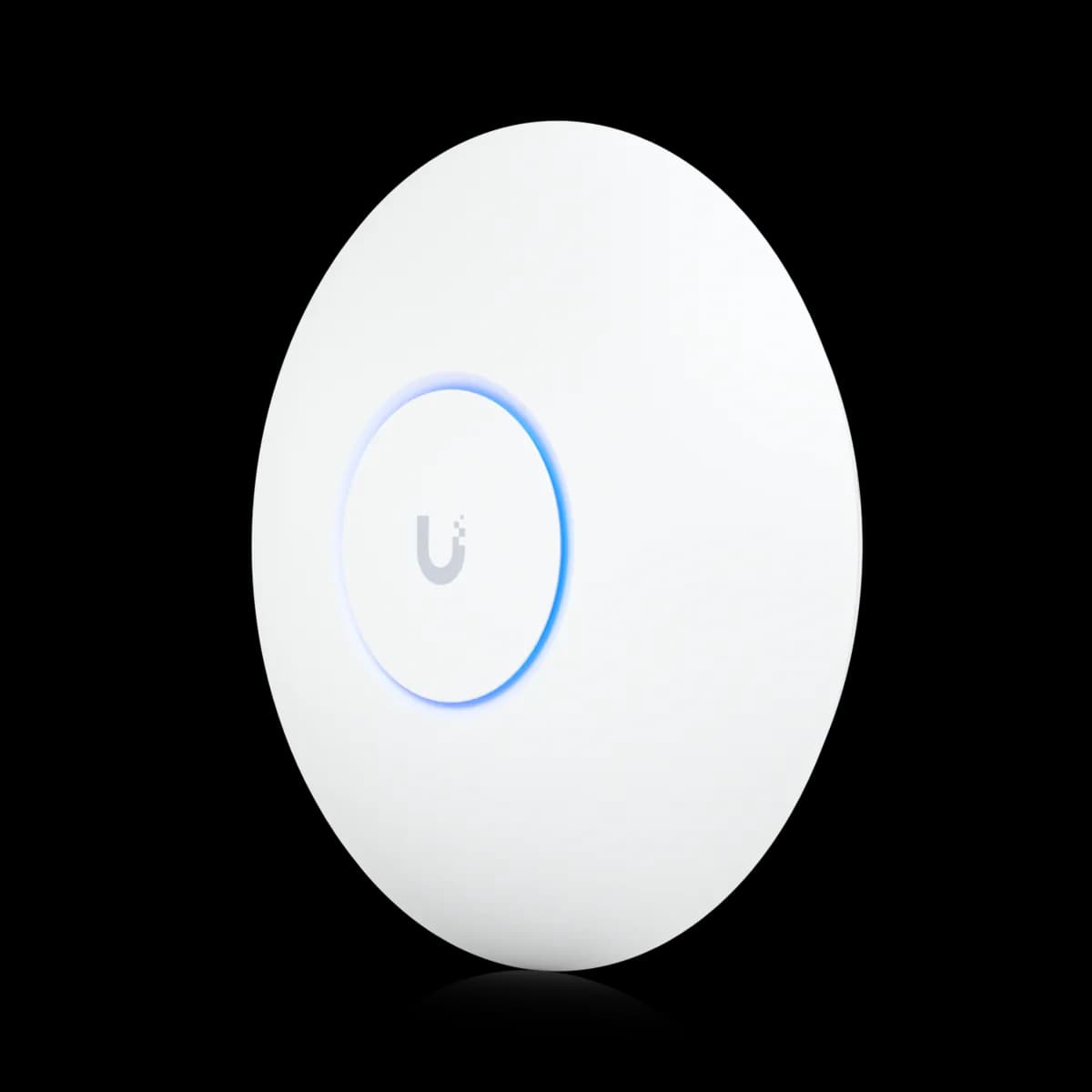
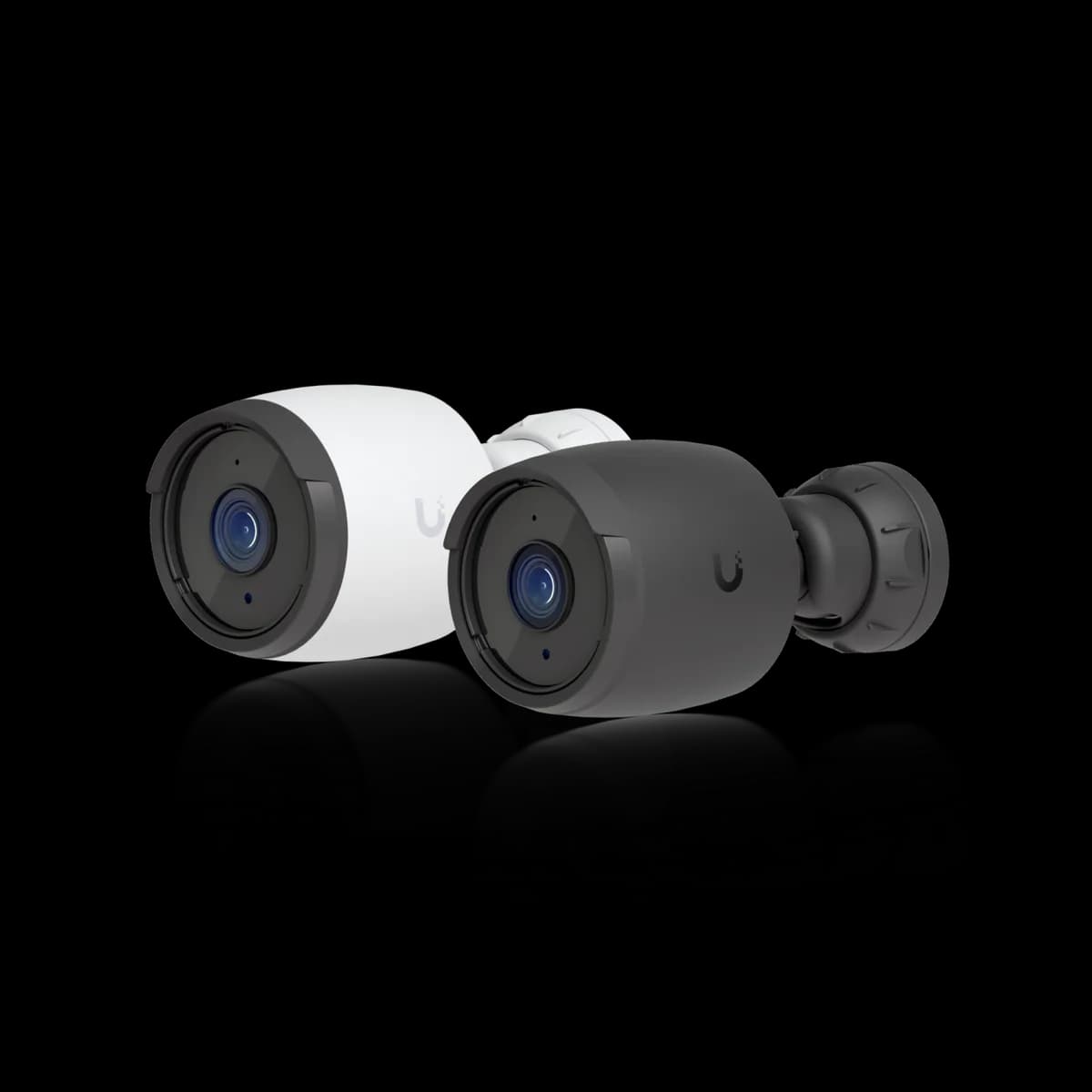
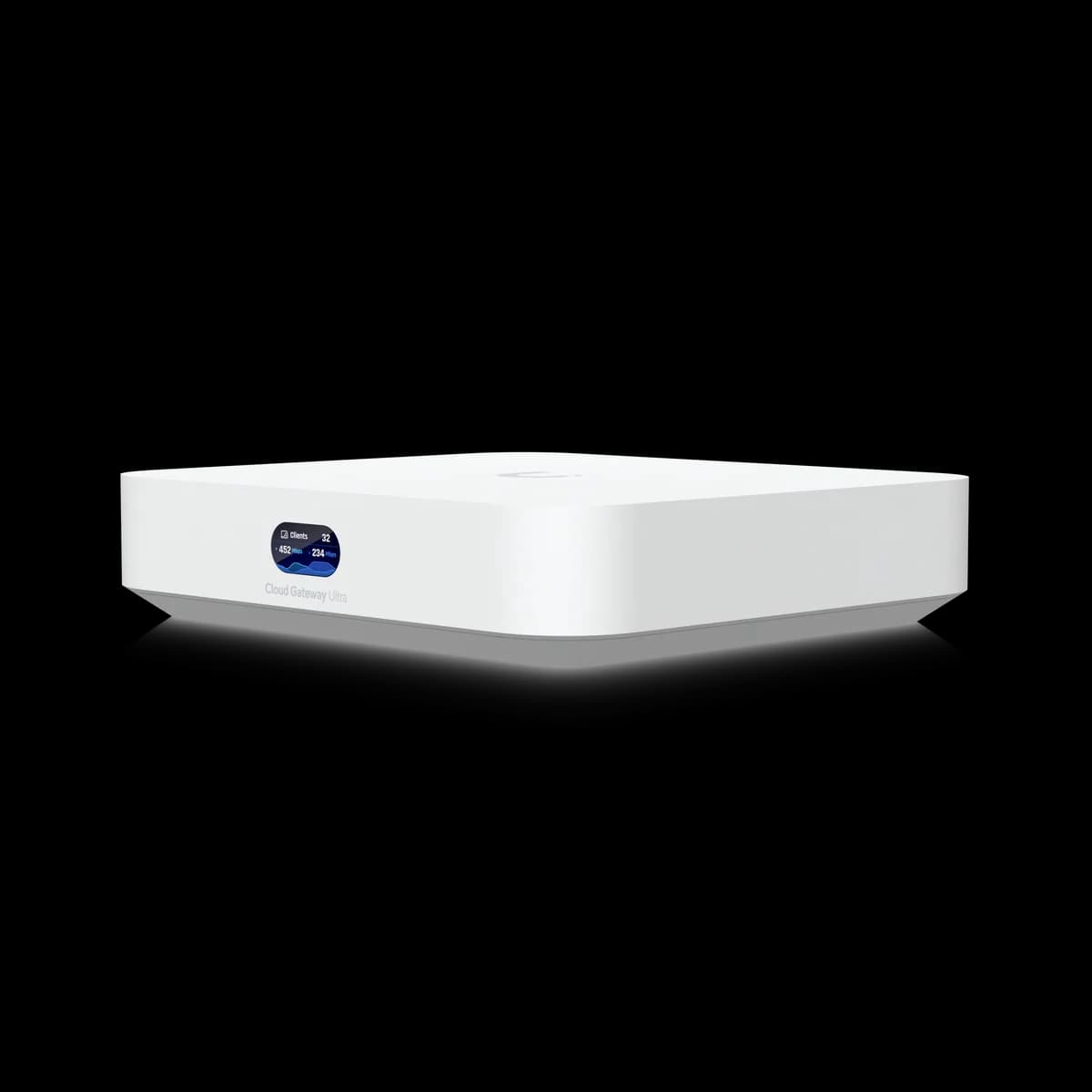
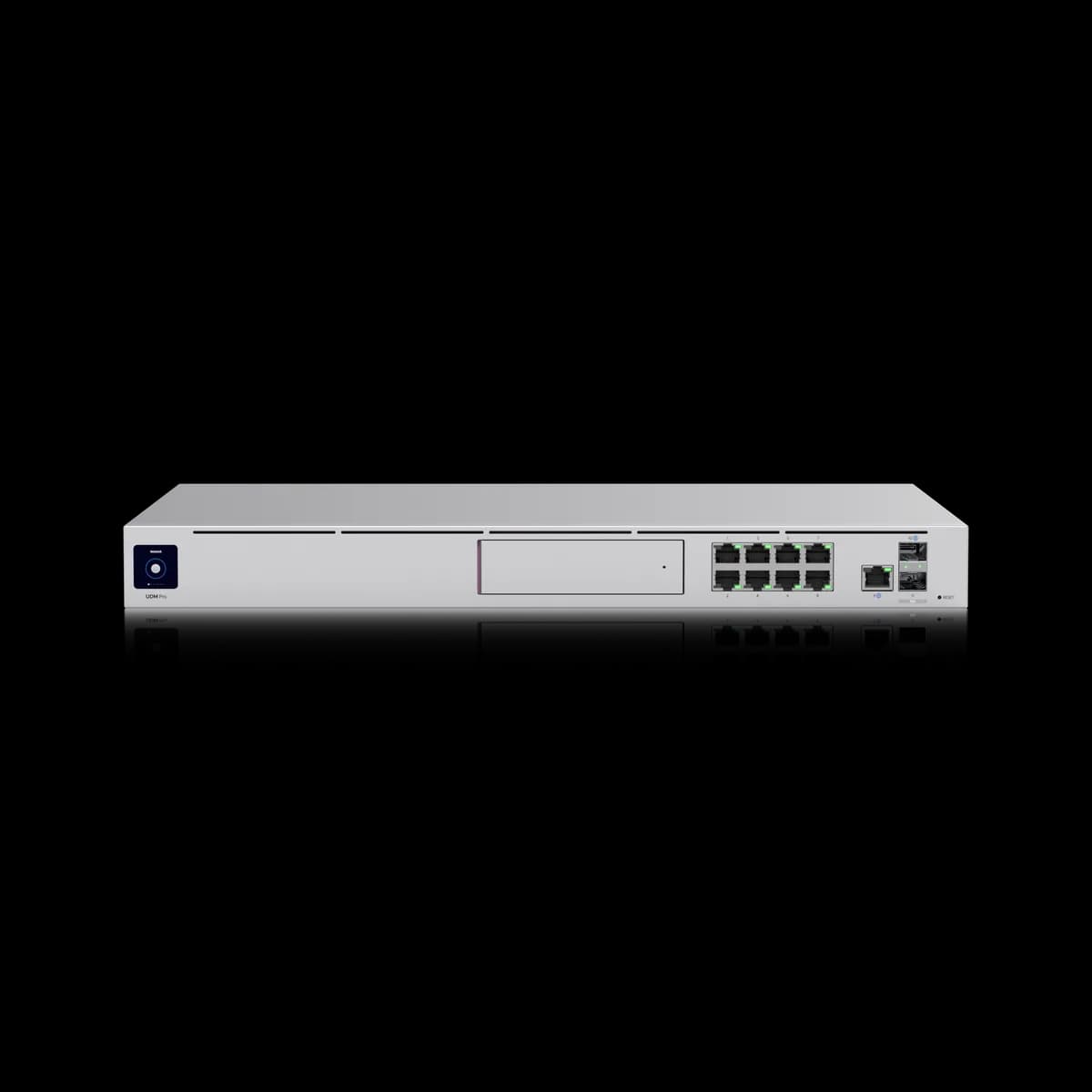
The gear, in hand
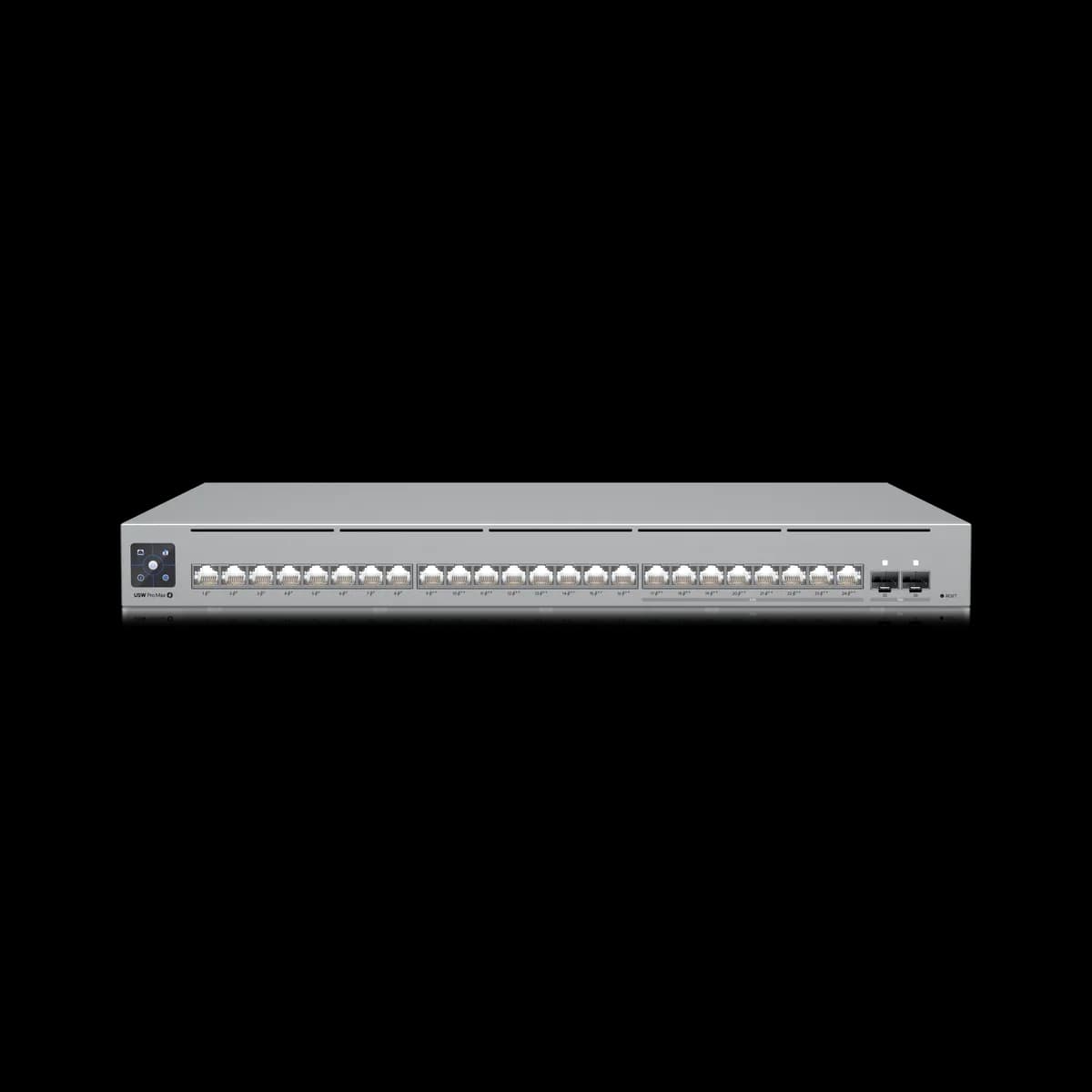
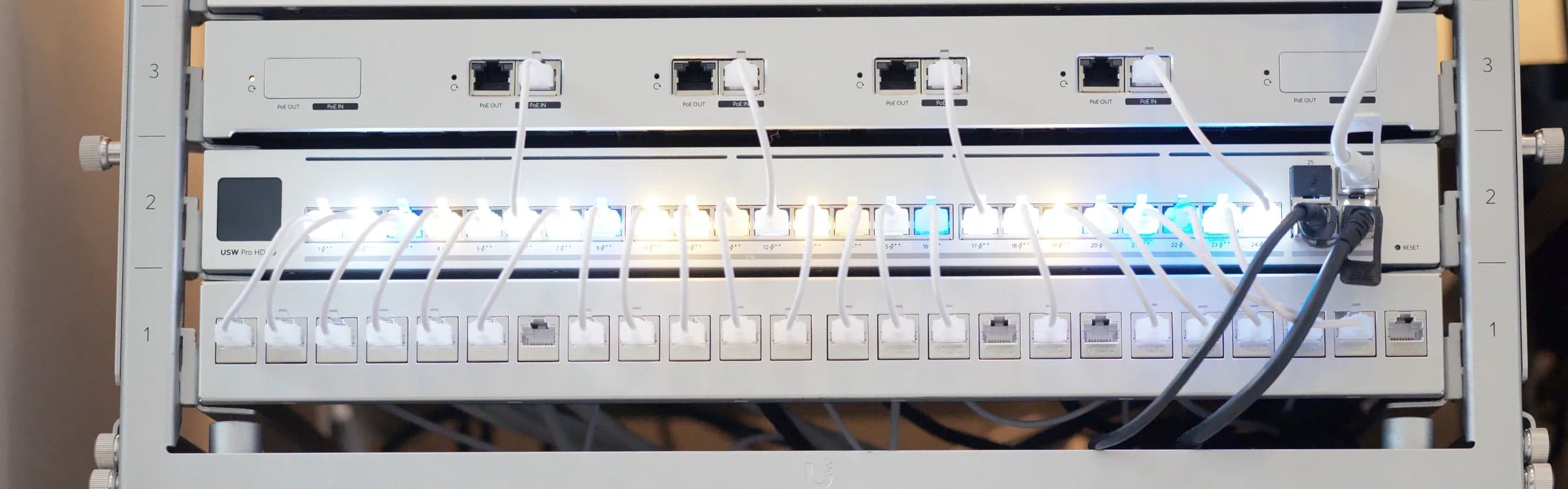
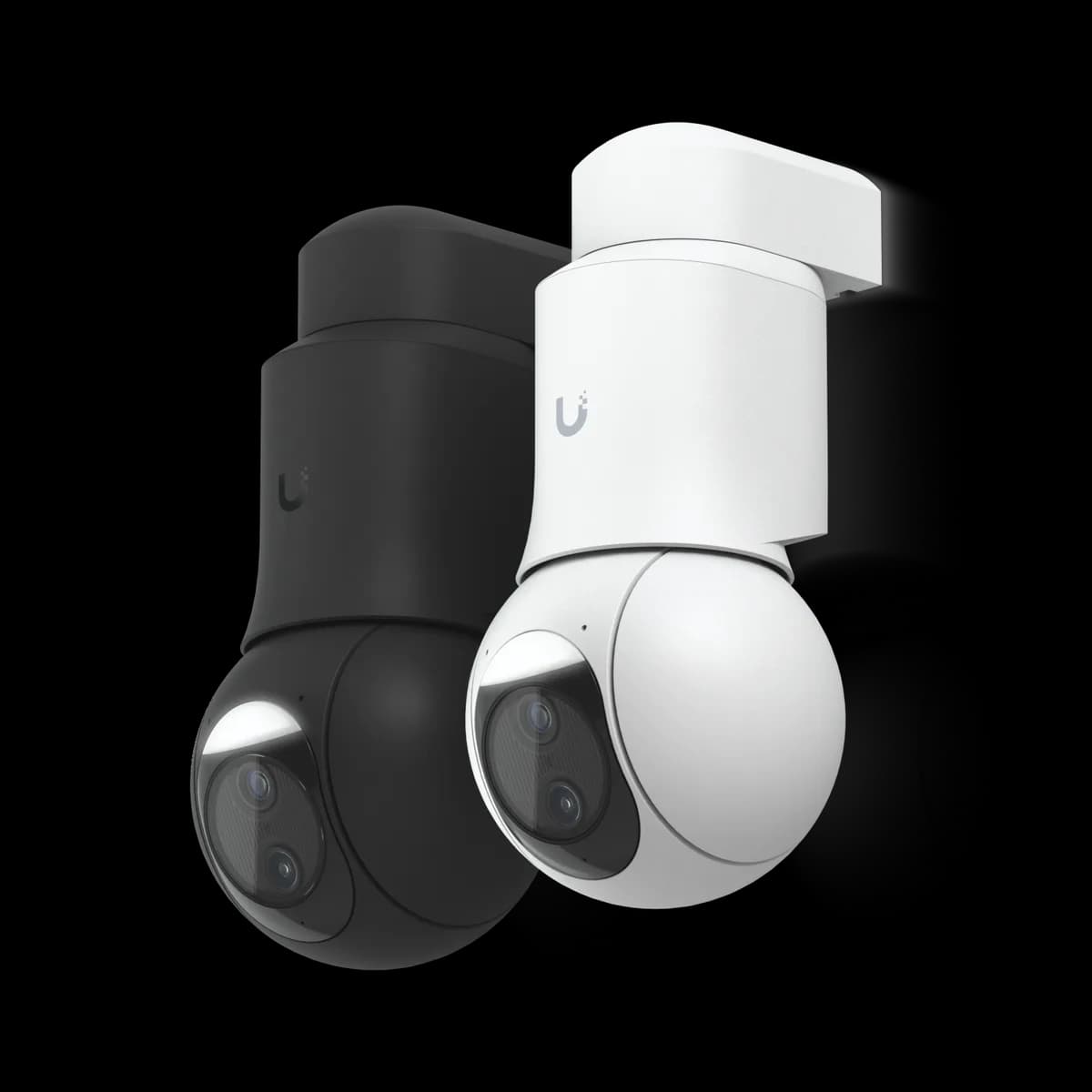
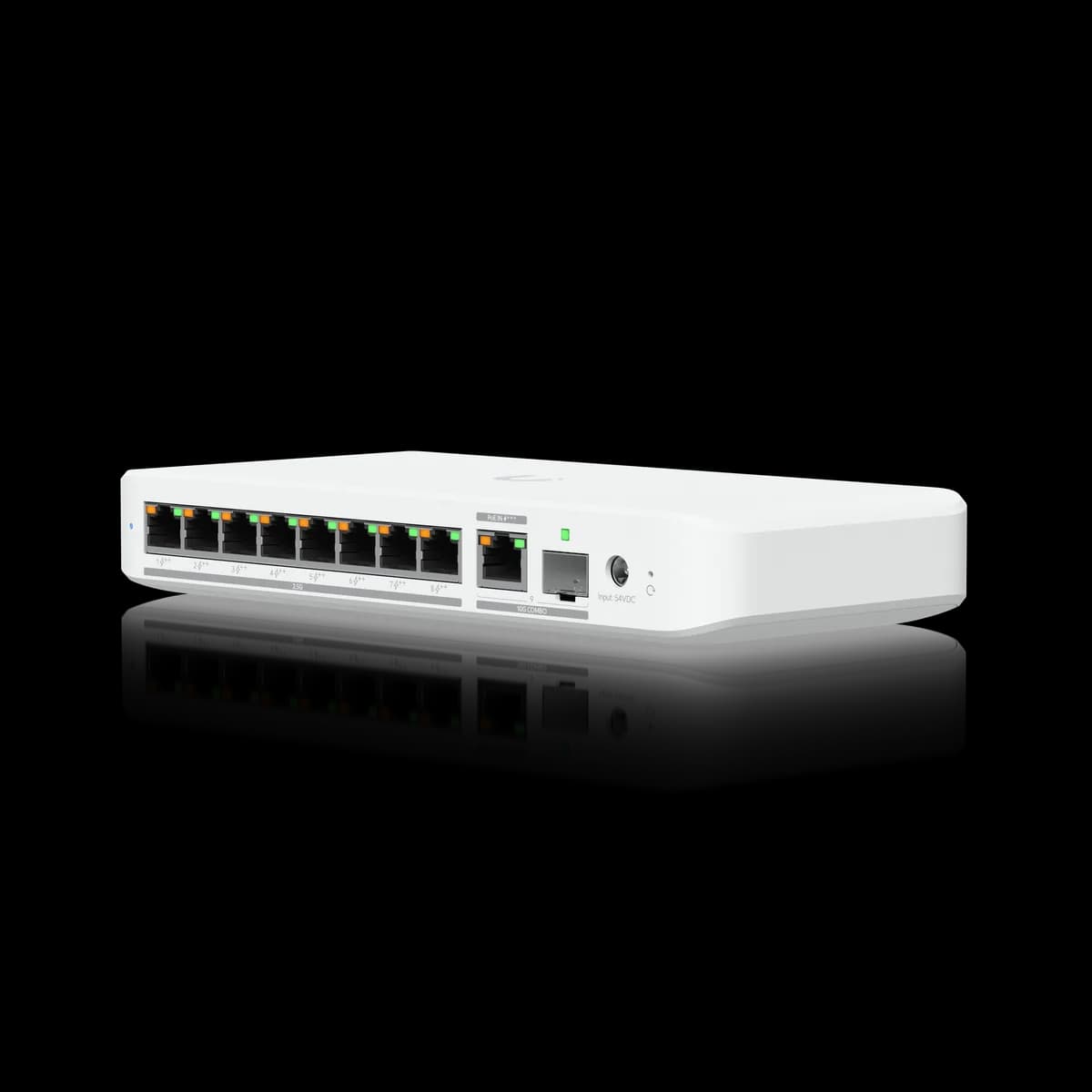
The UniFi hardware we cover — gateways, switches, access points, and Protect cameras — shown from Ubiquiti's official product renders.

Latest
UniFi Layer 3 Switching: When to Move Inter-VLAN Routing Off the Gateway
Learn when to move UniFi inter-VLAN routing to a Layer 3 switch, what it changes for zone firewall policies, and which UniFi switches support it.
GuideESPHome Devices on a UniFi Network: Wi-Fi, VLANs, Discovery
The UniFi Wi-Fi settings that drop ESP32 and ESP8266 devices, where ESPHome nodes belong on a segmented network, why Ubiquiti's published Auto relay list leaves them out, and the ports and addresses Home Assistant needs.
GuideUniFi Access in Home Assistant: Doors, Doorbells, Events
What Home Assistant's UniFi Access integration exposes for each door, why doors are buttons rather than locks, where the API token comes from, and the emergency switches to keep out of automations.
GuideUniFi Protect Smart Detections in Home Assistant
Which UniFi Protect smart detections reach Home Assistant as events, what the vehicle event carries, and where faces, plate text and line names stop at the public API.
GuideUniFi Switch Port Profiles and 802.1X: Locking Down Wired Ports Without Breaking Your Devices
How to use UniFi switch port profiles, 802.1X, RADIUS and MAC-based fallback to lock down wired ports without breaking printers, cameras and IoT devices.
GuideUniFi Gateway DNS Filtering: Content Filtering, Ad Blocking, and Encrypted DNS Per Network
How UniFi gateway content filtering, ad blocking, and encrypted DNS work at the DNS layer, where clients bypass them, and how to scope each rule per network.
Featured Matchups
Head-to-head UniFi gear comparisons, tested — not sourced from spec sheets.
UniFi E7 vs U7 Pro Max: Two Upgrades, and a New Switch
The E7 ($499) changes two things about the U7 Pro Max ($279) and asks for a new switch port to do it.
ComparisonUniFi E7 vs U7 Pro XGS: $200 for the 6 GHz Radio
The $200 buys a 6 GHz radio, and almost nothing else.
ComparisonUniFi G6 180 vs G6 Pro 360: Which Panorama?
Buy by mounting position.
ComparisonUniFi G6 Bullet vs G6 Turret: Which Form Factor?
It is a tie on image and price — both the G6 Bullet and G6 Turret are $199 and share the same 1/1.8-inch 8MP 4K sensor, 109.9° field of view, 30 m IR range, and IP66/IK04 rating.
Start Here
The foundational guides every UniFi operator should read first.
UniFi Gateway Failover and WAN Redundancy Explained
UniFi gateways use WAN1 as the primary circuit and switch to WAN2 when a health probe detects the primary is down.
Read →Buying GuideHow to Choose a UniFi Access Point
Start with the Wi-Fi 7 family and work by room.
Read →Buying GuideHow to Choose a UniFi Protect Camera
Pick the body first, then decide whether the view needs the Pro tier.
Read →