Buying Guide

How to Choose a UniFi Access Point

A decision guide to the mainstream UniFi access points — U6 Lite, U6 Pro, and U7 Pro — across Wi-Fi generation, 6 GHz band, uplink speed, and PoE class.

Which UniFi access point should I buy?

UniFi's mainstream access points split by Wi-Fi generation. The U6 Lite ($99) is the budget Wi-Fi 6 pick for light rooms; the U6 Pro ($159) adds a 4×4 5 GHz radio and wider coverage for the same Wi-Fi 6 generation; and the U7 Pro ($189) jumps to Wi-Fi 7 with a 6 GHz radio and a 2.5 GbE uplink. Match Wi-Fi generation, uplink speed, PoE class, and coverage to your devices and the right model follows.

Gear covered in this guide

What a UniFi Access Point Does

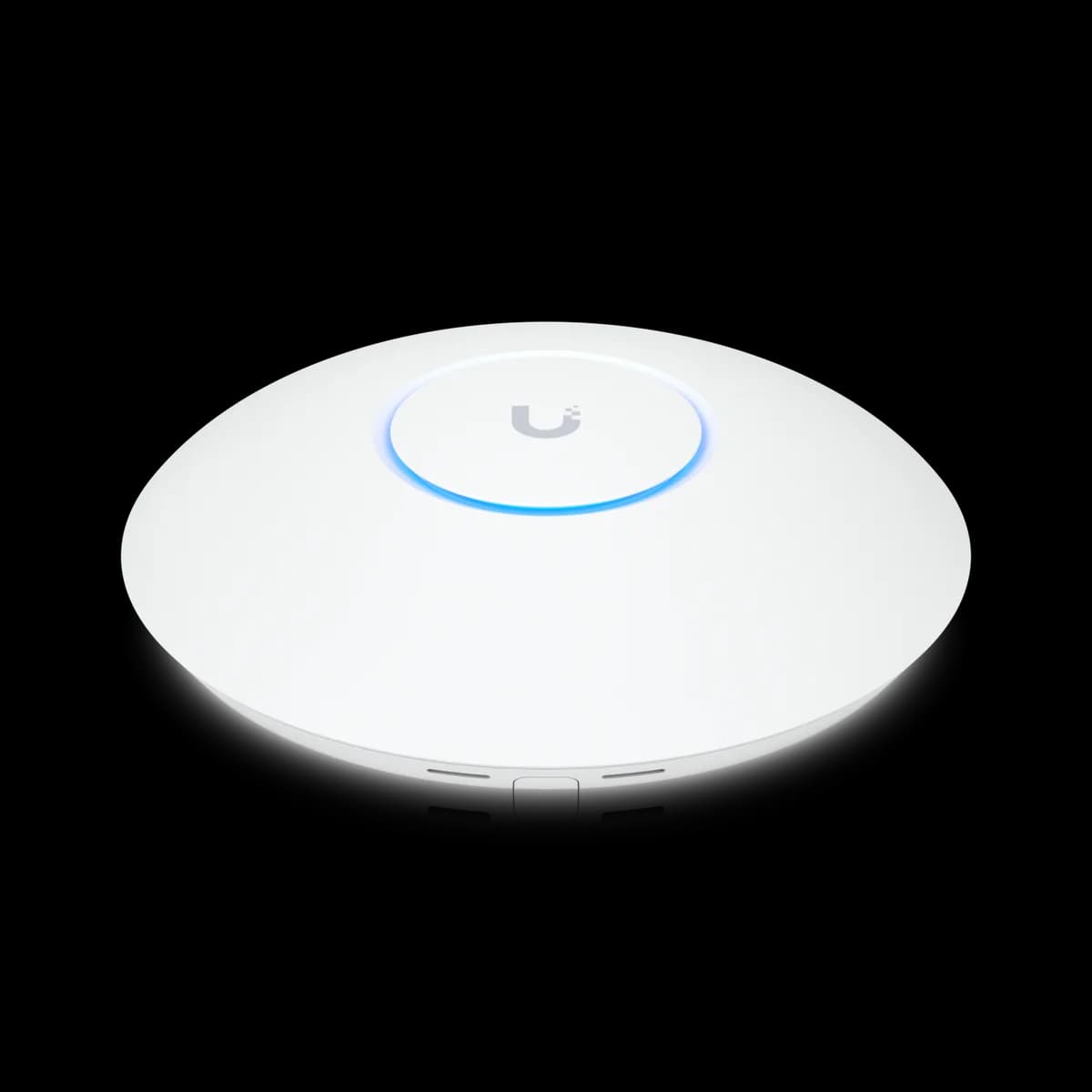
What does a UniFi access point do? A UniFi access point broadcasts your Wi-Fi and bridges wireless clients onto the wired network. It uplinks over Ethernet to a switch or gateway, draws power over PoE on that same cable, and is configured entirely in UniFi Network — SSIDs, bands, and channels. It is the wireless edge of the network, not the router.

An access point does not route, firewall, or assign IP addresses; that job belongs to the gateway. What every model here shares is full management inside UniFi Network and Power over Ethernet, so one cable carries both data and power from a PoE switch up to the AP on the ceiling.

The mainstream lineup splits along one axis above all others: Wi-Fi generation. The U6 Lite and U6 Pro are Wi-Fi 6; the U7 Pro is Wi-Fi 7. Everything below maps that split — and the specs around it — to the three access points most builds actually choose between. Browse them on the Access Points hub.

The Things That Decide Your Access Point

How do I choose? A handful of specs decide it: Wi-Fi generation (Wi-Fi 6 vs Wi-Fi 7), the 6 GHz band (Wi-Fi 7 only), spatial streams (how many client streams the radio serves), uplink speed (1 GbE vs 2.5 GbE), PoE class (802.3af vs 802.3at), and coverage area. Match those to your clients and your switch.

Wi-Fi generation is the headline, covered in the next section. The 6 GHz band exists only on the Wi-Fi 7 U7 Pro — clean, uncongested spectrum that only Wi-Fi 7 clients can use. Spatial streams decide how many simultaneous client streams a radio serves: the U6 Pro runs 4×4 on 5 GHz, while the U7 Pro runs 2×2 per band, so the older radio can pull ahead in a dense room.

Uplink speed is the quiet bottleneck: the U6 Lite and U6 Pro cap at a 1 GbE port, while the U7 Pro adds 2.5 GbE. PoE class is the constraint that blocks installs — the U7 Pro needs PoE+ (802.3at), the two Wi-Fi 6 models run on standard 802.3af. Coverage ranges from 115 m² on the Lite to 140 m² on the two Pros. The head-to-heads work through these: U6 Lite vs U6 Pro and U6 Pro vs U7 Pro.

Wi-Fi 6 vs Wi-Fi 7: And the 6E Gap

Do you need Wi-Fi 7? Only if you own — or plan to buy — Wi-Fi 7 clients that can use the 6 GHz band. The U7 Pro adds a 6 GHz radio at 5.8 Gbps (BW320) and a 2.5 GbE uplink; the Wi-Fi 6 U6 Pro tops out at 4.8 Gbps (BW160) on 5 GHz over a 1 GbE port. (U7 Pro specs)

Be precise about the generations here, because this lineup skips one. The U6 Lite and U6 Pro are Wi-Fi 6 (802.11ax) — dual-band 2.4 GHz and 5 GHz, with no 6 GHz radio. The U7 Pro is Wi-Fi 7 (802.11be) and adds the 6 GHz band. There is no Wi-Fi 6E access point in this mainstream trio: UniFi's Pro tier effectively jumped straight from Wi-Fi 6 to Wi-Fi 7, so the practical choice is Wi-Fi 6 (Lite or Pro) versus Wi-Fi 7 (U7 Pro), not a three-way 6 / 6E / 7 ladder.

That makes the question simpler than the marketing suggests. The 6 GHz band is real and valuable — wide channels, clean spectrum, no legacy congestion — but only Wi-Fi 7 devices reach it. A 2026 phone or laptop will; a three-year-old one will not. If your client fleet is entirely Wi-Fi 6 or older, the 6 GHz radio sits mostly idle and a Wi-Fi 6 AP gives up little. If you are buying for the next several years, the U7 Pro is the future-proof floor — see U6 Pro vs U7 Pro for the $30 trade-off in detail.

The Three Access Points at a Glance

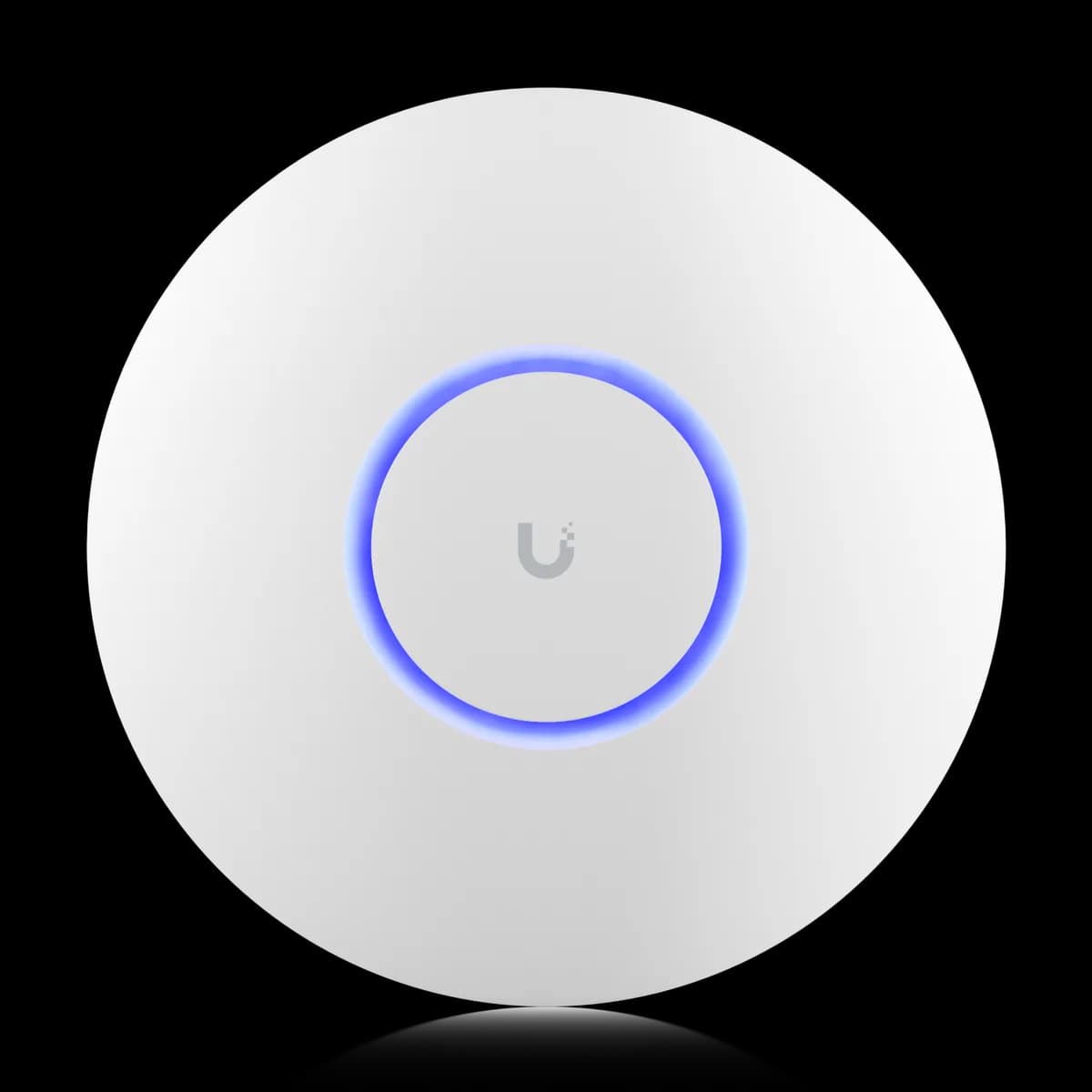
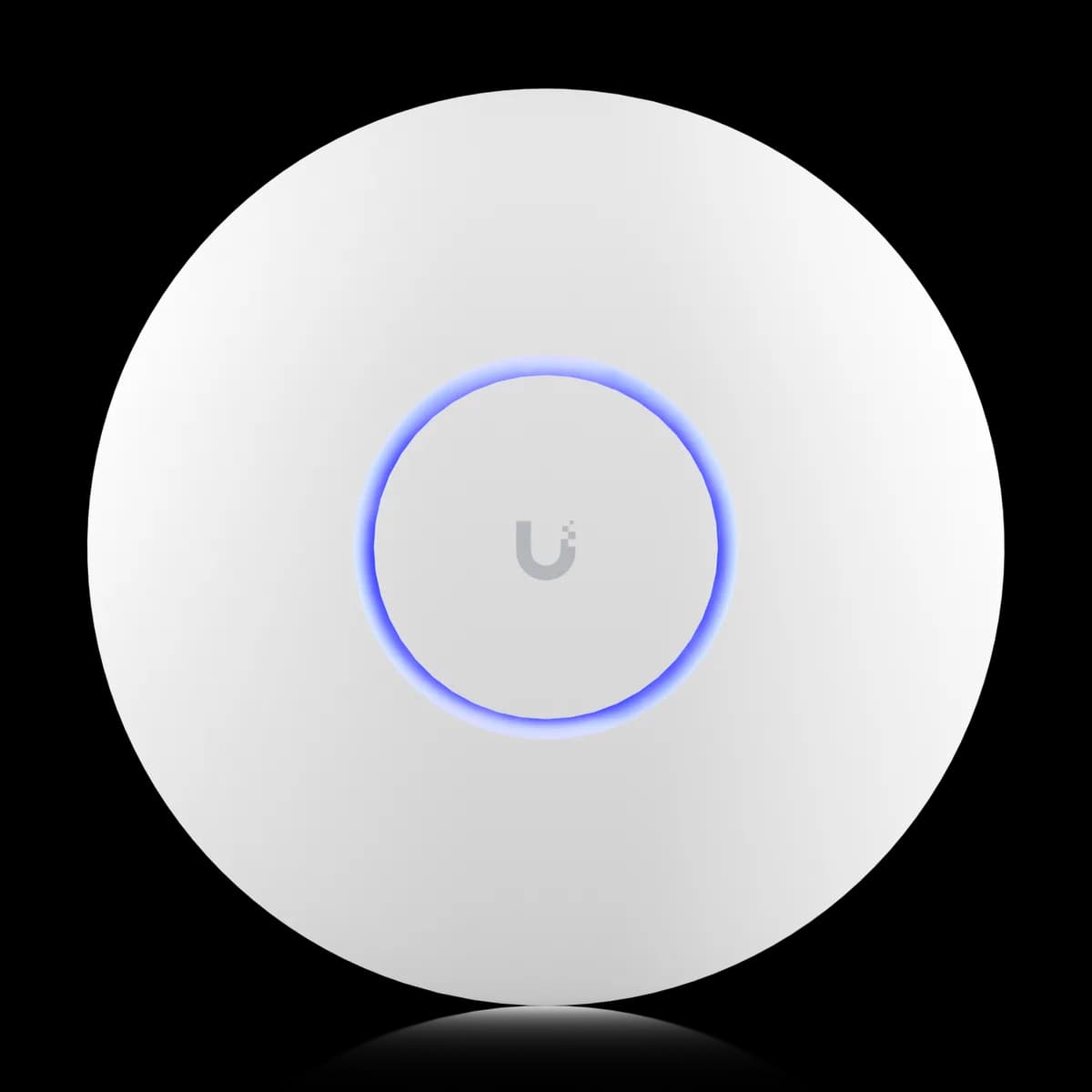
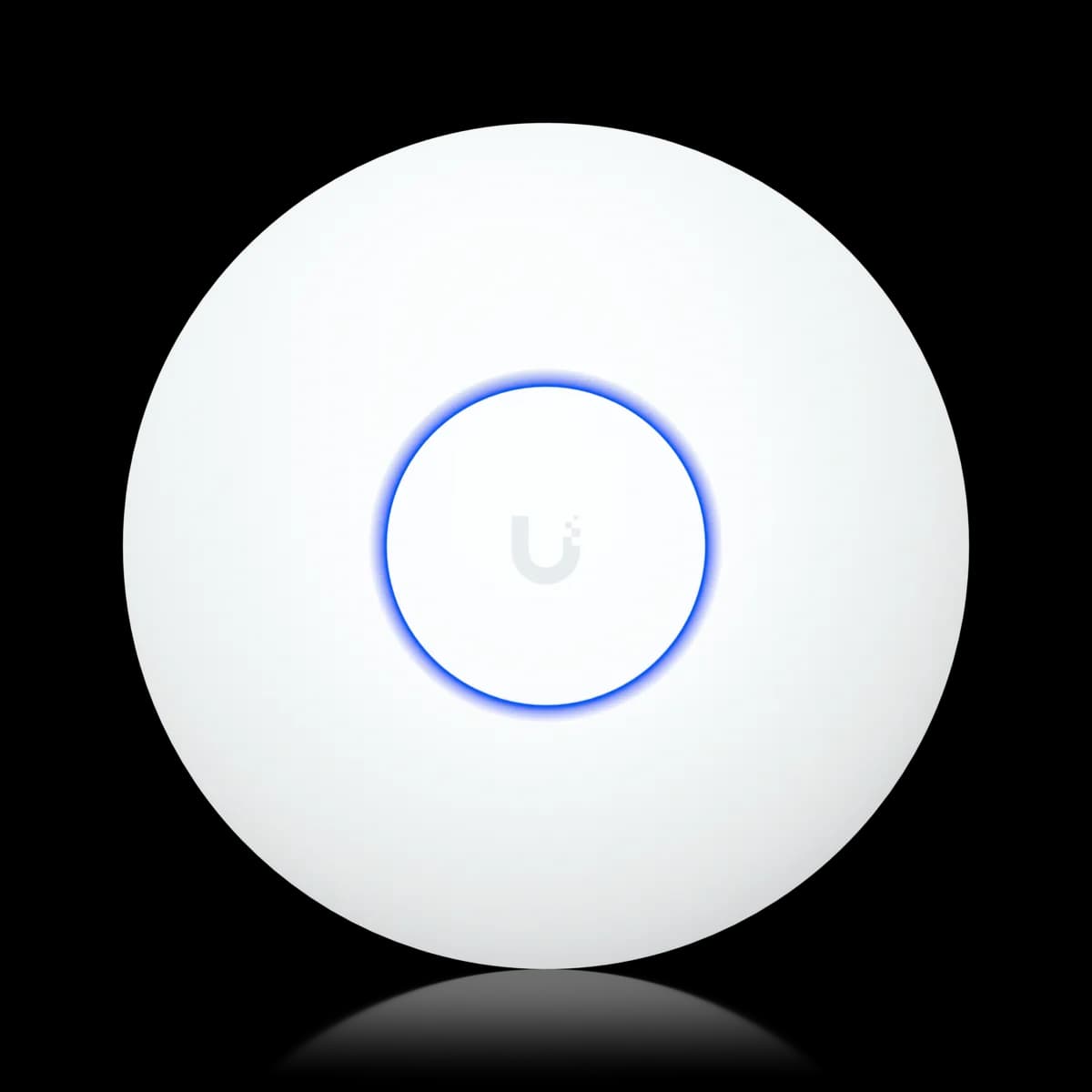
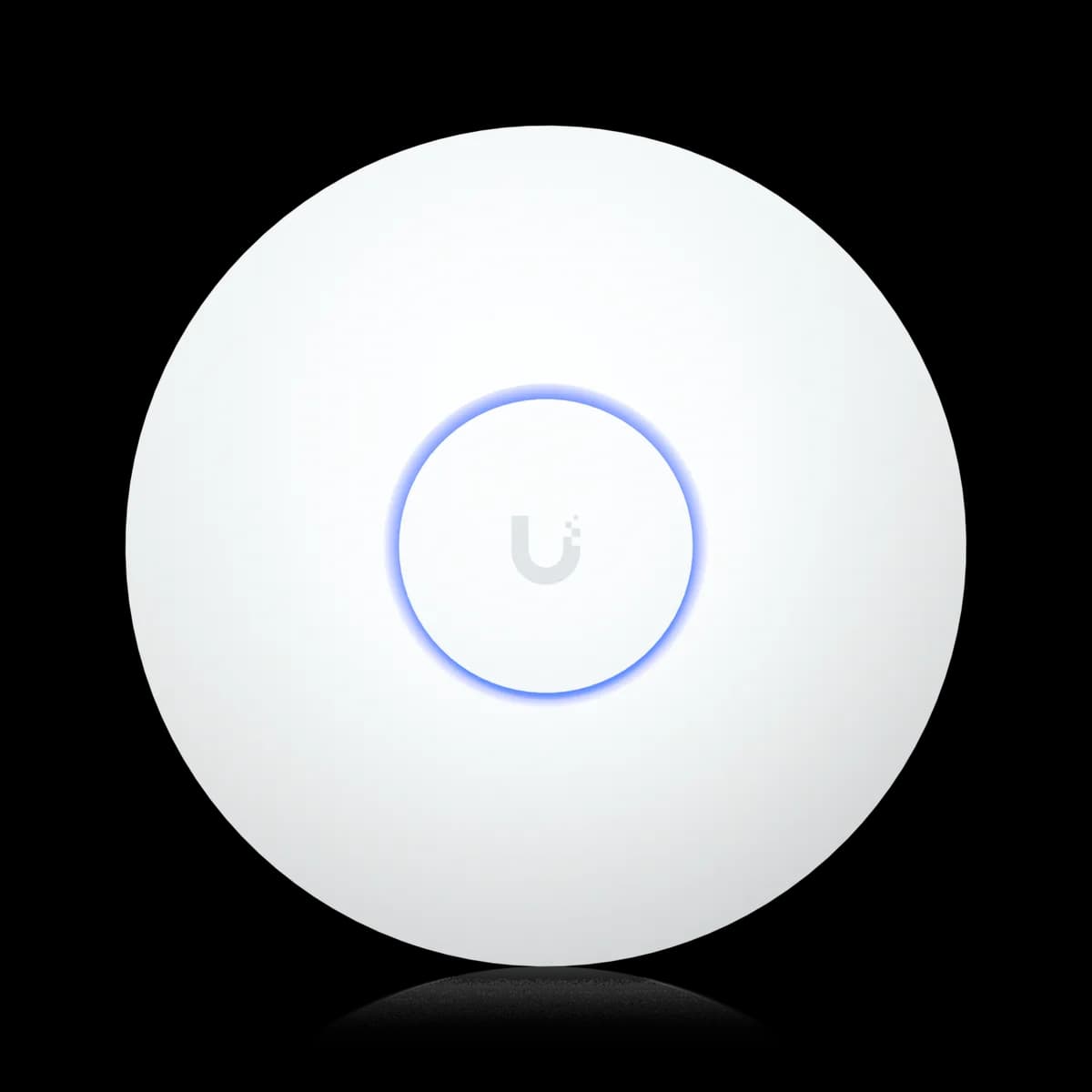
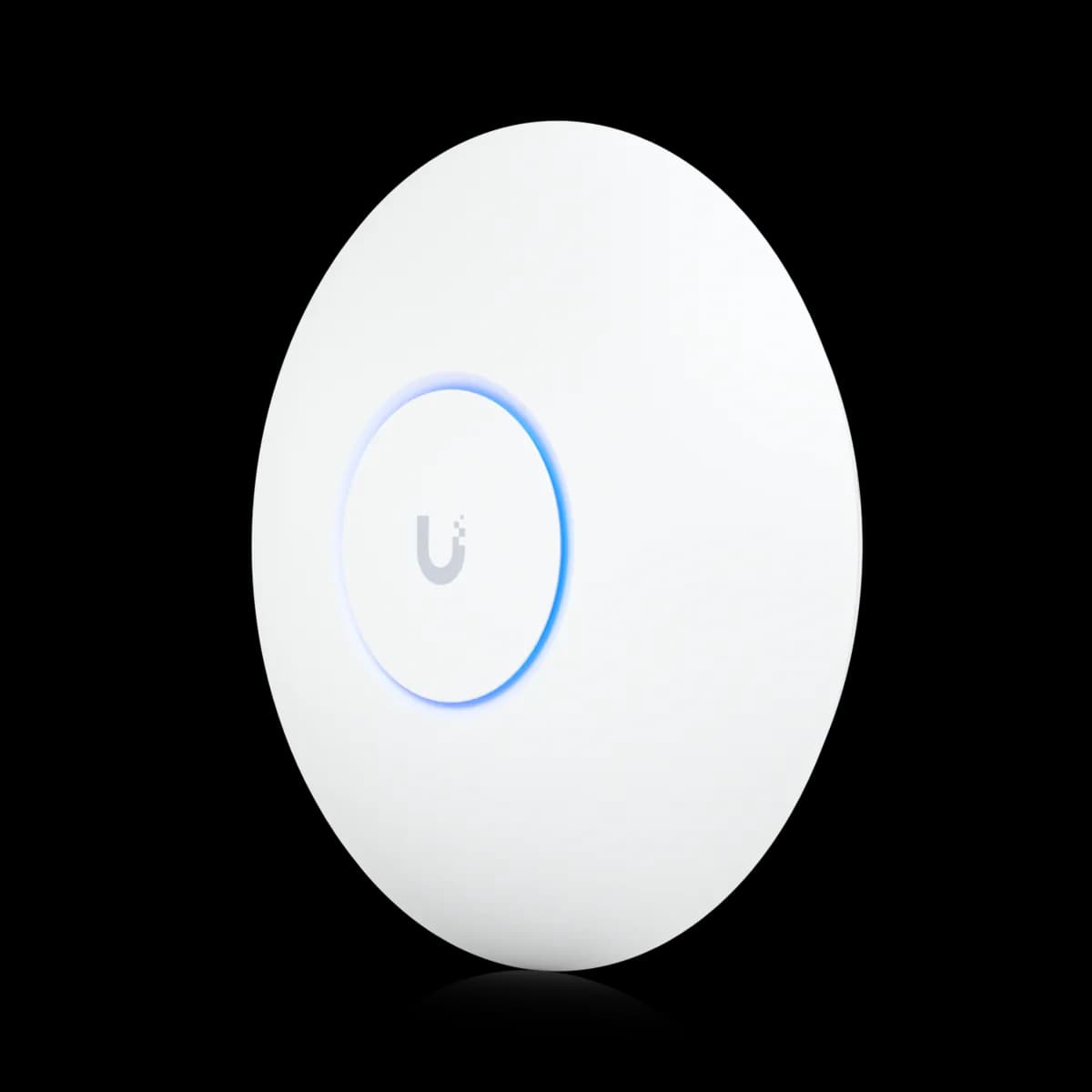
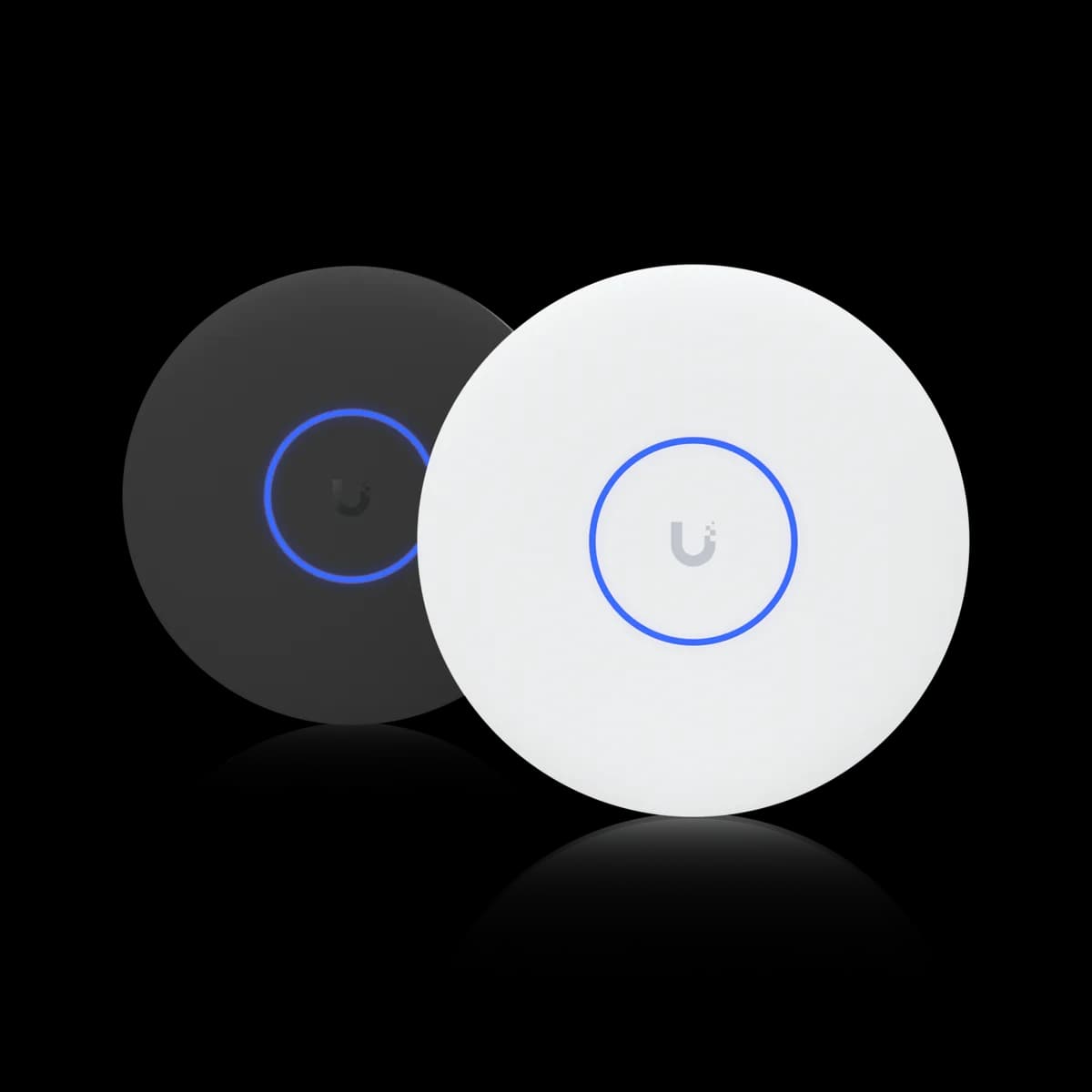
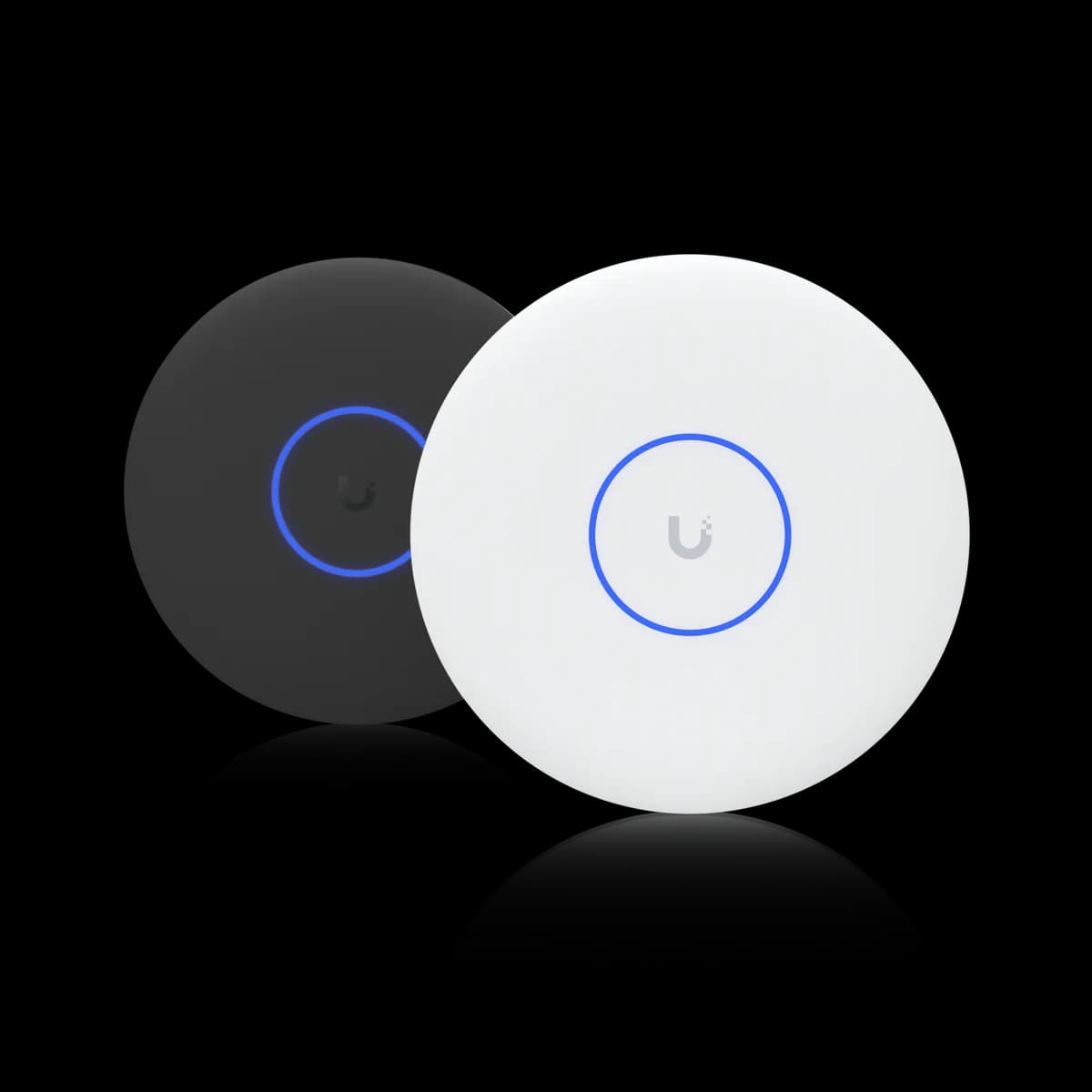
The three that cover most builds. The U6 Lite ($99) is the budget Wi-Fi 6 AP; the U6 Pro ($159) is the mainstream Wi-Fi 6 AP with a 4×4 5 GHz radio and wider coverage; and the U7 Pro ($189) is the Wi-Fi 7 pick, adding a 6 GHz band and a 2.5 GbE uplink for $30 over the U6 Pro.

The two Wi-Fi 6 models differ in radio and reach. The U6 Lite is a straight 2×2 dual-band AP rated for 1.2 Gbps on 5 GHz (BW80) and 115 m² (1,250 ft²) of coverage; the U6 Pro upgrades to a 4×4 5 GHz radio at 4.8 Gbps (BW160) and 140 m² (1,500 ft²). Both run on standard 802.3af PoE and a 1 GbE uplink. That budget-versus-mainstream gap is mapped in U6 Lite vs U6 Pro.

The U7 Pro is the generational jump. It matches the U6 Pro's 140 m² coverage and 300+ client rating but adds the tri-band Wi-Fi 7 radio — 6 GHz at 5.8 Gbps (BW320) — and the 2.5 GbE uplink, at the cost of a higher 21 W draw that requires PoE+ (802.3at). Skipping the U6 Pro for the U7 Pro is the call settled in U6 Pro vs U7 Pro, and the budget-to-flagship leap in U6 Lite vs U7 Pro.

Pick by Scenario

Match the AP to the job. A budget Wi-Fi 6 upgrade for an apartment or small room: the U6 Lite. A mainstream Wi-Fi 6 AP for a home or small office: the U6 Pro. A new install, a Wi-Fi 7 client fleet, or a multi-gig backbone: the U7 Pro, provided your switch delivers PoE+ (802.3at).

For a first wireless upgrade in an apartment or a few light-traffic rooms, the U6 Lite is the low-cost floor — Wi-Fi 6, 802.3af PoE off almost any UniFi switch, and a quiet ceiling profile. Step up to the U6 Pro when you want the 4×4 5 GHz radio and the wider 1,500 ft² footprint, and you are content to stay on Wi-Fi 6 without paying for a band your clients cannot yet use.

Choose the U7 Pro the moment Wi-Fi 7 enters the plan, or when a 2.5 GbE backbone is already in place and you want the uplink to match the radio. The one hard gate is PoE: the U7 Pro draws 21 W and needs PoE+ (802.3at), so an older 802.3af-only switch needs an injector or an upgrade — budget a PoE+ switch into the plan. The U6 Pro vs U7 Pro breakdown weighs exactly that.

How an Access Point Pairs With Your Switch and Gateway

An access point is the wireless edge of a UniFi network, not the whole thing. It uplinks to a PoE switch — which feeds it both data and power over one Ethernet cable — and that switch in turn uplinks to a gateway that handles routing, firewall, and the internet connection. The gateway sets your WAN ceiling; the switch sets your wired capacity and PoE budget; the AP sets your wireless capacity.

PoE class is where the AP and switch have to agree. The U6 Lite (12 W) and U6 Pro (13 W) run on standard 802.3af, so almost any UniFi PoE switch powers them. The U7 Pro draws 21 W and requires PoE+ (802.3at) — confirm your switch supplies it before you buy. If you are sizing that switch, how to choose a UniFi switch covers port count, PoE budget, and 1 GbE versus 2.5 GbE.

The uplink port is the second thing to match. The two Wi-Fi 6 APs cap at 1 GbE, which any switch port satisfies. The U7 Pro's 2.5 GbE uplink only becomes real wired throughput if the switch port is also 2.5 GbE — otherwise it negotiates down to a gigabit. Start by sizing the gateway with how to choose a UniFi gateway, then size the switch to your PoE load, then pick the AP. Browse the full Access Points hub to compare specs side by side.

Frequently Asked Questions

No. Among these three mainstream models, the U6 Lite and U6 Pro are Wi-Fi 6 (no 6 GHz radio) and the U7 Pro is Wi-Fi 7 (with a 6 GHz radio). UniFi's Pro tier effectively skipped Wi-Fi 6E and jumped from Wi-Fi 6 to Wi-Fi 7, so the practical choice here is Wi-Fi 6 versus Wi-Fi 7, not a separate 6E option.

Yes. The U7 Pro draws up to 21 W and requires 802.3at (PoE+). The U6 Lite (12 W) and U6 Pro (13 W) run on standard 802.3af, so they work off almost any UniFi PoE switch. If your switch is 802.3af only, the U7 Pro needs a PoE+ injector or a switch upgrade.

Both are Wi-Fi 6 and run on 802.3af PoE over a 1 GbE uplink. The U6 Lite ($99) is a 2×2 dual-band AP rated for 1.2 Gbps on 5 GHz and 115 m² (1,250 ft²). The U6 Pro ($159) upgrades to a 4×4 5 GHz radio at 4.8 Gbps and 140 m² (1,500 ft²). The U6 Lite is the budget pick; the U6 Pro is the mainstream one with more headroom.

Only if you own or plan to buy Wi-Fi 7 clients that can use the 6 GHz band. The U7 Pro's 6 GHz radio and 320 MHz channels are only reachable by Wi-Fi 7 devices; older clients see the same 5 GHz and 2.4 GHz performance they would on a Wi-Fi 6 AP. If your devices are all Wi-Fi 6 or older, the U6 Pro gives up little for now.

It depends on coverage and walls, not just floor area. The U6 Lite is rated for 115 m² (1,250 ft²) and the U6 Pro and U7 Pro for 140 m² (1,500 ft²) each, but those are open-space figures. Thick walls, multiple floors, and high client density push you toward a second AP well before you hit the rated ceiling.

Yes. UniFi Network manages the U6 Lite, U6 Pro, and U7 Pro under one controller with shared SSIDs, and clients roam between them seamlessly. A common build pairs a U7 Pro in the busiest area with cheaper U6 Lite units filling out the edges of coverage.

Only the U7 Pro benefits. Its 2.5 GbE uplink turns into real wired throughput only when the switch port is also 2.5 GbE; on a gigabit port it negotiates down to 1 GbE. The U6 Lite and U6 Pro have 1 GbE uplinks, so any switch port already matches them.