Atomic AnswerWhich UniFi WiFi / Access Points should I buy?
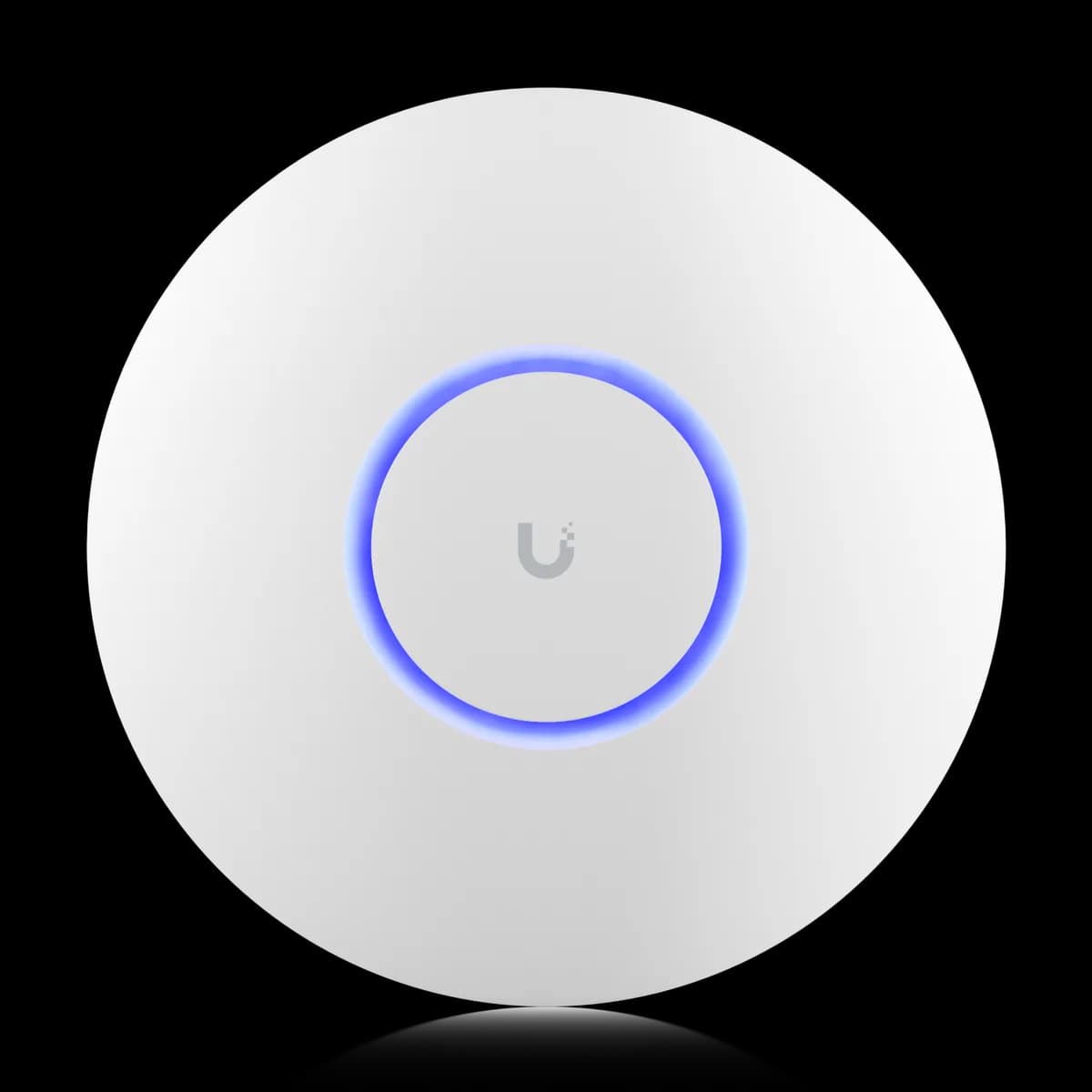
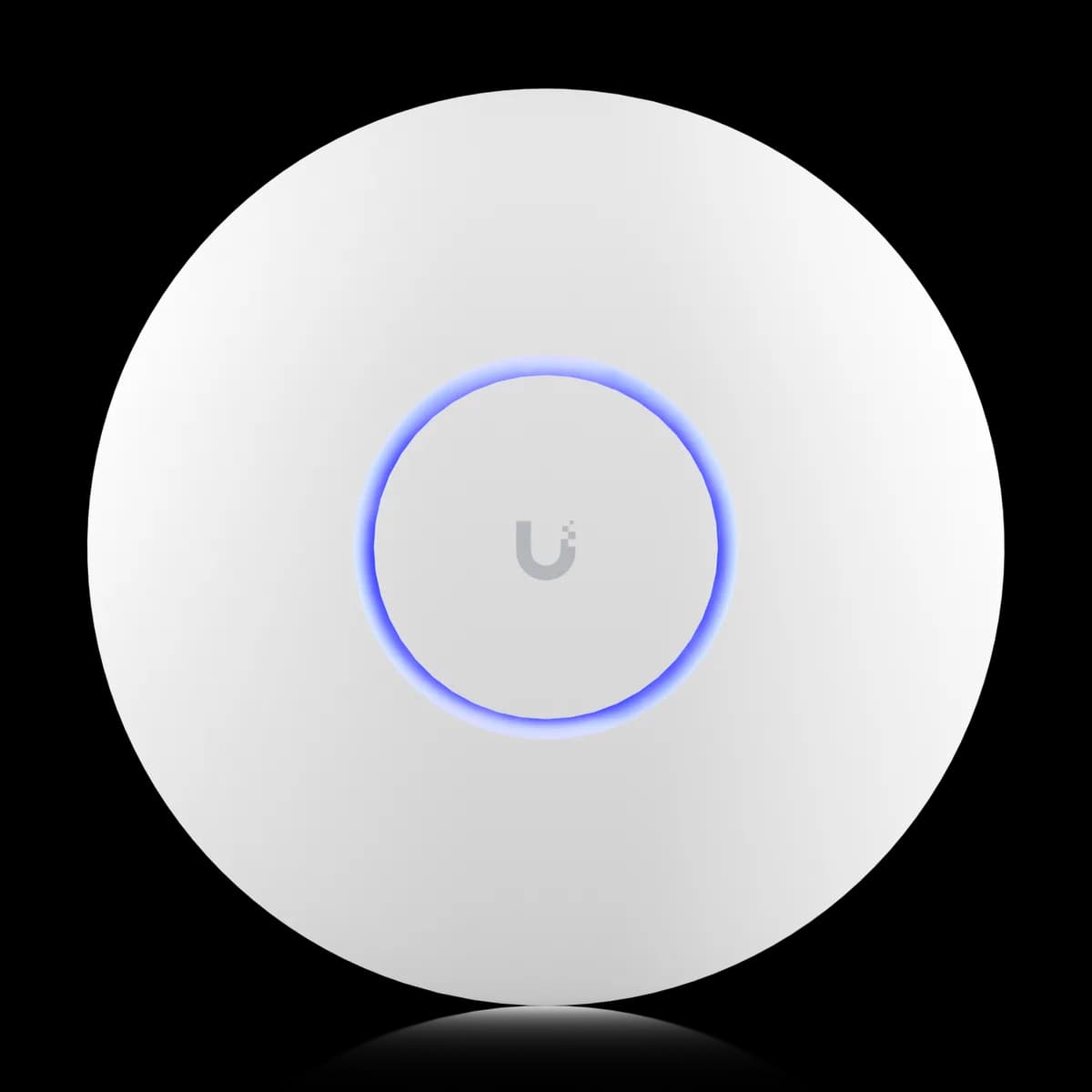
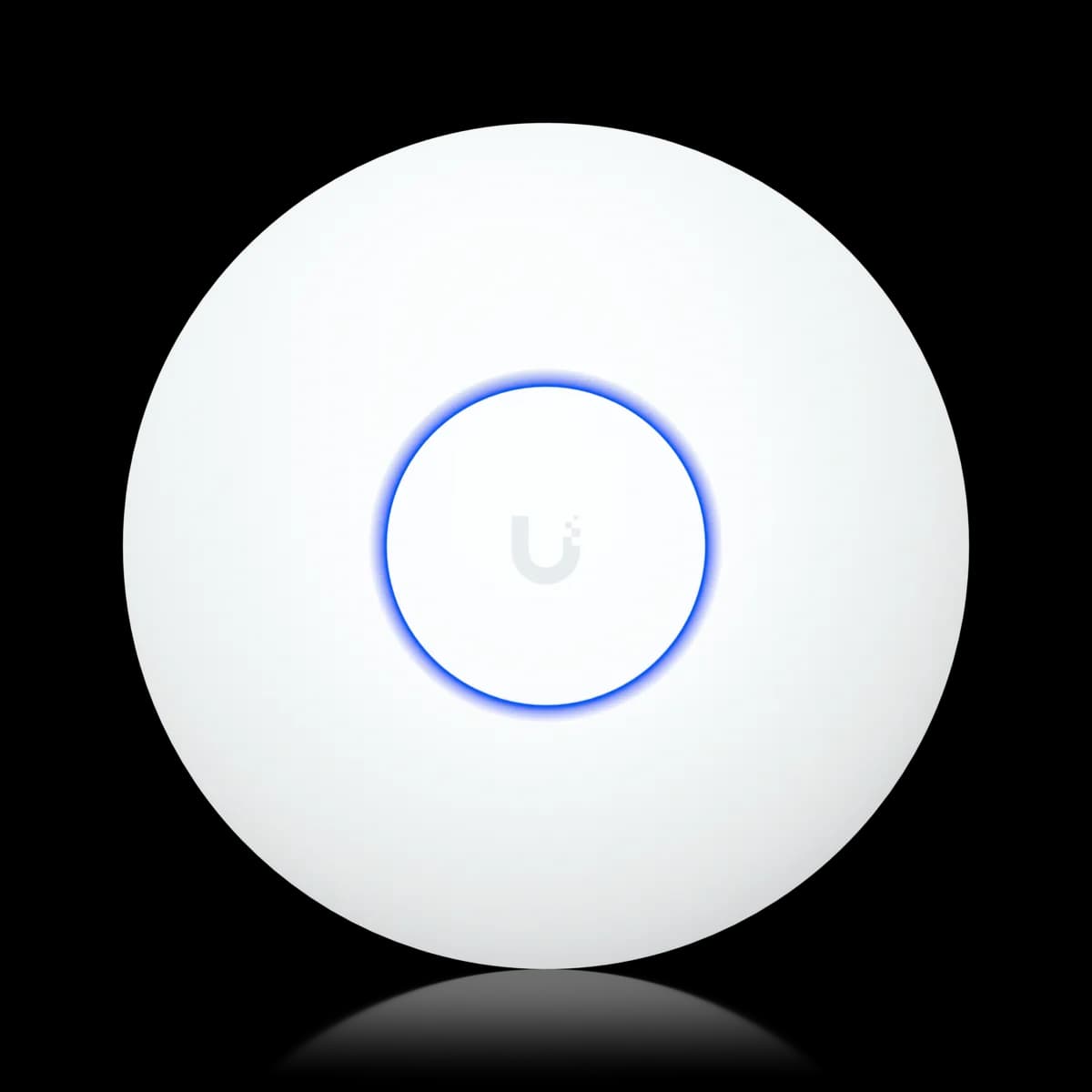
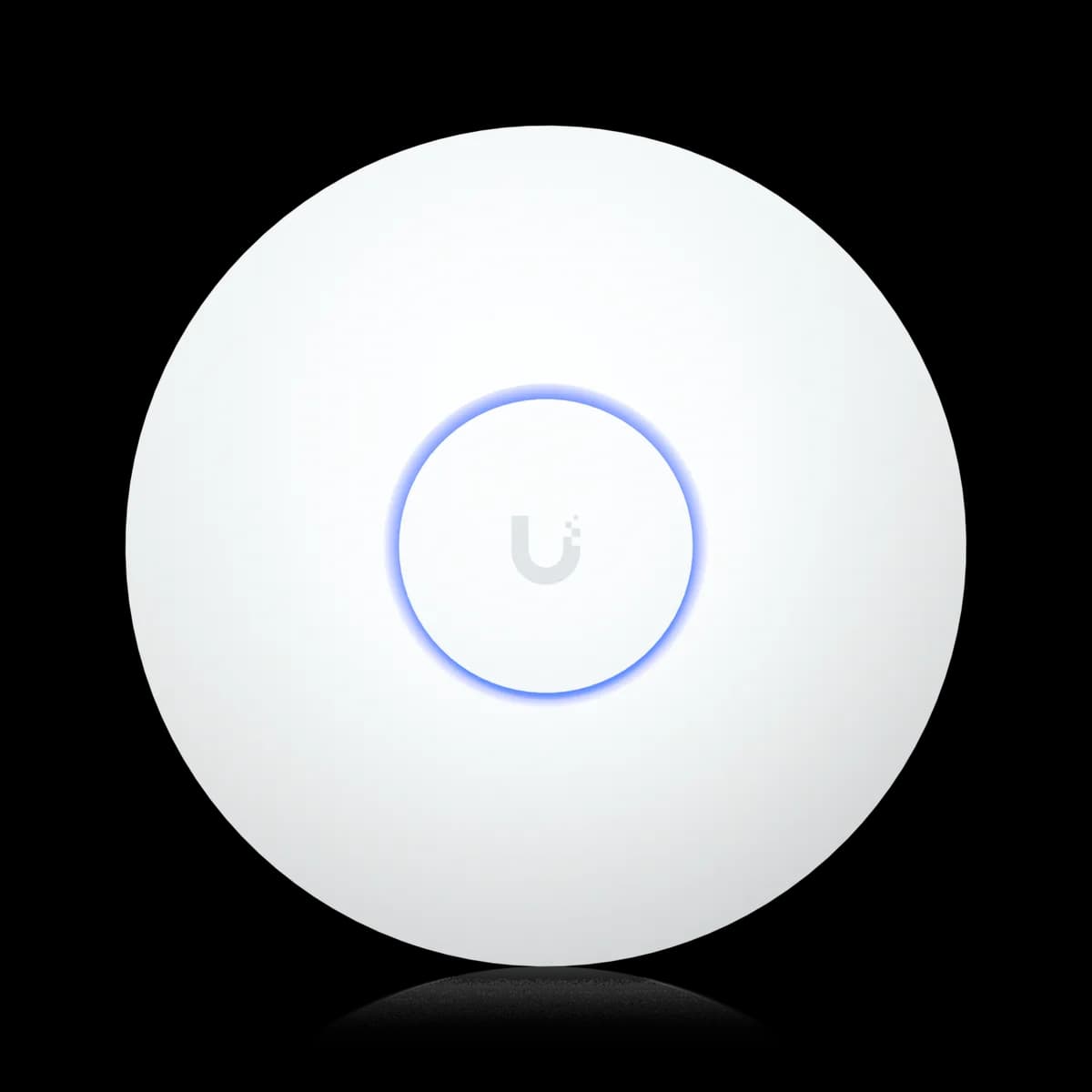
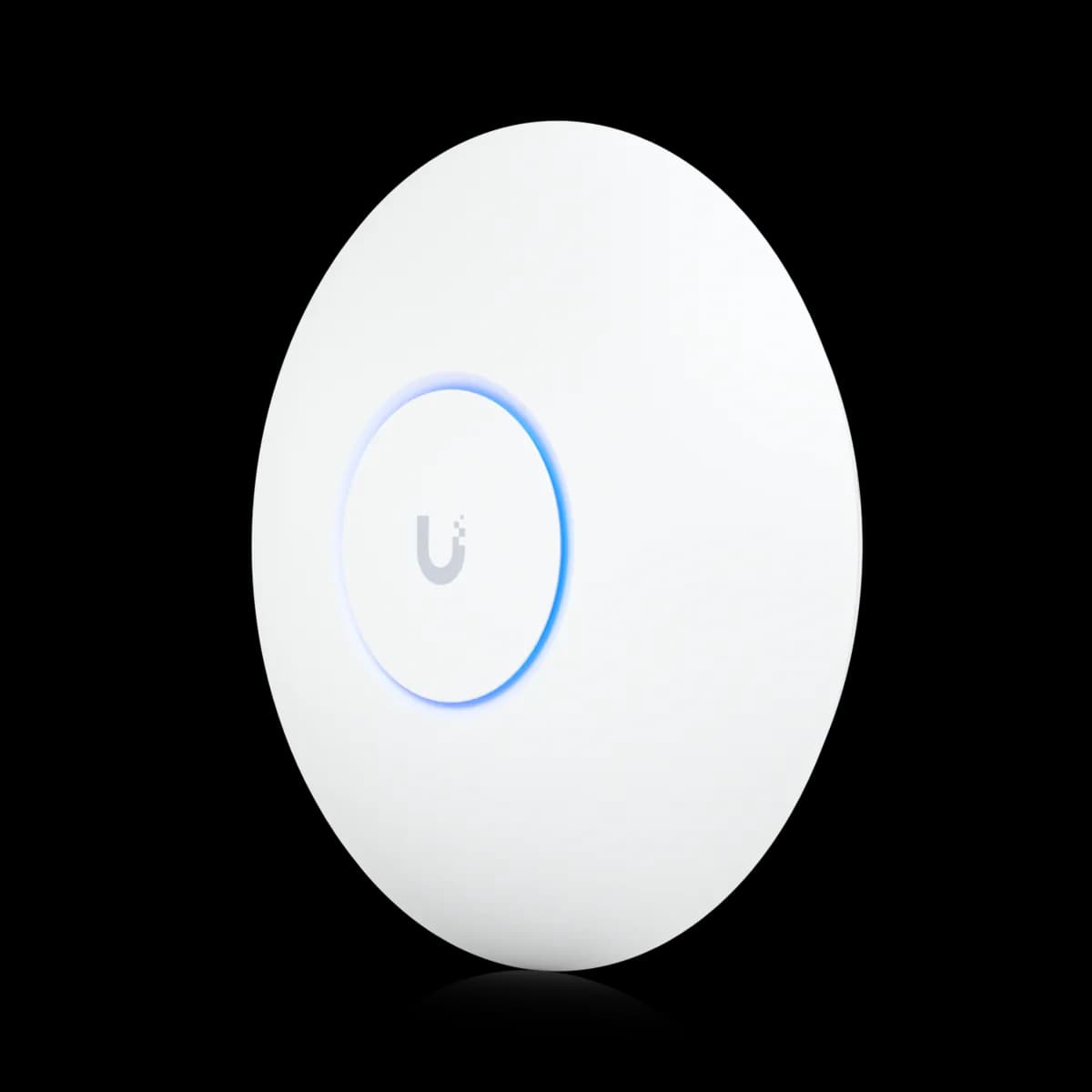
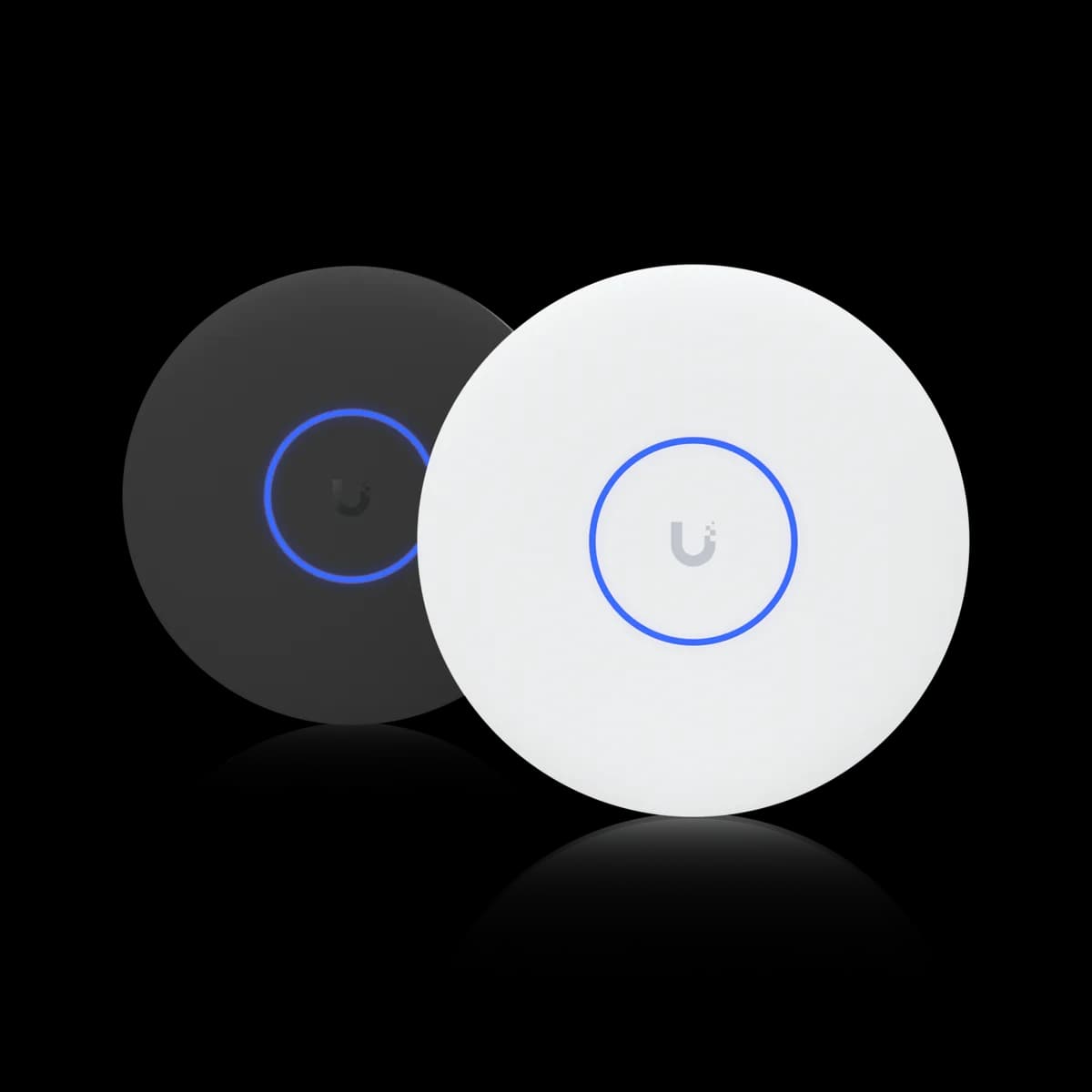
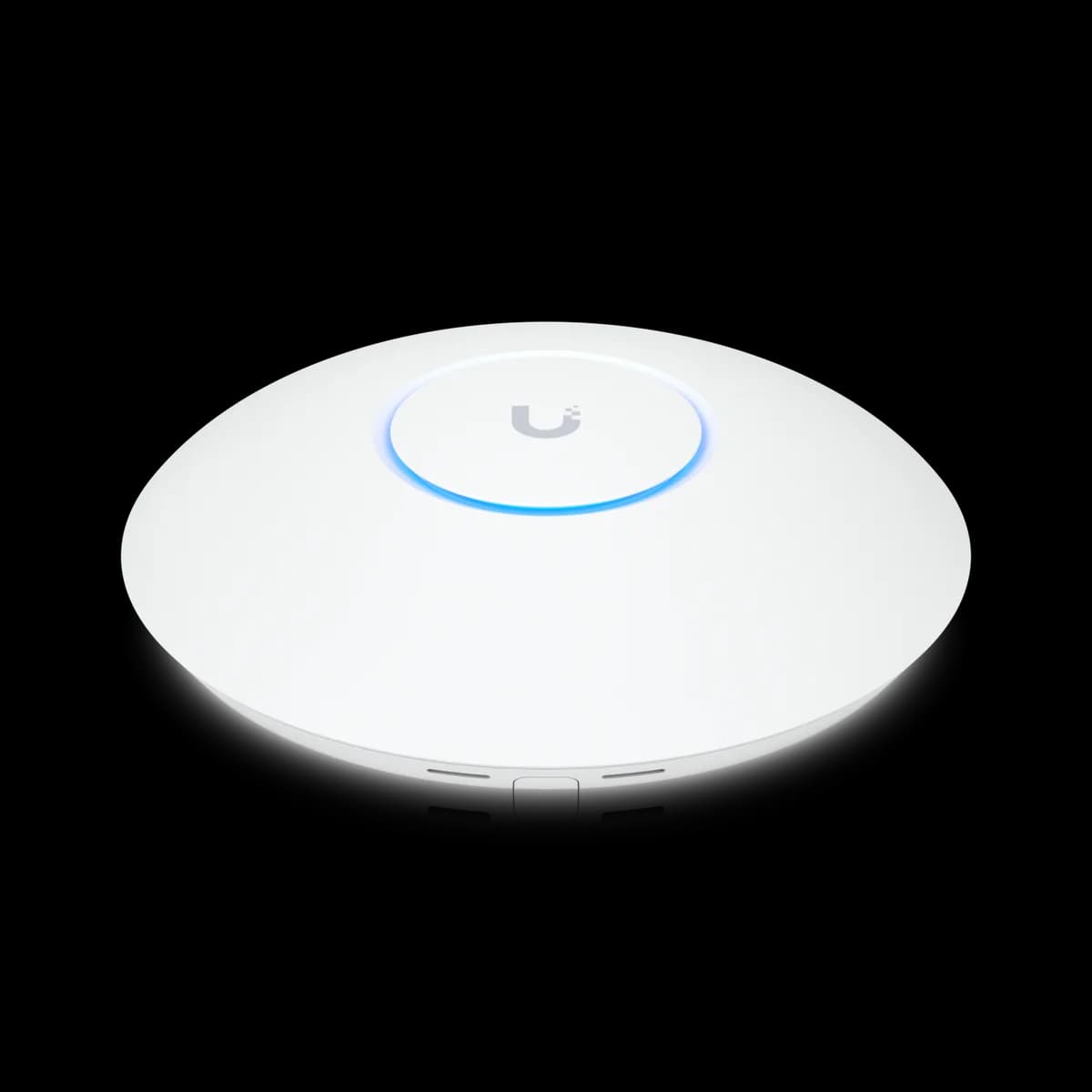
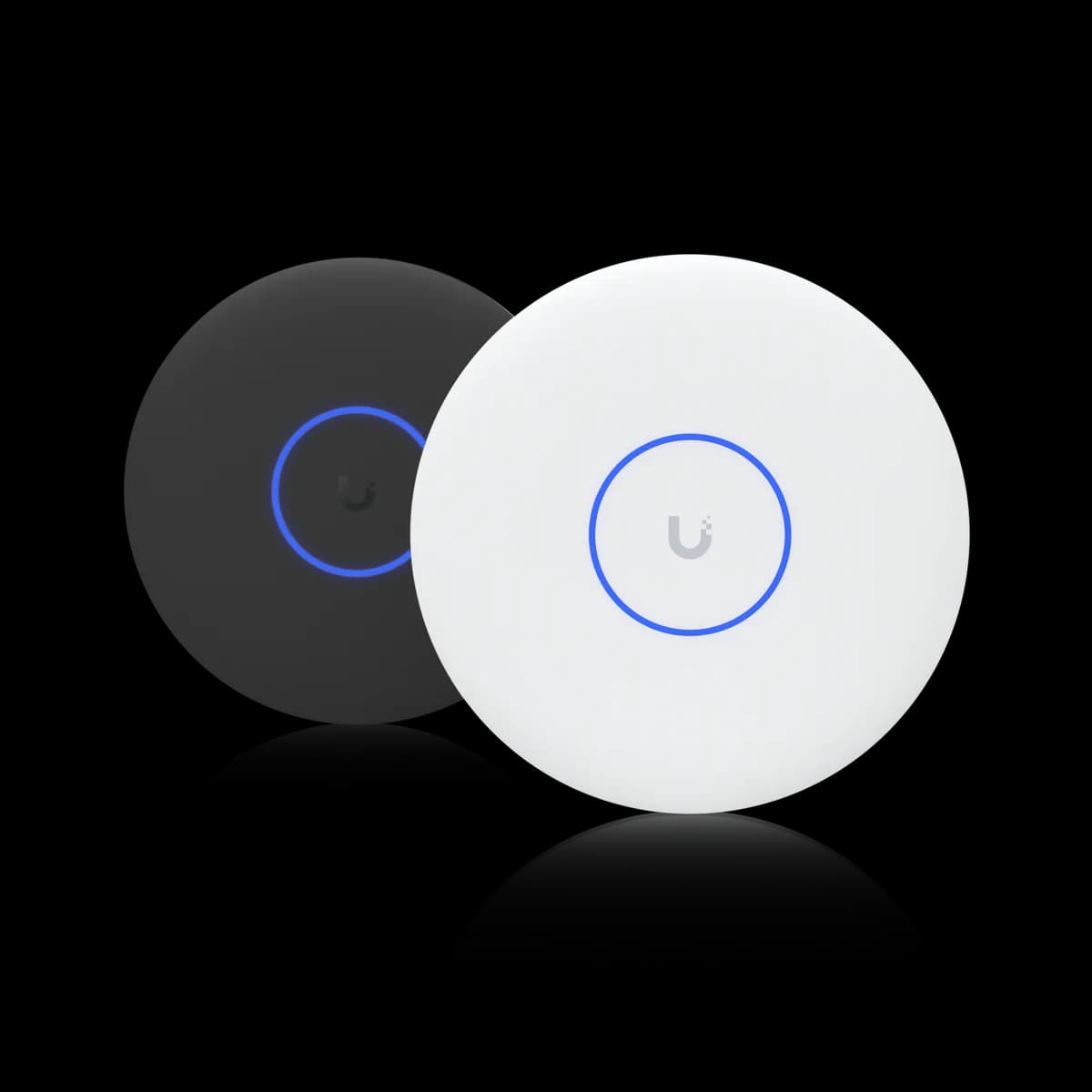
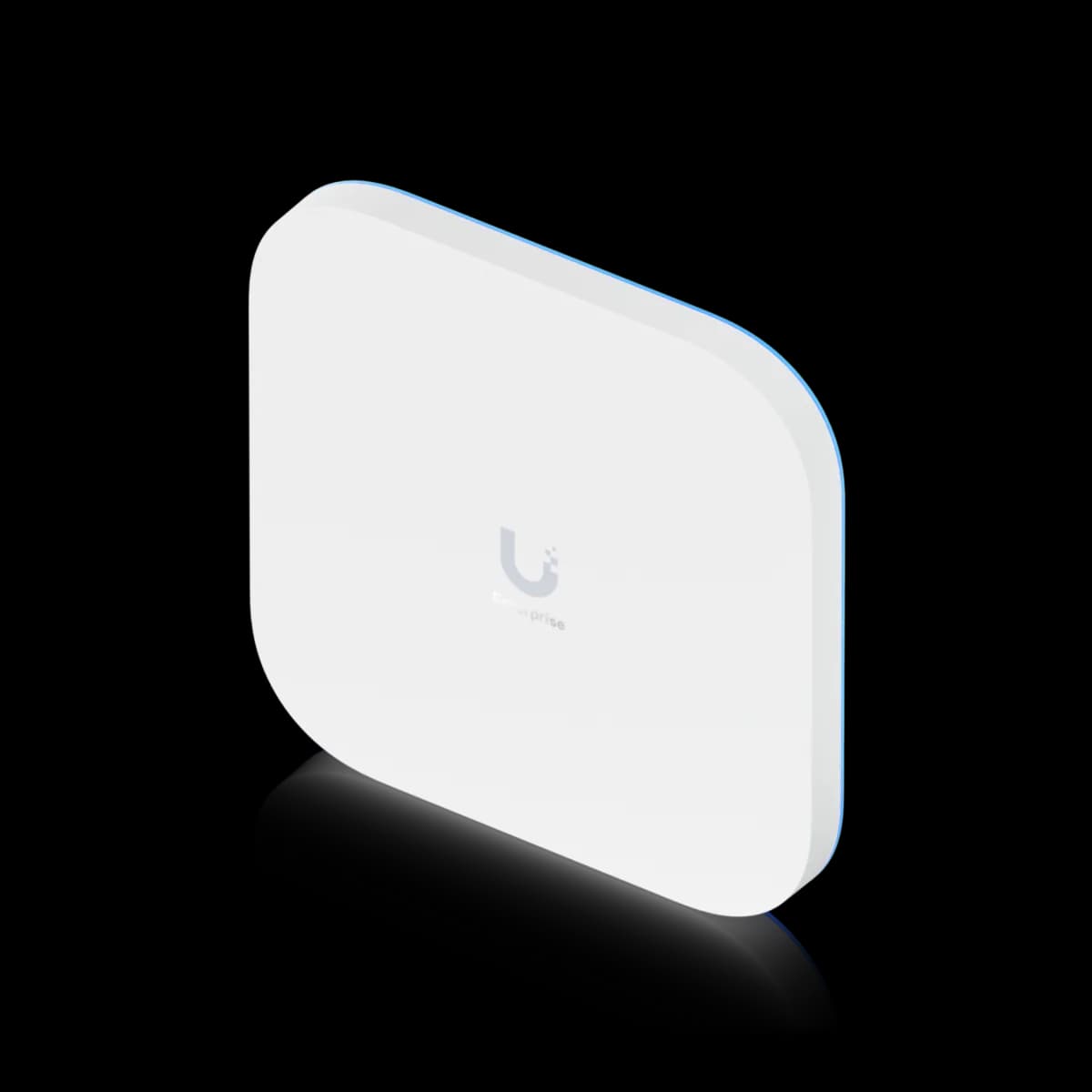
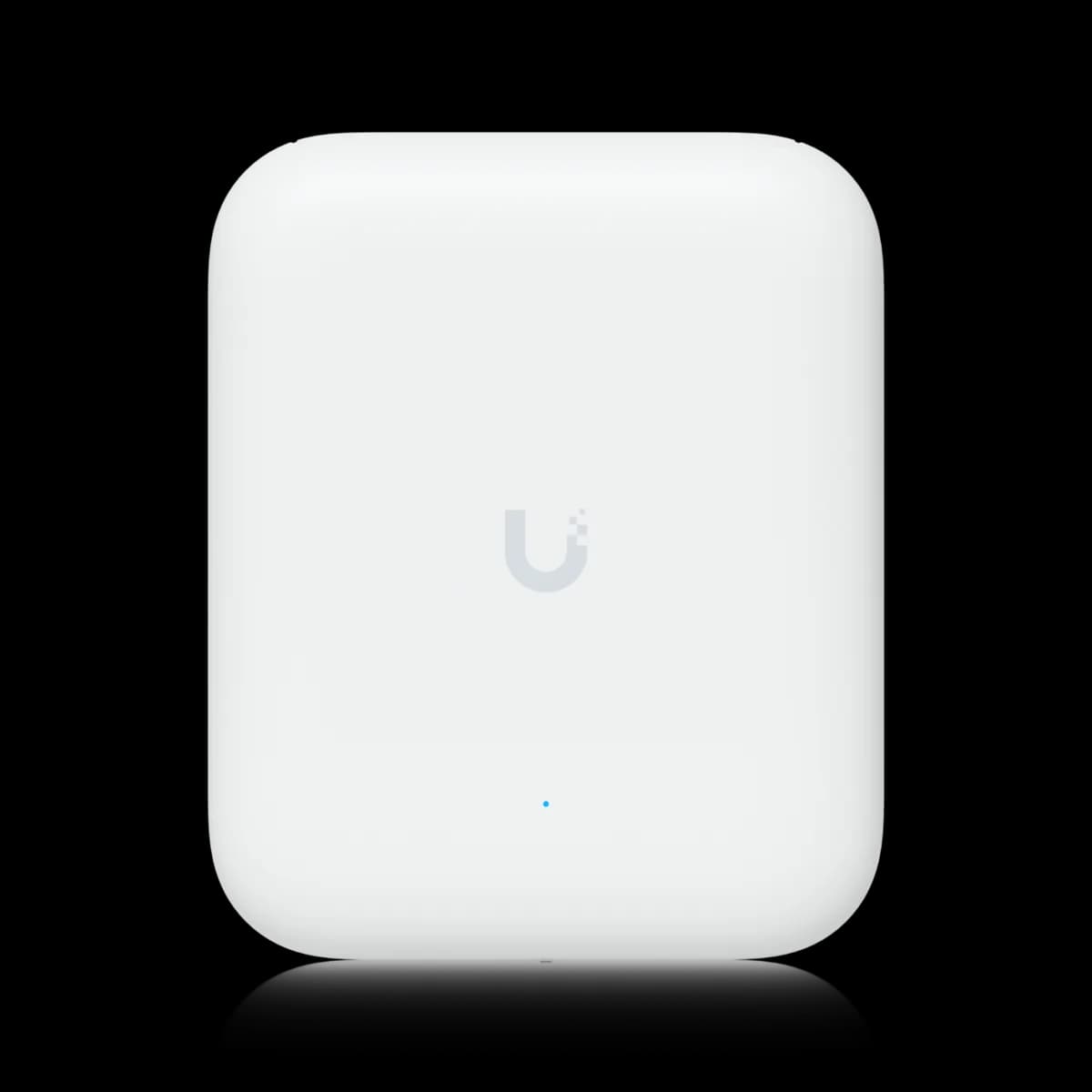
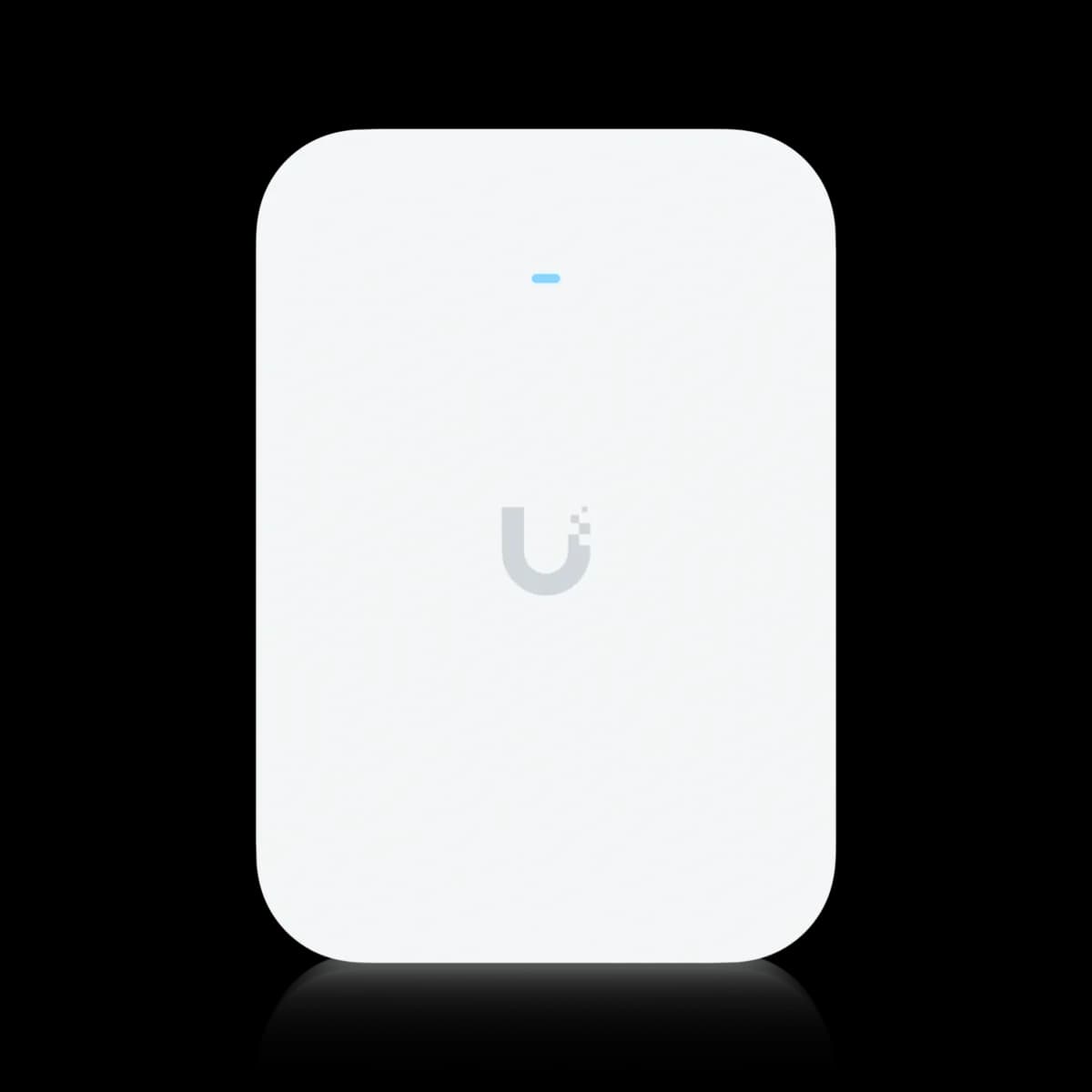
Eleven access points span two Wi-Fi generations: nine for the ceiling, one for the wall and one for outdoors. On Wi-Fi 7, the U7 Lite ($99, dual-band, 802.3af PoE, 2.5 GbE uplink) is the entry point; the U7 Long-Range ($159, 3×3 on 5 GHz, 160 m²) is the coverage pick; the U7 Pro ($189, tri-band with a 6 GHz radio, PoE+) is the mainstream default; the U7 Pro XG ($199) is the same radio with a 10 GbE uplink; the U7 Pro Max ($279, 4×4 on 5 GHz, 500+ clients) is the density pick; the U7 Pro XGS ($299, eight streams, 10 GbE, PoE++) tops the ceiling-mount range; and the E7 ($499, ten streams, 11.5 Gbps on 6 GHz, 10 GbE, PoE++ 43 W) is the flagship. The Wi-Fi 6 U6 Lite ($99) and U6 Pro ($159) remain for 802.3af, 1 GbE builds that do not need a 6 GHz band. Off the ceiling, the U7 Pro XG Wall ($279) puts the U7 Pro XG's radio and 10 GbE uplink in a wall-mounted housing, and the U7 Pro Outdoor ($279, weatherproof, rated for 465 m²) takes the U7 Pro's radio outside on the same PoE+ port.
Read the buying guide →