What a UniFi Gateway Does
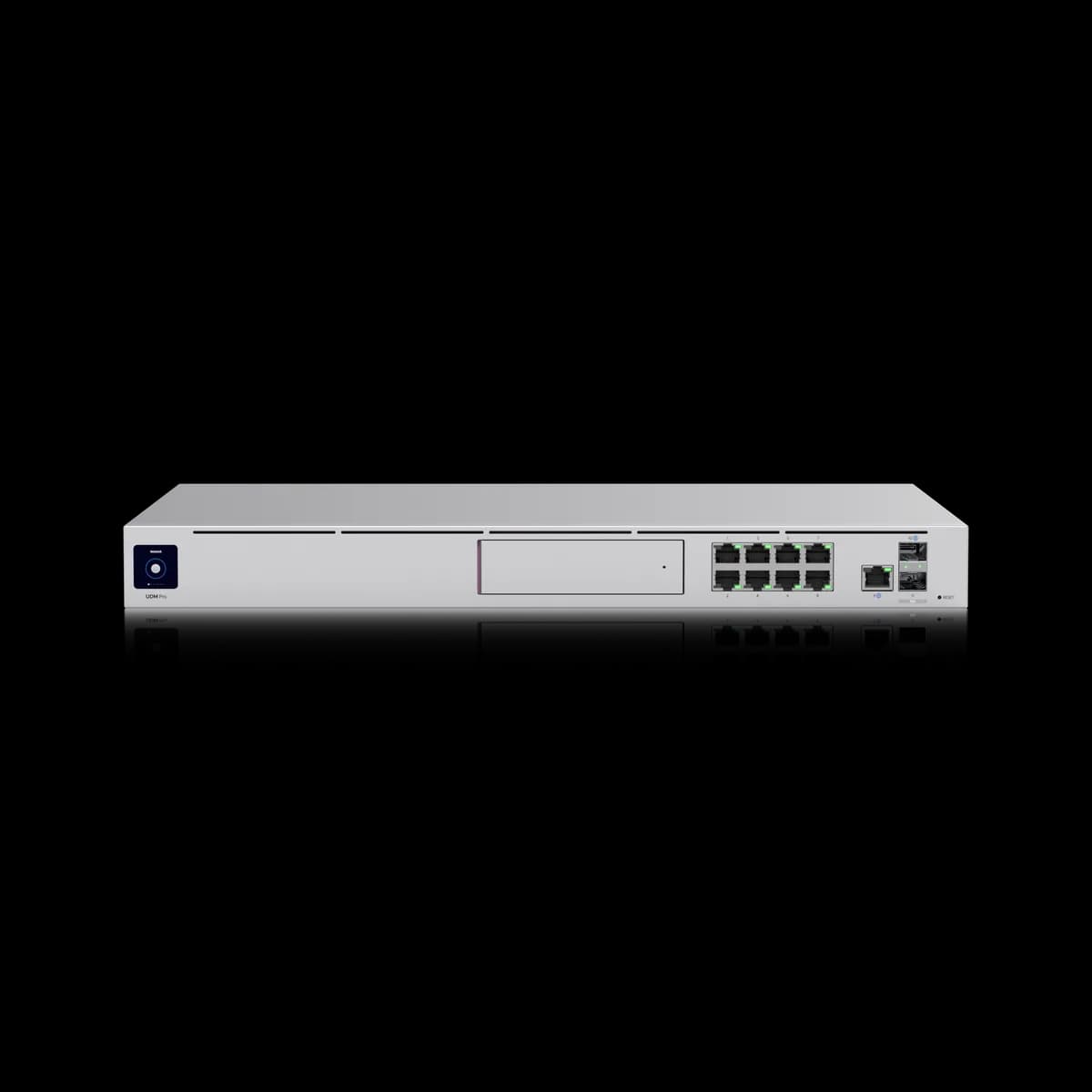
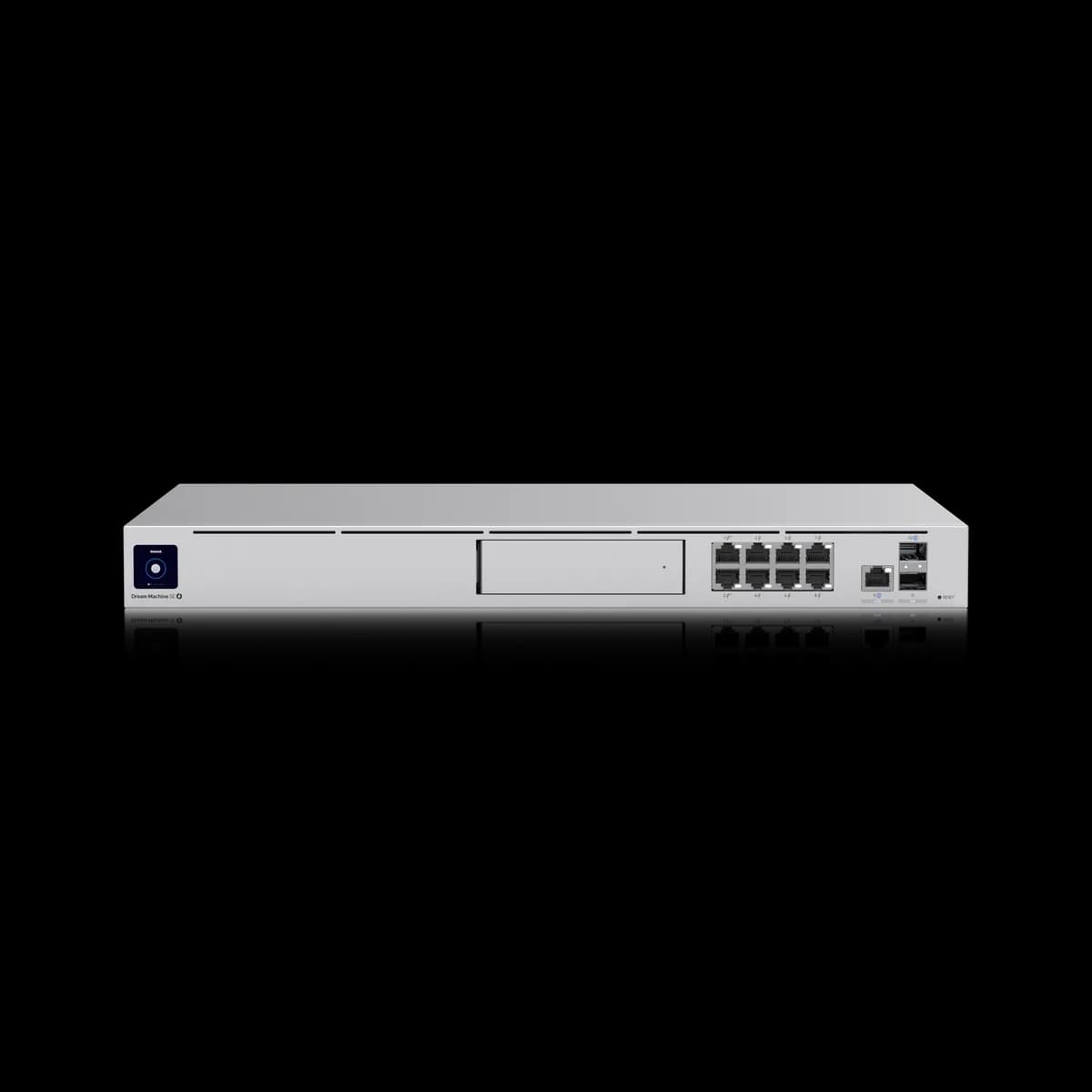
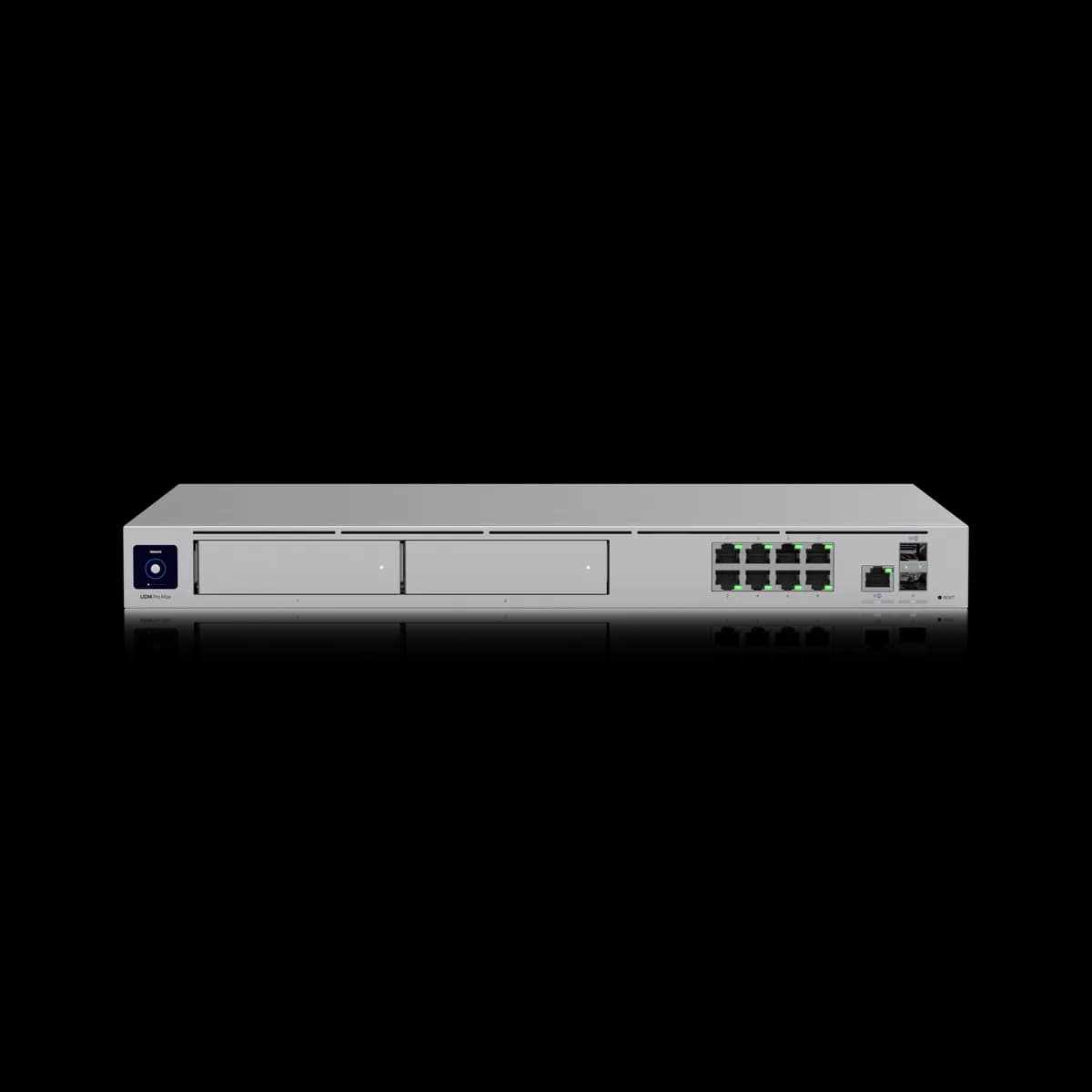
What does a gateway do? It is the router, firewall and controller in one. Every UniFi gateway routes traffic between your internet line and the network, applies firewall and intrusion-prevention rules, and runs the UniFi Network application on-device so switches and access points have somewhere to be adopted.
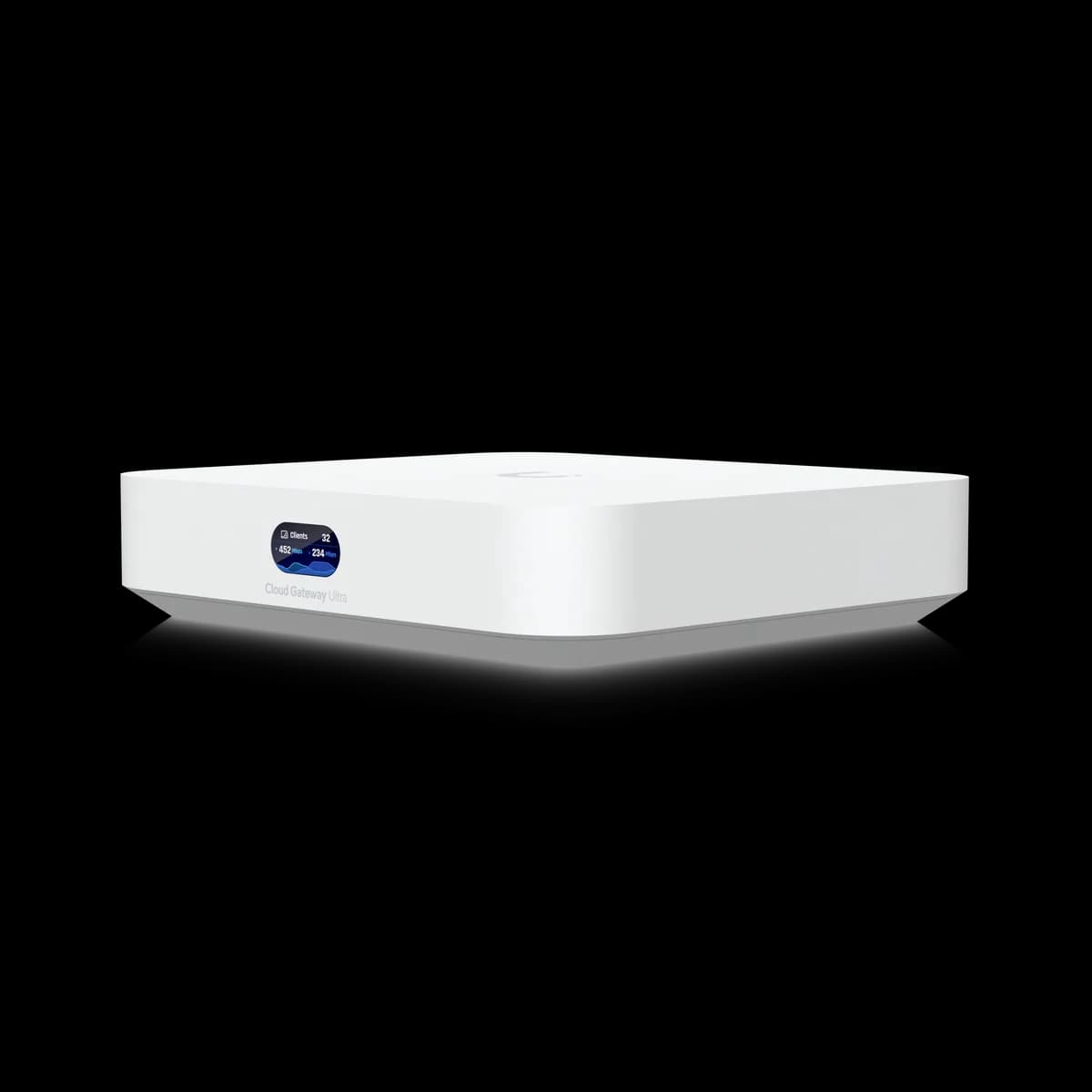
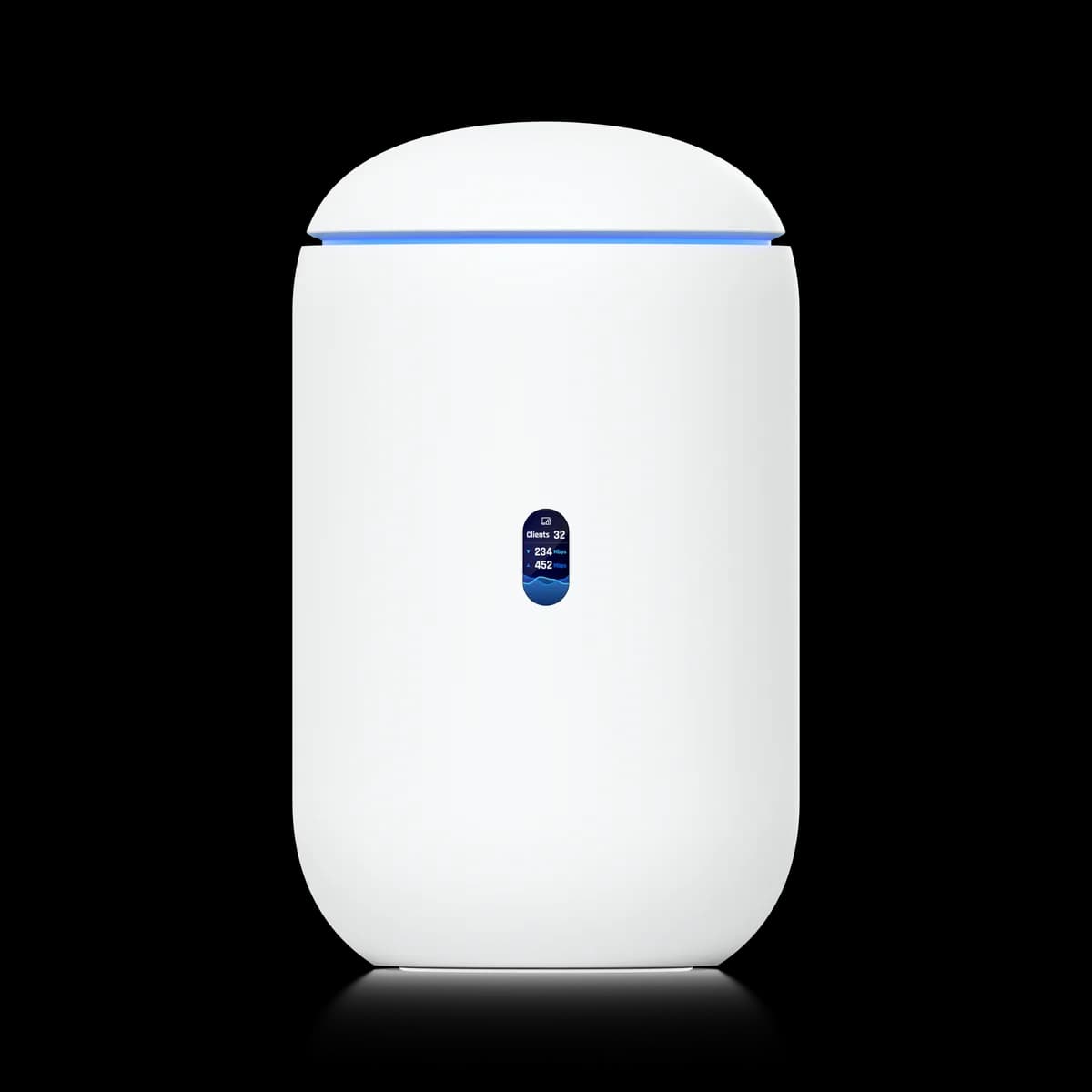
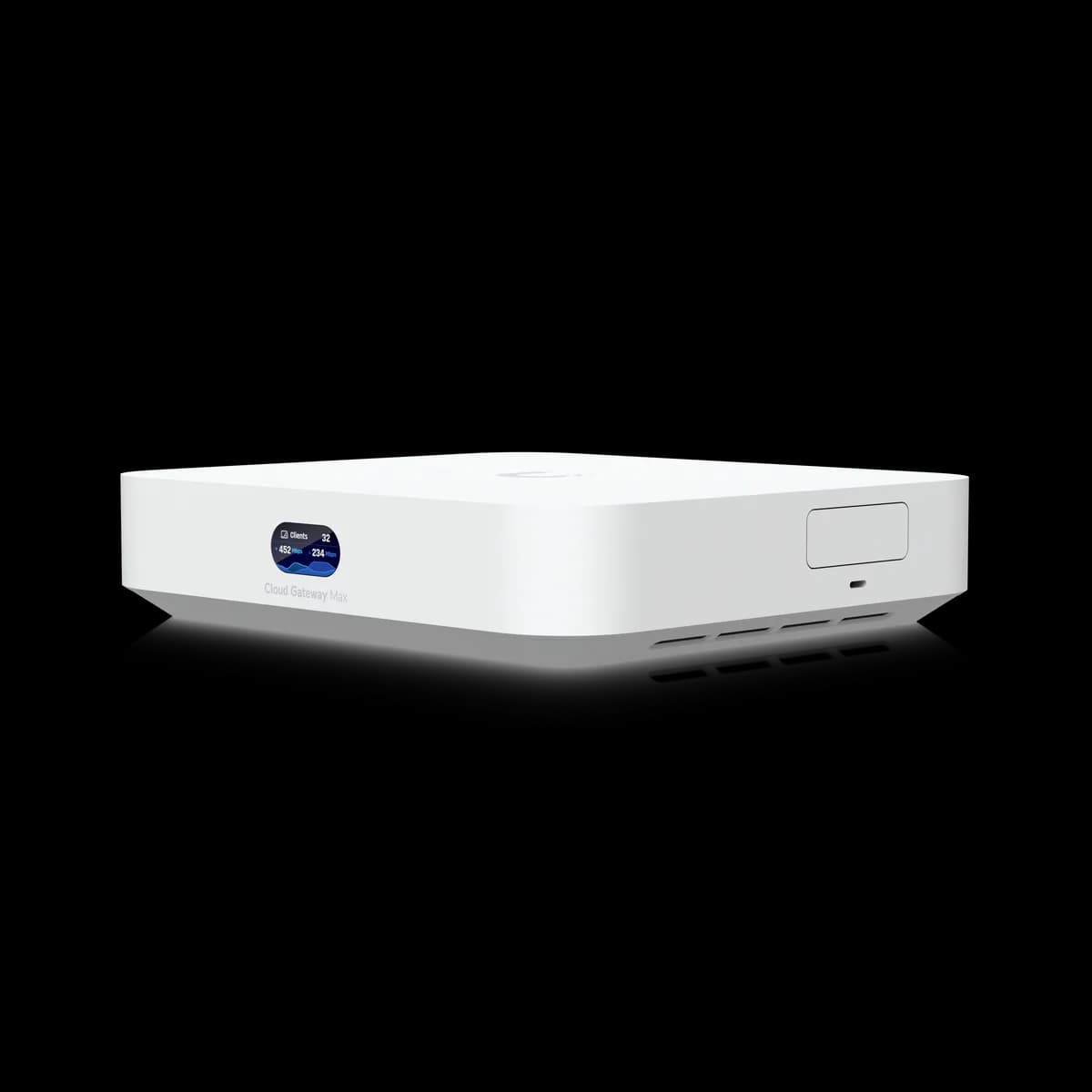
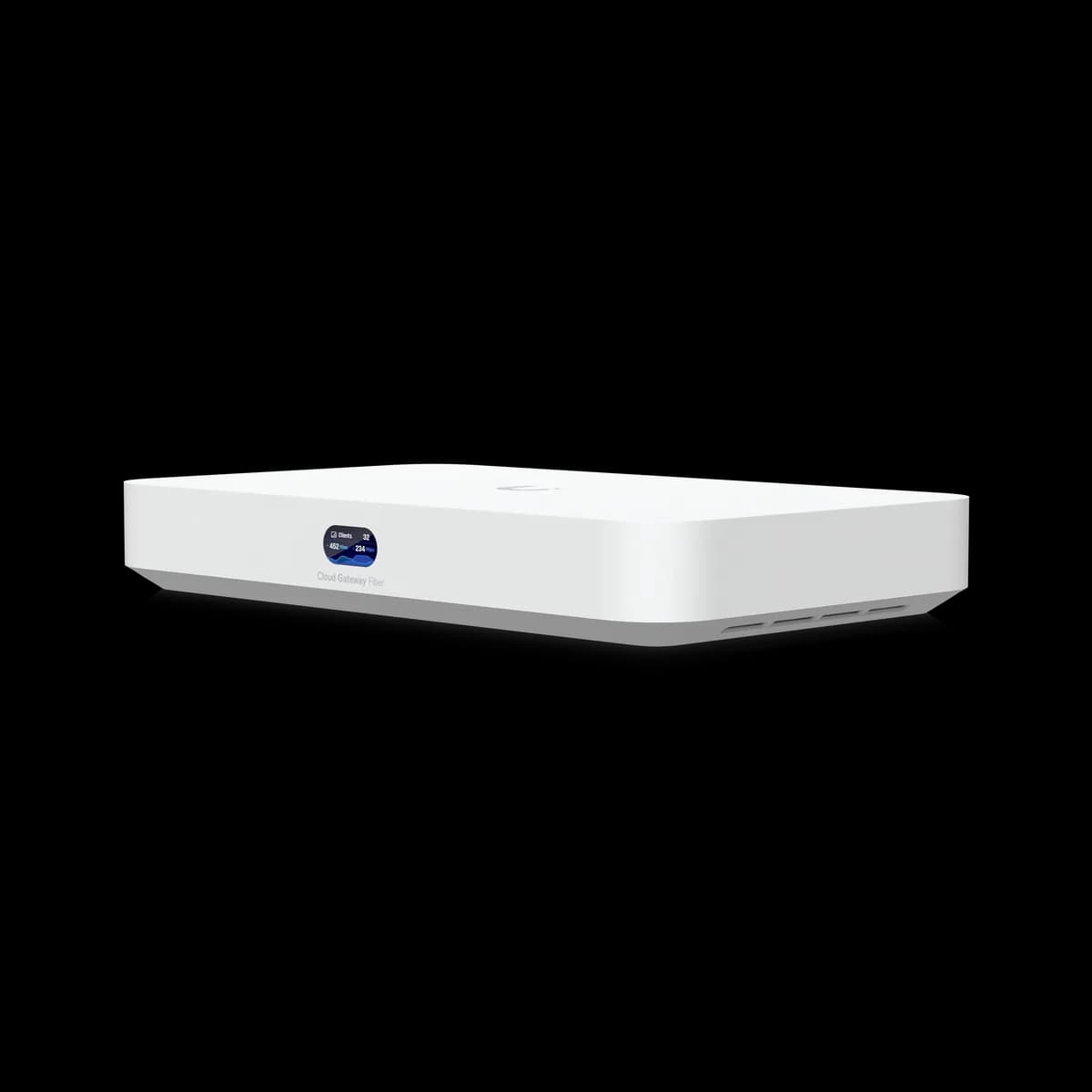
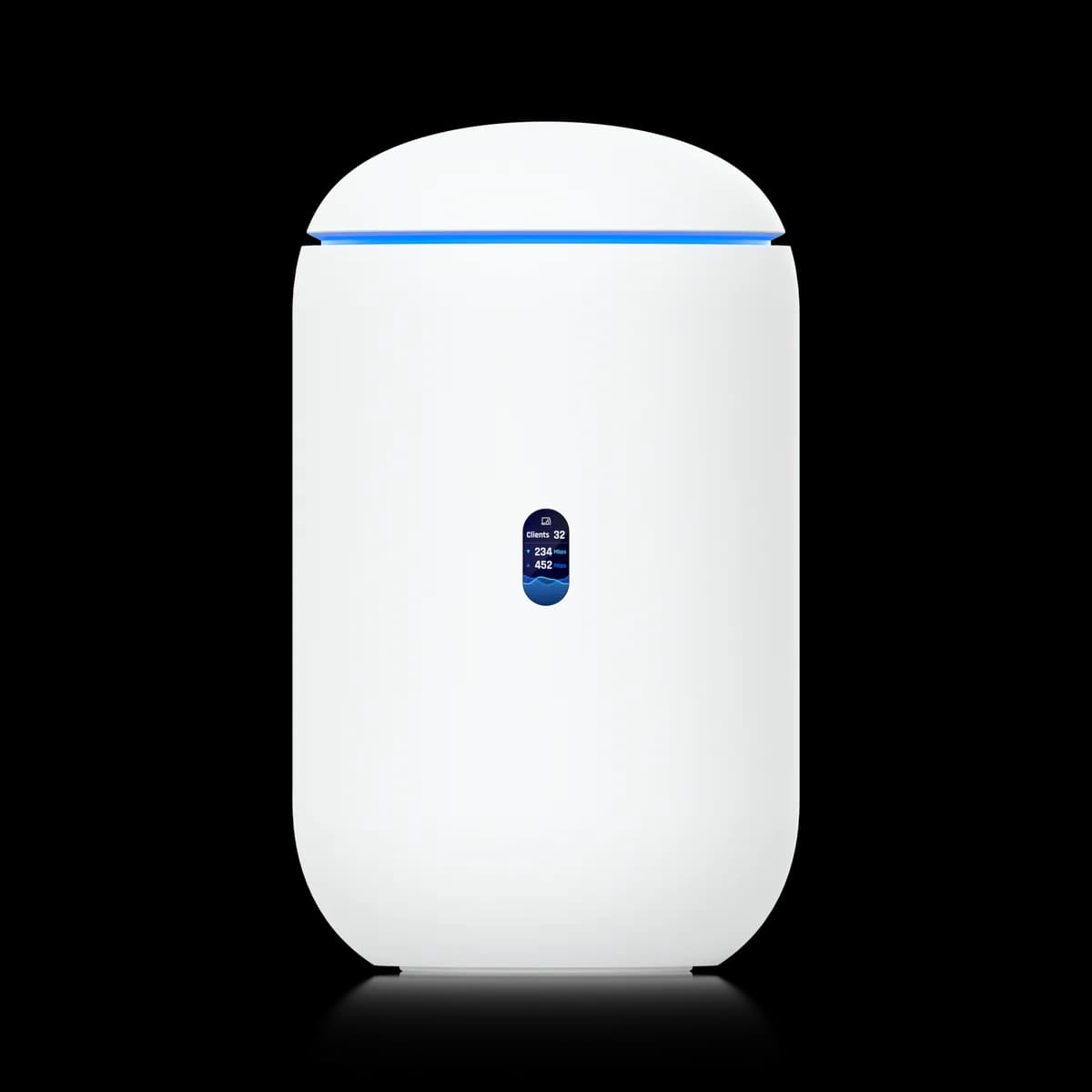
This guide covers the eight gateways the site tracks, all of them cloud gateways or Dream Machines. The UniFi Express models, the Dream Wall, the Cloud Gateway Industrial, the Dream Router 5G Max, the Dream Machine Beast, and the Enterprise Firewall units sit outside it, as do the discontinued USG models.
Some of these eight also record cameras and serve Wi-Fi, which is why the set is harder to read than a price list suggests. A gateway is one device doing between two and five jobs, and the right one is the cheapest that does the jobs your site actually needs.