Comparison

UniFi Cloud Gateway Fiber vs UDM-Pro

The $279 Cloud Gateway Fiber inspects faster than the $379 UDM-Pro and adds PoE. The UDM-Pro answers with twice the device rating, a drive bay, and a rack.

Should I buy the UniFi Cloud Gateway Fiber or the UDM-Pro?

The cheaper unit is the faster router. The Cloud Gateway Fiber ($279) rates 5 Gbps of IDS/IPS against the UDM-Pro's 3.5 Gbps, adds a 30 W PoE budget, and takes an NVMe SSD for Protect, all from a fanless desktop box. The UDM-Pro ($379) is rated for twice the scale — 100+ UniFi devices and 1,000+ users against 50+ and 500+ — carries a 3.5-inch drive bay and nine gigabit ports, and racks in 1U. Buy the Fiber for a fast line at a small site. Buy the UDM-Pro when the device count or the rack decides it.

Spec Comparison

SpecUniFi Cloud Gateway FiberUniFi Dream Machine Pro
ProcessorQuad-core ARM Cortex-A73 @ 2.2 GHzQuad-core ARM Cortex-A57 @ 1.7 GHz
System Memory3 GB4 GB
Protect StorageSelectable NVMe SSD up to 2 TB(1) 3.5" HDD bay
WAN Port(1) 10G SFP+ + (1) 10 GbE RJ45 (default)(1) 10G SFP+ + (1) GbE RJ45 (default WAN)
LAN Ports(4) 2.5 GbE RJ45 + (1) 10 GbE RJ45 + (2) 10G SFP+ total(9) GbE RJ45 + (2) 10G SFP+ total, one of each used as WAN
PoE Output30 W total budget
IDS/IPS Throughput5 Gbps3.5 Gbps
Form FactorCompact desktopRackmount (1U)
Max UniFi Devices50+100+
Max Clients500+1,000+
Protect Cameras(15) HD, (8) 2K, (5) 4K(24) HD, (14) 2K, (8) 4K
Dimensions212.8 × 127.6 × 30 mm442.4 × 43.7 × 285.6 mm
Weight675 g (734 g with SSD)3.9 kg
Operating Temp0 to 40 °C-10 to 40 °C
Max Power Draw29.4 W (excl. PoE output)33 W
On-Board Storage16 GB

Pricing & Positioning

Is the cheaper one faster? At inspection, yes. The Cloud Gateway Fiber at $279 rates 5 Gbps of IDS/IPS against the UDM-Pro's 3.5 Gbps at $379, on a newer A73 processor against the UDM-Pro's A57. (Cloud Gateway Fiber specs)

Price and capability do not line up in the usual direction here, because these two are separated by age and form factor rather than by tier: the UDM-Pro is the older rack workhorse, and the Fiber is a recent desktop unit built around multi-gig service.

So the comparison is worth making carefully. The cheaper box wins on routing speed and PoE, the dearer one on scale and expansion, and the answer depends on which of those a site runs out of first. How to choose a UniFi gateway places all eight side by side.

Inspection & the WAN Side

Which handles a fast line better? The Cloud Gateway Fiber. It inspects at 5 Gbps, and its WAN side is a 10 GbE RJ45 plus two 10G SFP+. The UDM-Pro inspects at 3.5 Gbps behind a gigabit copper WAN and two 10G SFP+. (Cloud Gateway Fiber specs)

For a multi-gig service on copper the gap is decisive, since the Fiber takes a 10 GbE handoff directly and the UDM-Pro's RJ45 WAN tops out at a gigabit. On the older unit that service has to arrive on fibre into SFP+ instead.

With inspection switched on the Fiber keeps 1.5 Gbps more headroom, so on a 2 Gbps line neither is stressed, and above 3.5 Gbps only one of them is still inspecting everything that passes.

Ubiquiti rates the UDM-Pro's processor at 1.7 GHz across four A57 cores and the Fiber's at 2.2 GHz across four A73 cores. UniFi uplinks and aggregation works through the SFP+ side on both.

Scale: 50+ Devices or 100+

Which manages more? The UDM-Pro, by double on every capacity row. Ubiquiti rates it for 100+ UniFi devices and 1,000+ simultaneous users, against 50+ and 500+ for the Cloud Gateway Fiber, and the camera ratings follow the same pattern at 24 HD against 15 HD. (UDM-Pro specs)

This is the row that sends larger sites to the rack regardless of routing speed. Fifty UniFi devices is a generous allowance for a home and a real constraint for a business with switches, access points and a camera fleet.

The pattern is worth naming plainly: the Fiber routes faster, the UDM-Pro manages more. A site that outgrows the Fiber's device rating does not fix it by buying a faster line.

Protect Storage & PoE

How does each record? The Cloud Gateway Fiber takes a selectable NVMe SSD up to 2 TB and is rated for 15 HD cameras. The UDM-Pro takes a 3.5-inch drive and is rated for 24 HD. Only the Fiber supplies PoE, at 30 W. (Cloud Gateway Fiber specs)

A 3.5-inch bay accepts far more capacity per pound than NVMe, which matters when retention is measured in weeks rather than days. Protect storage sizing turns a camera count and a window into a disk size.

PoE runs the other way. The Fiber's 30 W powers one camera or one access point, and the UDM-Pro powers nothing at all, so a camera behind it means a PoE switch from the start.

Neither budget covers a real camera fleet, so at any scale both end up behind a PoE switch. The Fiber's advantage is the single-device install where that switch is the only thing standing between a camera and a working system.

Desk or Rack

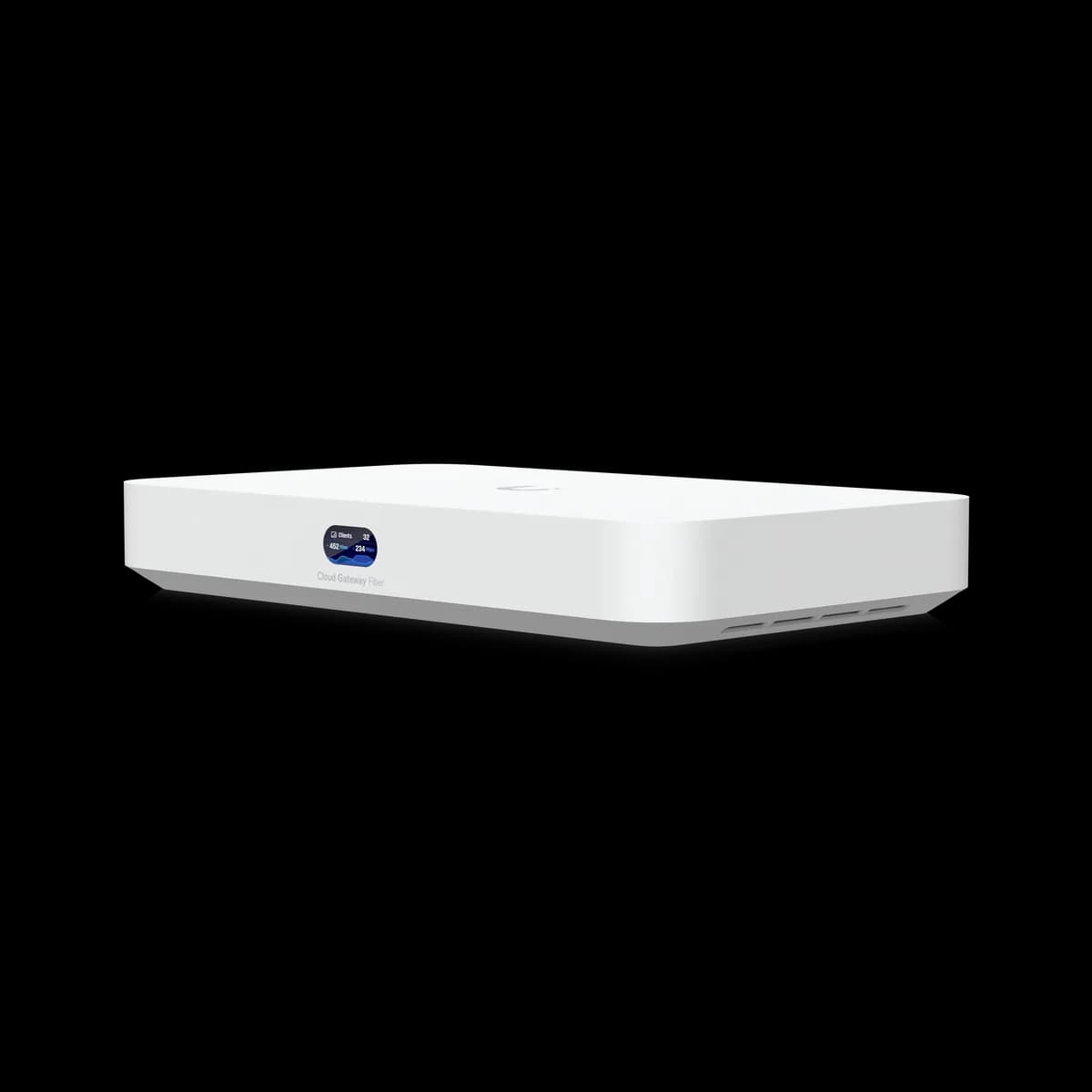
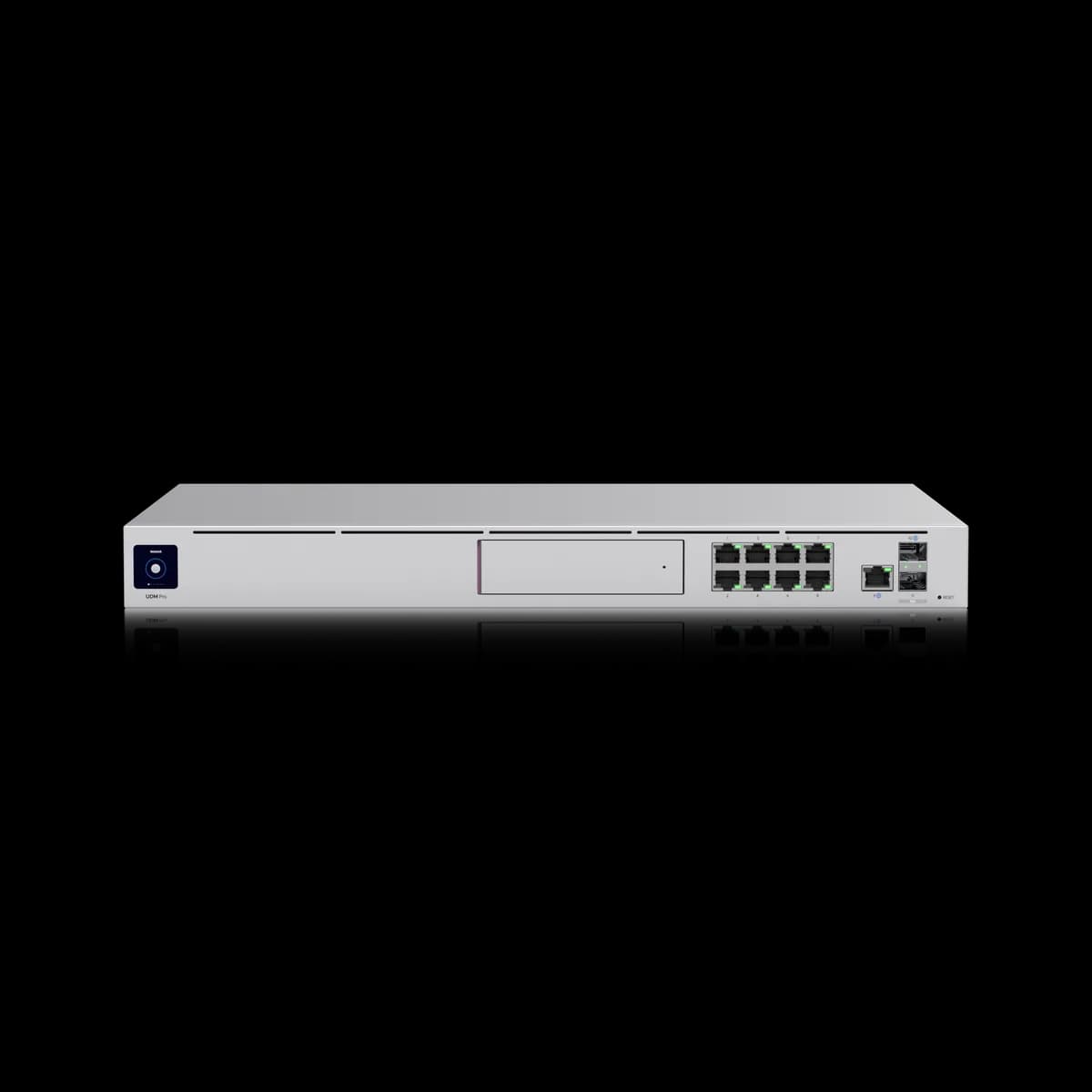
Does the UDM-Pro need a rack? It is built for one: a 1U unit at 442.4 × 43.7 × 285.6 mm weighing 3.9 kg, with an active fan. The Cloud Gateway Fiber is a fanless desktop box at 212.8 × 127.6 × 30 mm and 675 g, which can sit in a room people use. (UDM-Pro specs)

Form factor decides more purchases than the spec sheet suggests, because a silent desktop unit fits a living room or an office shelf, where a fanned rack appliance needs somewhere its noise does not matter.

Ports follow the same split. The UDM-Pro's nine gigabit ports make it a small switch as well as a gateway, while the Fiber's four 2.5 GbE ports are faster individually and fewer overall.

The Fiber is also rated from 0 °C where the UDM-Pro starts at -10 °C, which only matters in an unheated space.

Who Should Buy Which

Price does not track capability here, so decide on scale and shape rather than the number on the box.

Buy the Cloud Gateway Fiber if:

  • Your line is multi-gig, especially on copper. 10 GbE RJ45 and 5 Gbps of inspection, for $100 less.
  • There is no rack. Fanless, 675 g, and it sits on a shelf.
  • One device needs power. 30 W of PoE against none.

Buy the UDM-Pro if:

  • The site runs more than 50 UniFi devices. Its rating is 100+, and that is the Fiber's hard limit.
  • Retention matters. A 3.5-inch bay holds far more footage than NVMe, at 24 HD cameras against 15.
  • You have a rack and ports to fill. Nine gigabit ports make it a switch as well as a gateway.

If PoE for a fleet is the real requirement, UDM-Pro vs UDM-SE covers the 180 W rack unit, and Cloud Gateway Max vs Cloud Gateway Fiber is the desktop pairing at the same $279.

Frequently Asked Questions

At traffic inspection, yes. The Cloud Gateway Fiber rates 5 Gbps of IDS/IPS against the UDM-Pro's 3.5 Gbps, from a quad-core A73 at 2.2 GHz against a quad-core A57 at 1.7 GHz, and it costs $100 less. The UDM-Pro is rated to manage twice as many UniFi devices.

The Cloud Gateway Fiber. Its default WAN ports are a 10 GbE RJ45 and a 10G SFP+, so a multi-gig copper handoff plugs in directly. The UDM-Pro's copper WAN is gigabit, so a fast line has to arrive on fibre into one of its SFP+ ports.

No. Ubiquiti publishes no PoE output for the UDM-Pro. The Cloud Gateway Fiber provides a 30 W budget, enough for a single camera or access point. For a fleet of powered devices, both need a PoE switch, or the 180 W Dream Machine SE.

Ubiquiti rates the UDM-Pro for 100+ UniFi devices and 1,000+ simultaneous users, and the Cloud Gateway Fiber for 50+ and 500+. Camera ratings follow the same split, at 24 HD against 15 HD.

The UDM-Pro, for retention. Its 3.5-inch drive bay takes far more capacity than the Cloud Gateway Fiber's NVMe slot, and it is rated for 24 HD cameras against 15. Both need a drive purchased separately.