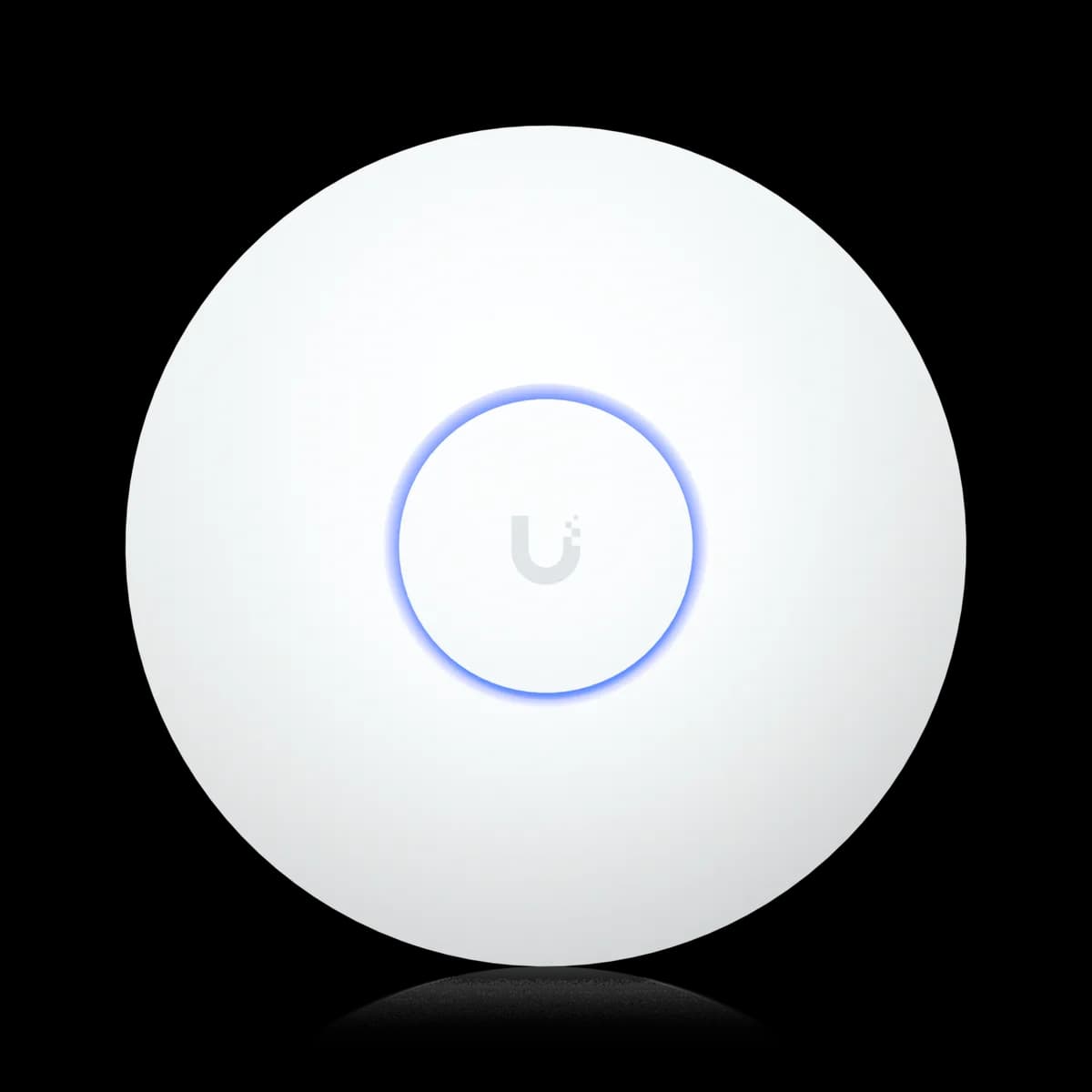
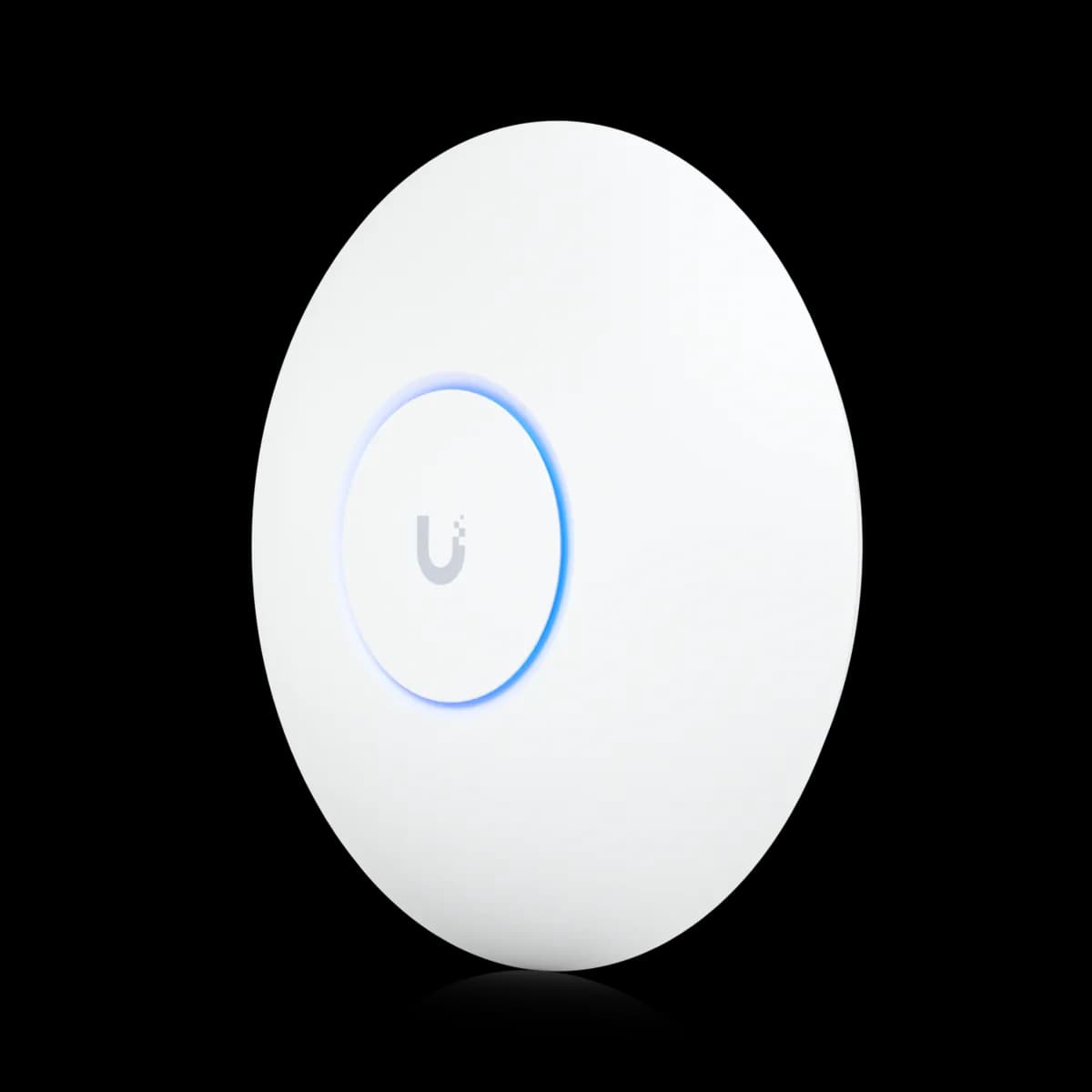
Comparison

UniFi U7 Long-Range vs U7 Pro: Reach or 6 GHz

The $159 U7 Long-Range (dual-band, 3×3 on 5 GHz, 160 m², 802.3af) against the $189 U7 Pro (tri-band with 6 GHz, 140 m², PoE+): which Wi-Fi 7 AP to buy.

Should I buy the UniFi U7 Long-Range or the U7 Pro?

The U7 Long-Range ($159) and U7 Pro ($189) are both Wi-Fi 7 with a 2.5 GbE uplink and a 300+ client rating, but they solve different problems. The Long-Range is dual-band with a 3×3 5 GHz radio, 160 m² of rated coverage, and standard 802.3af PoE at 14 W. The U7 Pro is tri-band, adding a 6 GHz radio at 5.8 Gbps (BW320), with 140 m² and a PoE+ requirement at 21 W. Buy the U7 Pro if you have Wi-Fi 6E or Wi-Fi 7 clients and a PoE+ switch. Buy the U7 Long-Range if one AP must cover a large area or your switch is 802.3af only.

Spec Comparison

SpecUniFi U7 Long-RangeUniFi U7 Pro
Wi-Fi StandardWi-Fi 7 (802.11be)Wi-Fi 7 (802.11be)
BandsDual-band (2.4 + 5 GHz)Tri-band (2.4 + 5 + 6 GHz)
5 GHz Rate4.3 Gbps (BW160)4.3 Gbps (BW240)
2.4 GHz Rate688 Mbps (BW40)688 Mbps (BW40)
Spatial Streams56
5 GHz MIMO3×32×2
Uplink Port(1) 2.5 GbE RJ45(1) 1/2.5 GbE RJ45
Power MethodPoEPoE+
Max Power Draw14 W21 W
Max Clients300+300+
Coverage Area160 m² (1,750 ft²)140 m² (1,500 ft²)
Dimensions⌀175.7 × 43 mm⌀206 × 46 mm
Weight448 g680 g
Max TX Power5 GHz 27 dBm · 2.4 GHz 26 dBm6 GHz 23 dBm · 5 GHz 26 dBm · 2.4 GHz 23 dBm
5 GHz Antenna Gain6 dBi6 dBi
Operating Temp-30 to 50 °C (-22 to 122 °F)-30 to 40 °C (-22 to 104 °F)
6 GHz Rate5.8 Gbps (BW320)
6 GHz Antenna Gain5.8 dBi

Pricing & Positioning

What does the $30 buy? The U7 Long-Range lists at $159, the U7 Pro at $189. The extra $30 buys a 6 GHz radio (5.8 Gbps, BW320) and 240 MHz channels on 5 GHz. It costs you the Long-Range's 3×3 5 GHz radio, 20 m² of rated coverage, and the ability to run on 802.3af PoE. (U7 Pro specs)

Thirty dollars separates these two, and they answer different questions rather than different budgets: one is built for a dense room, the other for a large one. The U7 Pro, launched in January 2024, is the tri-band mainstream pick. The U7 Long-Range, a 2025 addition, is the dual-band coverage pick, sitting at the price the Wi-Fi 6 U6 Pro used to occupy.

A $30 gap means the decision is about fit, not money. If your clients are Wi-Fi 6E or 7 and the space is a dense apartment or office, the 6 GHz band is worth far more than $30. If the space is a large house with one wired drop and mostly older devices, the Long-Range's reach and 802.3af flexibility are worth more. The Access Points hub lists both with the rest of the range, and how to choose a UniFi access point maps the ladder above and below them.

Bands & Radios: 3×3 Dual-Band vs 2×2 Tri-Band

Which has more radio? Different kinds. The U7 Long-Range is dual-band: 3×3 on 5 GHz at 4.3 Gbps (BW160) plus 2×2 on 2.4 GHz — five streams, no 6 GHz. The U7 Pro is tri-band: 2×2 on 2.4, 5, and 6 GHz — six streams, with 6 GHz at 5.8 Gbps (BW320). (U7 Long-Range specs)

The U7 Pro's sixth stream lives on a band the Long-Range does not have. Take 6 GHz away and the U7 Pro is a 2×2 dual-band AP. The U7 Long-Range is 3×3 on 5 GHz, which means more streams on the band every client, old or new, uses today. Both carry a 300+ client rating despite the stream difference. The Long-Range spends its streams where most clients are, while the Pro spends one pair on a band only Wi-Fi 6E and Wi-Fi 7 devices reach.

Whether that band is empty or busy is the whole question. A household of Wi-Fi 7 phones and laptops will fill the Pro's 6 GHz radio and enjoy 320 MHz channels with no legacy neighbors. The same devices on the Long-Range share 5 GHz with everything else, though they still get Wi-Fi 7 features there. Wi-Fi 7 and MLO explained covers what multi-link operation does for latency. Older clients see the Long-Range's 3×3 radio as the stronger of the two.

Coverage & Transmit Power

Which reaches further? The U7 Long-Range: 160 m² (1,750 ft²) against the U7 Pro's 140 m² (1,500 ft²), with 27 dBm of 5 GHz transmit power and a 6 dBi antenna. The Pro's 6 GHz band, when in use, fades faster through walls than 5 GHz, so its reach favors open rooms. (U7 Long-Range specs)

Reach is what the Long-Range is named for. It transmits at 27 dBm on 5 GHz against the Pro's 26 dBm, and at 26 dBm on 2.4 GHz against 23 dBm, where three decibels is a doubling of power. The third 5 GHz stream also gives beamforming another antenna to steer with. Both help the U7 Long-Range hold a usable link further from the ceiling than a 2×2 radio. For one AP covering a whole floor, that margin is the product.

The U7 Pro is not weak — 140 m² is the same rating as the Wi-Fi 6 U6 Pro — but its headline band works against distance. 6 GHz carries less far and through fewer walls than 5 GHz, which is why the Pro rewards a dense, open space rather than a sprawling one. In a large home the better tri-band answer is often two Pros, or a Pro plus a U7 Lite fill-in, rather than one Long-Range; Wi-Fi roaming in UniFi walks through how clients move between them.

What powers each? The U7 Long-Range draws up to 14 W on standard 802.3af PoE; the U7 Pro draws up to 21 W and needs 802.3at (PoE+). An 802.3af-only switch or injector runs the Long-Range and leaves the Pro dark. Both uplink over 2.5 GbE. (U7 Pro specs)

Power decides this pairing for anyone on an older switch. The U7 Pro's PoE+ requirement is met by most current UniFi PoE switches, but not by an entry-level 802.3af unit or a basic injector; the U7 Long-Range runs from either. If several APs are going in, PoE budget planning shows how 14 W and 21 W draws add up against a switch's total.

The uplink is a tie, with one 2.5 GbE port on each, and the Pro's negotiates 1 or 2.5 GbE. It only becomes real throughput behind a multi-gig switch port, such as one on the USW Flex 2.5G 8 PoE. On a gigabit port both are wire-limited alike, and how to choose a UniFi switch covers when the step to 2.5 GbE ports pays off.

Which Room Is Which

Which room is which? A large house or long floor with one wired drop is a U7 Long-Range room — 160 m², 3×3 on 5 GHz, 802.3af. A dense apartment, office, or Wi-Fi 7 household where 5 GHz is congested is a U7 Pro room — its 6 GHz radio moves new clients onto clean spectrum. (U7 Long-Range specs)

Think in rooms rather than specs. The Long-Range's strengths — reach, a wide 5 GHz radio, a loose power requirement — all point at a space that is big, wired once, and full of ordinary devices. The Pro's strengths — a 6 GHz band and 320 MHz channels — point at a space that is crowded on the air, wired to a PoE+ switch, and moving to Wi-Fi 7 clients. Very few homes are both at once.

If you want the Pro's 6 GHz band and the Long-Range's reach in one unit, that is the U7 Pro Max: 4×4 on 5 GHz, a 6 GHz radio, 160 m², and a 500+ client rating for $279 on PoE+. U7 Pro vs U7 Pro Max sets out that trade. And if the budget end is the question, U7 Lite vs U7 Long-Range puts the Long-Range against the $99 dual-band model.

Who Should Buy Which

With $30 between them, this is a fit decision. Ask two questions: do you have Wi-Fi 7 clients that would use 6 GHz, and does your switch supply PoE+? Two yeses and a dense space is the U7 Pro; anything else, or a large area to cover from one ceiling, is the U7 Long-Range.

Buy the U7 Pro if:

  • You own or are buying Wi-Fi 6E or Wi-Fi 7 clients. The 6 GHz radio (5.8 Gbps, BW320) is the one thing the Long-Range cannot offer them.
  • 5 GHz is congested where you live. Moving Wi-Fi 7 devices to 6 GHz frees airtime for everyone else.
  • Your switch delivers PoE+ (802.3at). The 21 W draw needs it.
  • The space is compact and dense. 140 m² is plenty for an apartment or a small office, and 6 GHz favors open rooms.

Buy the U7 Long-Range if:

  • One AP must cover a large area. 160 m², 27 dBm on 5 GHz, and a 3×3 radio are built for that.
  • Your switch is 802.3af only. The 14 W draw runs without an injector or upgrade.
  • Your clients are mostly Wi-Fi 6 or older. They see the Long-Range's 3×3 5 GHz radio as the stronger AP.
  • The ceiling runs hot. Its 50 °C rating gives margin the Pro's 40 °C does not.

Weighing the whole range? Start with how to choose a UniFi access point, see the 10 GbE variant in U7 Pro vs U7 Pro XG, or browse the Access Points hub.

Frequently Asked Questions

For coverage, yes: the U7 Long-Range is rated for 160 m² against the U7 Pro's 140 m², transmits at 27 dBm on 5 GHz, and has a 3×3 5 GHz radio, all on standard 802.3af PoE. For Wi-Fi 7 clients, no: the U7 Pro's 6 GHz radio (5.8 Gbps, BW320) is a band the Long-Range does not have. Both are Wi-Fi 7 with a 2.5 GbE uplink and a 300+ client rating.

No. Ubiquiti's specifications list the U7 Long-Range as dual-band Wi-Fi 7 — 2.4 GHz and 5 GHz only — regardless of how some retailer listings describe it. The U7 Pro, U7 Pro XG, U7 Pro Max, and U7 Pro XGS are the tri-band models with a 6 GHz radio.

The U7 Pro. It draws up to 21 W and requires 802.3at (PoE+). The U7 Long-Range draws up to 14 W and runs on standard 802.3af PoE, so it works from any 802.3af port — every current UniFi PoE switch or a standard 802.3af injector. Both have a 2.5 GbE uplink.

On 5 GHz both list 4.3 Gbps — the Long-Range with three streams on 160 MHz channels, the Pro with two streams on 240 MHz channels — and both list 688 Mbps on 2.4 GHz. The U7 Pro is faster only for Wi-Fi 7 clients on its 6 GHz radio (5.8 Gbps, BW320) or bonding bands with multi-link operation. For older clients the Long-Range's 3×3 radio is the stronger link.

Yes. Both are managed in UniFi Network under one controller with shared SSIDs and roaming under one SSID. A sensible split is a U7 Pro in the dense, central space where Wi-Fi 7 clients gather and a U7 Long-Range covering the larger, sparser wing from a single drop.