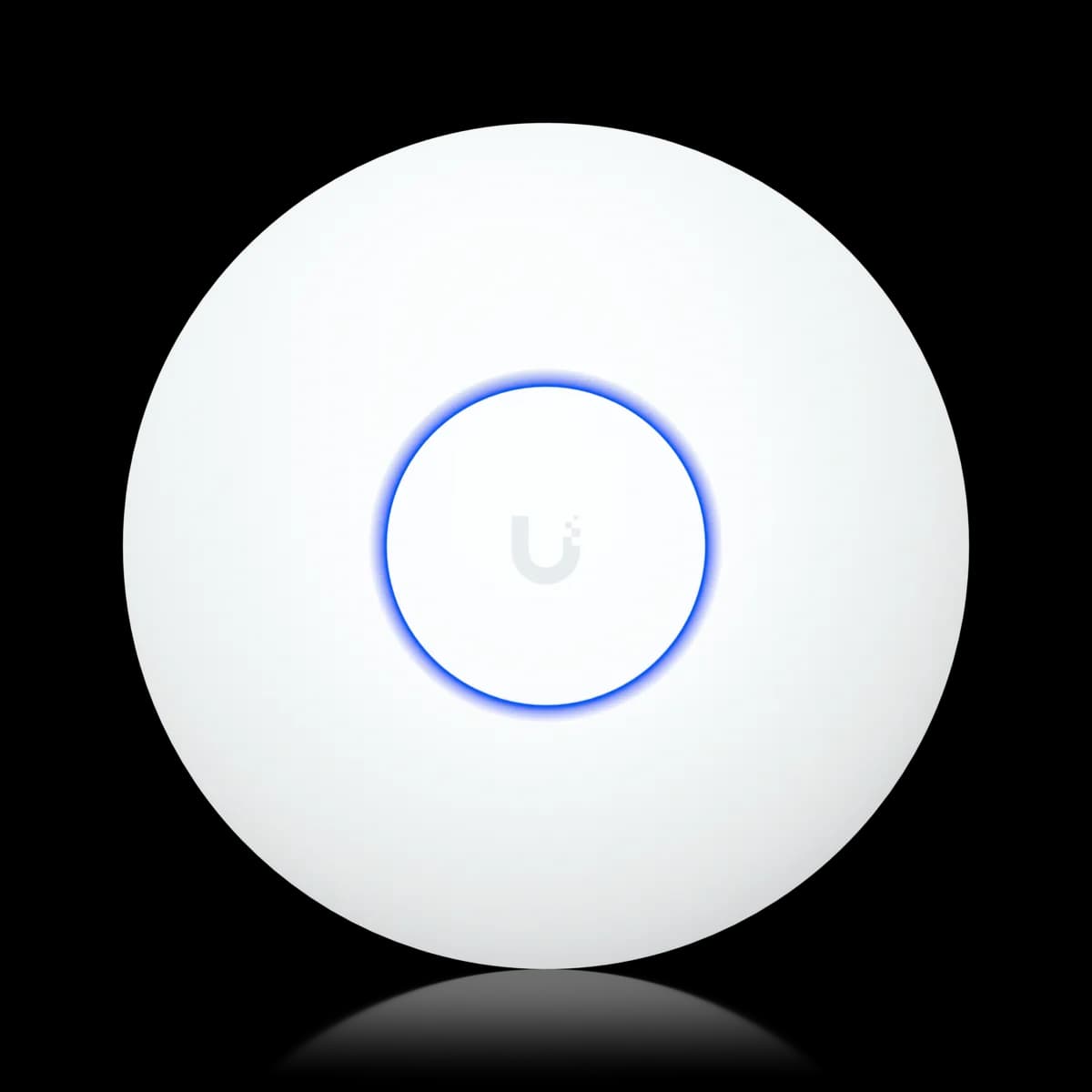
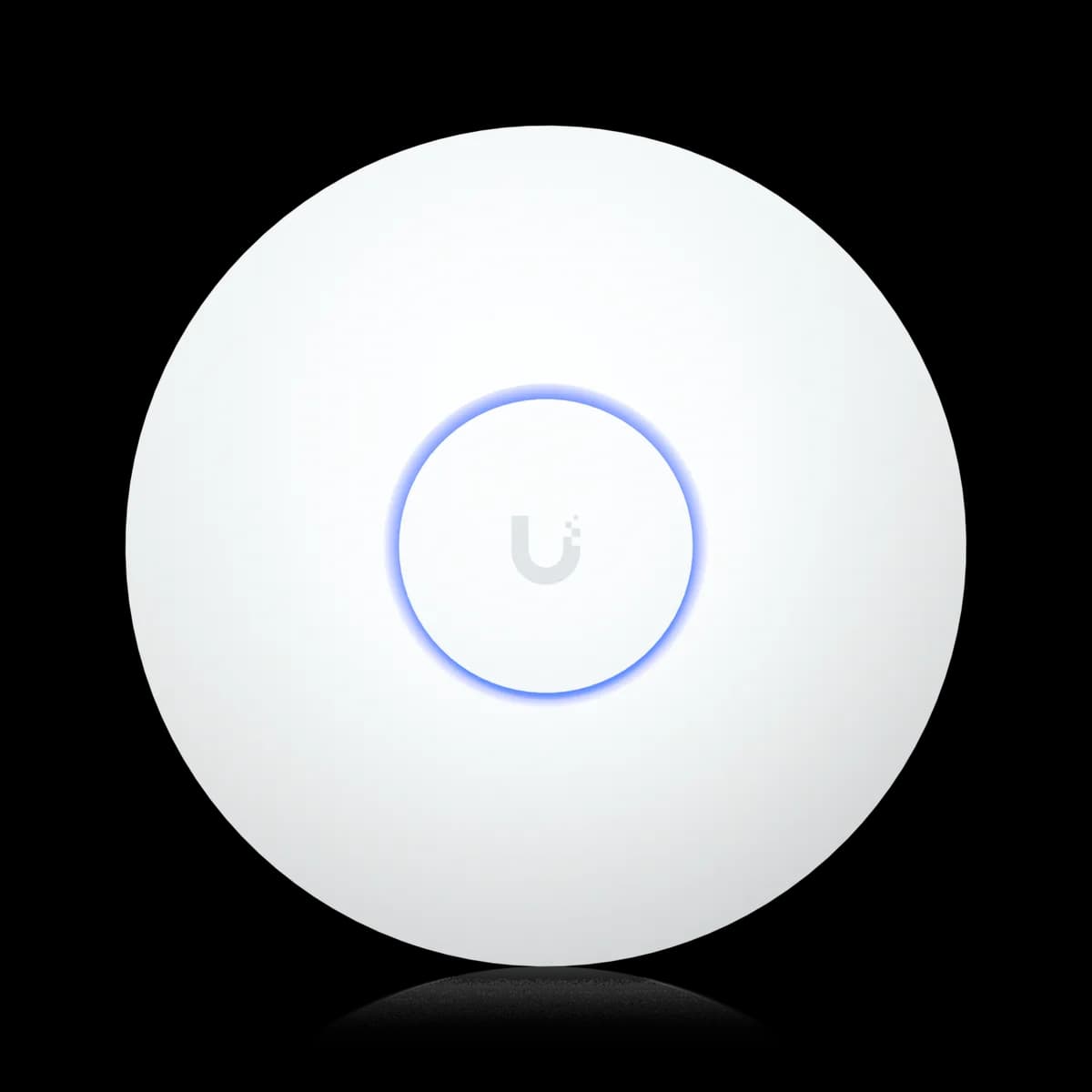
Comparison

UniFi U7 Lite vs U7 Long-Range: Reach or Cost

Two dual-band Wi-Fi 7 APs on 802.3af PoE: the $99 U7 Lite (2×2, 115 m²) against the $159 U7 Long-Range (3×3 on 5 GHz, 160 m², 300+ clients). Which to buy.

Should I buy the UniFi U7 Lite or the U7 Long-Range?

Both are dual-band Wi-Fi 7 APs with no 6 GHz radio, a 2.5 GbE uplink, and standard 802.3af PoE, so the $60 between the U7 Lite ($99) and the U7 Long-Range ($159) buys reach. The Long-Range adds a 3×3 5 GHz radio, 160 m² of rated coverage against 115 m², a 300+ client rating against 200+, and 3 dB more transmit power on both bands. Buy the U7 Long-Range when one AP has to cover a whole floor or a large open room. Buy the U7 Lite when the room is small, the budget is tight, or you are placing several APs.

Spec Comparison

SpecUniFi U7 LiteUniFi U7 Long-Range
Wi-Fi StandardWi-Fi 7 (802.11be)Wi-Fi 7 (802.11be)
BandsDual-band (2.4 + 5 GHz)Dual-band (2.4 + 5 GHz)
5 GHz Rate4.3 Gbps (BW240)4.3 Gbps (BW160)
2.4 GHz Rate688 Mbps (BW40)688 Mbps (BW40)
Spatial Streams45
5 GHz MIMO2×23×3
Uplink Port(1) 2.5 GbE RJ45(1) 2.5 GbE RJ45
Power MethodPoEPoE
Max Power Draw13 W14 W
Max Clients200+300+
Coverage Area115 m² (1,250 ft²)160 m² (1,750 ft²)
Dimensions⌀171.5 × 33 mm⌀175.7 × 43 mm
Weight313 g448 g
Max TX Power5 GHz 24 dBm · 2.4 GHz 23 dBm5 GHz 27 dBm · 2.4 GHz 26 dBm
5 GHz Antenna Gain5 dBi6 dBi
Operating Temp-30 to 40 °C (-22 to 104 °F)-30 to 50 °C (-22 to 122 °F)

Pricing & Positioning

What does $60 buy? The U7 Lite lists at $99, the U7 Long-Range at $159. The money buys a 3×3 5 GHz radio (five streams against four), 160 m² (1,750 ft²) of rated coverage against 115 m², a 300+ client rating against 200+, and higher transmit power. Both are dual-band Wi-Fi 7 on 802.3af PoE. (U7 Long-Range specs)

Two of the nine ceiling APs this site tracks are Wi-Fi 7 without a 6 GHz radio, and this is the pair. The U7 Lite arrived in February 2025 as the $99 entry point. The U7 Long-Range was on the US store by May 2025 at $159 as the coverage-first option, matching the price of the Wi-Fi 6 U6 Pro.

Because they share a generation, a band count, a power class, and an uplink, this is a pure reach-versus-price decision. Nothing about the Long-Range is a different technology; it is the same dual-band Wi-Fi 7 in a bigger radio and housing. The Access Points hub shows the two beside the tri-band Pro models, and how to choose a UniFi access point sets out where the 6 GHz band starts to matter.

Radios & Streams: 2×2 vs 3×3

Which radio is bigger? The U7 Long-Range runs 3×3 on 5 GHz and 2×2 on 2.4 GHz — five streams. The U7 Lite is 2×2 on both — four. Both list 4.3 Gbps on 5 GHz: the Lite via 240 MHz channels, the Long-Range via 160 MHz channels plus a third stream. 2.4 GHz is 688 Mbps on each. (U7 Lite specs)

The identical 4.3 Gbps headline hides the more useful difference. The U7 Lite gets there with two streams on a 240 MHz channel. That width needs DFS spectrum and a client that can use it on 5 GHz, which few phones can. The U7 Long-Range gets there with three streams on a 160 MHz channel, which is a width Wi-Fi 6 clients also use and one that is far easier to find clear.

In practice the third stream is what you pay for. It lets the Long-Range serve more clients concurrently through MU-MIMO and gives it a third 5 GHz antenna. Ubiquiti rates it for 160 m² and 300+ clients, against 115 m² and 200+ on the Lite. A single two-stream phone or laptop sees a similar link to either AP; a room full of them sees the Long-Range keep airtime moving. Neither AP has a 6 GHz radio, so the Wi-Fi 7 features on offer are the same on both. Multi-link operation pairs 2.4 and 5 GHz here, and Wi-Fi 7 and MLO explained sets out why that buys lower latency rather than a bigger speed test.

Coverage, Transmit Power & Clients

How much more reach? The U7 Long-Range is rated for 160 m² (1,750 ft²) against the U7 Lite's 115 m² (1,250 ft²) — about 40 percent more from one ceiling. It transmits at up to 27 dBm on 5 GHz against the Lite's 24 dBm, and is rated for 300+ clients against 200+. (U7 Long-Range specs)

Coverage is the Long-Range's reason to exist, and the numbers back the name. The Long-Range transmits three decibels hotter on 5 GHz, carries a 6 dBi 5 GHz antenna against 5 dBi, and adds a third stream. Ubiquiti rates it for 160 m² against the Lite's 115 m², the same figure it gives the U7 Pro Max and U7 Pro XGS. For a single-AP home or a long, open floor, that margin is the difference between one unit and two.

The U7 Lite answers the same problem differently: at $99 on any 802.3af port, two Lites cost $198 and cover two rooms from inside them, which beats one Long-Range reaching through walls. Ratings are open-space figures; a second AP placed well outperforms a stronger AP placed badly, and Wi-Fi roaming in UniFi covers how clients hand off between them. Where a wired run to a second location is impossible, the Long-Range is the better single unit.

What powers them? Standard 802.3af PoE on both — the U7 Lite draws up to 13 W, the U7 Long-Range up to 14 W. Neither needs PoE+. Both uplink over a single 2.5 GbE port. The Long-Range is the larger unit: ⌀175.7 × 43 mm, 448 g against ⌀171.5 × 33 mm, 313 g. (U7 Long-Range specs)

Power and uplink are ties, and useful ones. Either AP runs from an entry-level PoE switch or an existing 802.3af injector. Either can also push more than a gigabit onto a 2.5 GbE switch port, such as one on the USW Flex 2.5G 8 PoE. If you are adding several units, PoE budget planning shows how 13 W and 14 W draws stack against a switch's total budget.

Size is the one physical trade. The U7 Long-Range is a full centimeter thicker and about 135 g heavier than the U7 Lite, and its enclosure mixes polycarbonate with aluminum alloy where the Lite is UV-stabilized polycarbonate throughout. It also carries a wider operating range, rated to 50 °C against the Lite's 40 °C, which matters in a loft or a garage ceiling more than in a living room.

When Two U7 Lites Beat One Long-Range

One Long-Range or two Lites? If you can run a second cable, two U7 Lites at $198 usually beat one U7 Long-Range at $159: two radios placed inside the rooms they serve out-cover one stronger radio reaching through walls, and both run on 802.3af. Buy the Long-Range when a second wired location is impossible. (U7 Lite specs)

This is the question the Long-Range's price invites, because $159 is not far from two Lites. Wi-Fi range is limited by the client's transmit power as much as the AP's. A phone cannot shout back as loudly as a 27 dBm access point. A stronger AP therefore extends the area where a client hears it further than the area where the client can be heard. Two U7 Lites, each near its clients, avoid that asymmetry entirely and add capacity while they do it.

The U7 Long-Range wins when the second cable does not exist: a rented apartment, a finished ceiling, a long open floor with one drop in the middle. It also wins where one unit must carry many clients, since its 3×3 radio and 300+ rating outclass a single Lite. If you have Wi-Fi 7 clients and want 6 GHz as well, neither of these is the answer — see U7 Long-Range vs U7 Pro for the tri-band step.

Who Should Buy Which

With the same generation, bands, uplink, and PoE class, this comes down to one question: does one AP have to cover a lot of area or a lot of clients? Yes points to the Long-Range; no, or a second cable, points to the Lite.

Buy the U7 Long-Range if:

  • One AP must cover a whole floor or a large open room. The 160 m² rating and 27 dBm 5 GHz transmit power are the point of the product.
  • You cannot run a second cable. The Long-Range is the strongest single dual-band unit of the nine tracked here.
  • The room is busy. A 3×3 5 GHz radio and a 300+ client rating handle a crowd the 2×2 Lite would queue.
  • The ceiling gets hot. Its 50 °C rating gives margin the Lite's 40 °C does not.

Buy the U7 Lite if:

  • The space is small. An apartment, a bedroom, or a home office fits inside 115 m² with room to spare.
  • You can place several APs. Two Lites at $198 out-cover one Long-Range and add capacity.
  • Budget is the constraint. Nothing else among the nine ceiling APs tracked here delivers Wi-Fi 7 for $99.
  • It is a secondary unit. Filling in around a U7 Pro or U7 Pro Max, the Lite is the natural choice.

Weighing the whole range? Start with how to choose a UniFi access point, see where 6 GHz enters in U7 Lite vs U7 Pro, or browse the Access Points hub.

Frequently Asked Questions

Both are dual-band Wi-Fi 7 APs (no 6 GHz radio) with a 2.5 GbE uplink on standard 802.3af PoE. The U7 Long-Range ($159) has a 3×3 5 GHz radio (five streams against four), 160 m² of rated coverage against 115 m², a 300+ client rating against 200+, and 3 dB more transmit power on each band. The U7 Lite ($99) is smaller, lighter, and $60 cheaper.

No. Despite some retailer listings describing it as tri-band, Ubiquiti's specifications list the U7 Long-Range as a dual-band Wi-Fi 7 AP with 2.4 GHz and 5 GHz radios only — the same two bands as the U7 Lite. For 6 GHz you need the U7 Pro, U7 Pro XG, U7 Pro Max, or U7 Pro XGS.

No. The U7 Lite draws up to 13 W and the U7 Long-Range up to 14 W, and both run on standard 802.3af PoE from any 802.3af port — every current UniFi PoE switch or a standard 802.3af injector. Only the U7 Pro family (U7 Pro, Pro XG, Pro Max) requires 802.3at PoE+, and the U7 Pro XGS requires PoE++.

Both list 4.3 Gbps on 5 GHz and 688 Mbps on 2.4 GHz, so the peak figures match. The U7 Long-Range reaches its rating with three streams on 160 MHz channels, the U7 Lite with two streams on 240 MHz channels. For a single client the link is similar; for many clients, the Long-Range's third stream serves more of them at once, and its higher transmit power holds speed further from the AP.

If you can run a second Ethernet cable, two U7 Lites ($198) usually cover a home better than one U7 Long-Range ($159), because each AP sits inside the rooms it serves rather than reaching through walls, and both run on 802.3af PoE. Buy the Long-Range when a second wired location is impossible or when one AP must carry a large number of clients.