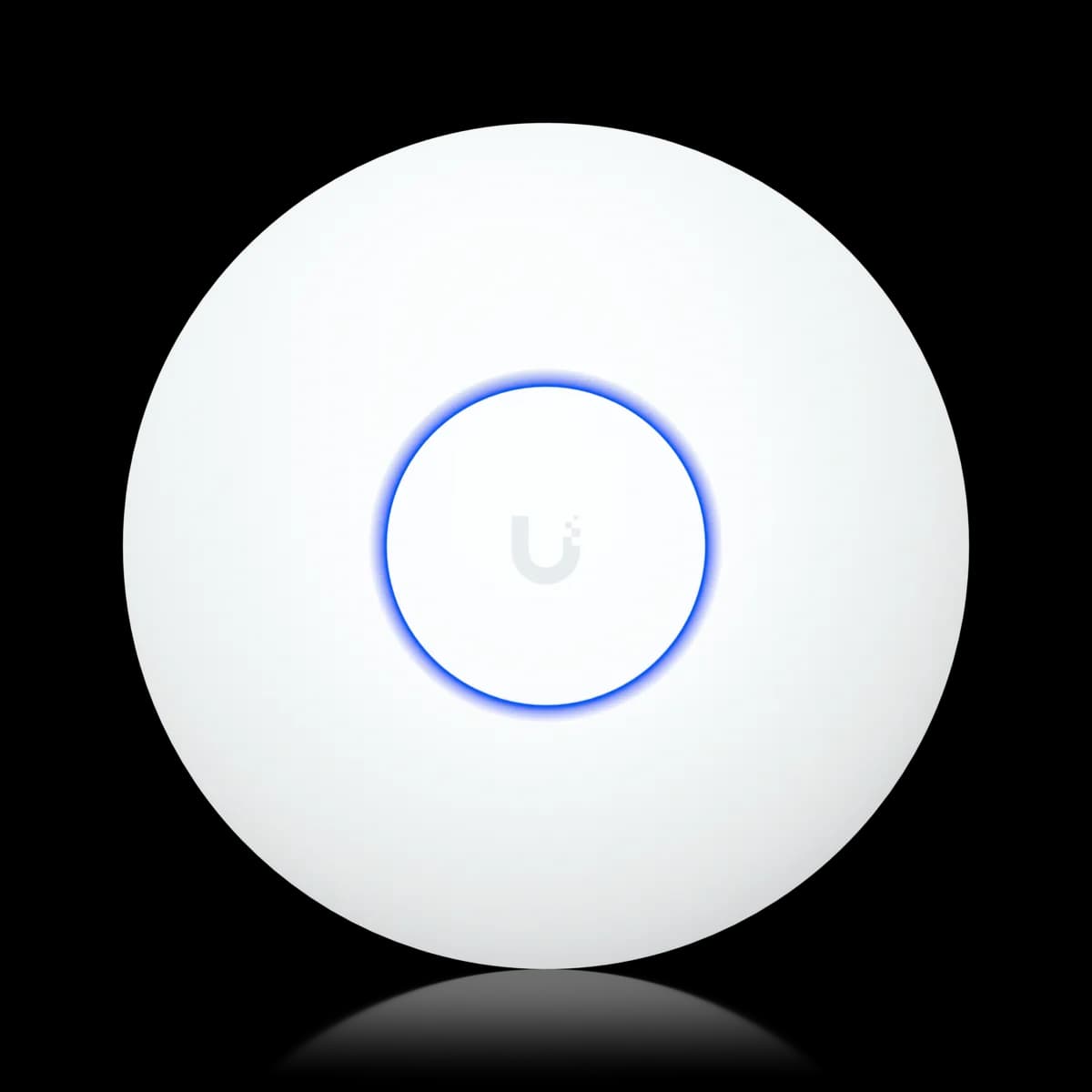
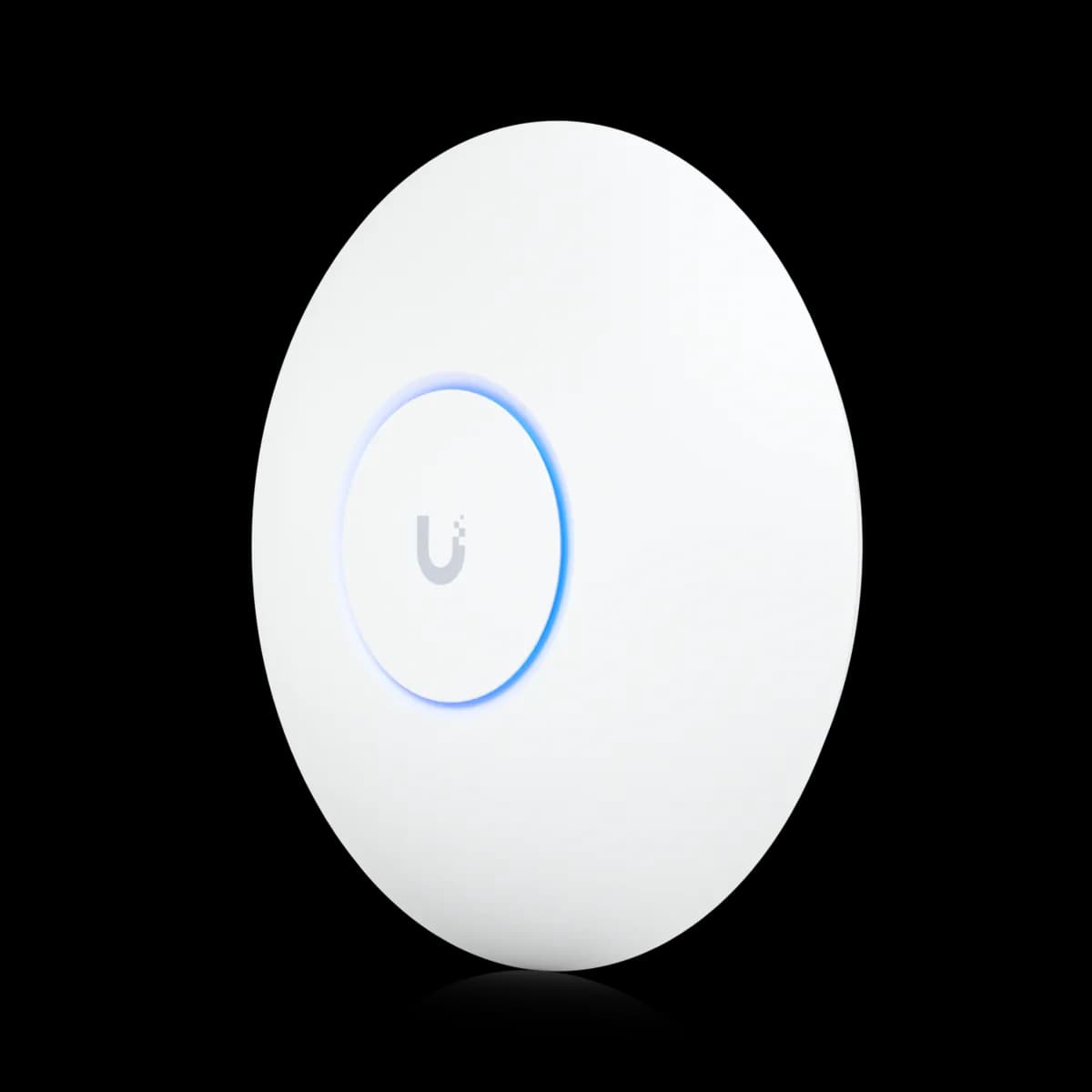
Comparison

UniFi U7 Lite vs U7 Pro: Is 6 GHz Worth $90?

Both Wi-Fi 7, both 4.3 Gbps on 5 GHz. The $99 U7 Lite is dual-band on 802.3af PoE; the $189 U7 Pro adds a 6 GHz radio, 140 m², and needs PoE+. Which to buy.

Should I buy the UniFi U7 Lite or the U7 Pro?

The $90 between the U7 Lite ($99) and the U7 Pro ($189) buys one thing: a 6 GHz radio at 5.8 Gbps (BW320). Both are Wi-Fi 7 with the same 5 GHz and 2.4 GHz rates and a 2.5 GbE uplink. The U7 Pro also adds 25 m² of rated coverage and a 300+ client rating against 200+. The cost is power: the U7 Pro needs PoE+ (802.3at) at 21 W, the U7 Lite standard 802.3af at 13 W. Buy the U7 Pro if you own Wi-Fi 6E or Wi-Fi 7 clients and a PoE+ switch. Buy the U7 Lite for an 802.3af switch, a small room, or a secondary AP.

Spec Comparison

SpecUniFi U7 LiteUniFi U7 Pro
Wi-Fi StandardWi-Fi 7 (802.11be)Wi-Fi 7 (802.11be)
BandsDual-band (2.4 + 5 GHz)Tri-band (2.4 + 5 + 6 GHz)
5 GHz Rate4.3 Gbps (BW240)4.3 Gbps (BW240)
2.4 GHz Rate688 Mbps (BW40)688 Mbps (BW40)
Spatial Streams46
5 GHz MIMO2×22×2
Uplink Port(1) 2.5 GbE RJ45(1) 1/2.5 GbE RJ45
Power MethodPoEPoE+
Max Power Draw13 W21 W
Max Clients200+300+
Coverage Area115 m² (1,250 ft²)140 m² (1,500 ft²)
Dimensions⌀171.5 × 33 mm⌀206 × 46 mm
Weight313 g680 g
Max TX Power5 GHz 24 dBm · 2.4 GHz 23 dBm6 GHz 23 dBm · 5 GHz 26 dBm · 2.4 GHz 23 dBm
5 GHz Antenna Gain5 dBi6 dBi
Operating Temp-30 to 40 °C (-22 to 104 °F)-30 to 40 °C (-22 to 104 °F)
6 GHz Rate5.8 Gbps (BW320)
6 GHz Antenna Gain5.8 dBi

Pricing & Positioning

What does the extra $90 buy? The U7 Lite lists at $99, the U7 Pro at $189. The money buys a 6 GHz radio at 5.8 Gbps (BW320), 140 m² of rated coverage instead of 115 m², and a 300+ client rating instead of 200+. The 5 GHz and 2.4 GHz data rates are identical. (U7 Pro specs)

These are the two ends of UniFi's mainstream Wi-Fi 7 range. The U7 Pro launched in January 2024, the earliest Wi-Fi 7 model of the nine ceiling APs this site tracks, and became the default recommendation for new installs. The U7 Lite followed in February 2025 to bring the generation down to $99 by dropping the 6 GHz radio and keeping everything else close.

That makes this a cleaner decision than most UniFi matchups. The two APs share a generation, a 5 GHz rating, and a 2.5 GbE uplink. The comparison reduces to whether a 6 GHz band, a slightly larger coverage rating, and a higher client rating are worth $90 and a PoE+ port. The Access Points hub lists the full family, and how to choose a UniFi access point walks the nine-model ladder.

The 6 GHz Band: The Whole Difference

Is 6 GHz worth it? Only with Wi-Fi 6E or Wi-Fi 7 clients. The U7 Pro's 6 GHz radio (5.8 Gbps, BW320) is clean spectrum older devices cannot see. A Wi-Fi 6 laptop lands on 5 GHz, as on the U7 Lite. With a 6E or Wi-Fi 7 fleet, 6 GHz is decisive. Without one, it sits idle. (U7 Pro specs)

Everything the U7 Pro does on 2.4 GHz and 5 GHz, the U7 Lite also does. Both list 4.3 Gbps (BW240) on 5 GHz through 240 MHz channels, both list 688 Mbps (BW40) on 2.4 GHz, and both are 2×2 on each band they have. The U7 Pro simply has one more radio: 6 GHz, 2×2, 320 MHz channels, 5.8 Gbps.

Whether that third radio matters depends entirely on the client side. A 2026 phone or laptop with Wi-Fi 7 can sit on 6 GHz with a 320 MHz channel to itself, or bond 5 GHz and 6 GHz through multi-link operation. Wi-Fi 7 and MLO explained covers what that does to latency. Wi-Fi 6E clients reach 6 GHz too, at up to 160 MHz; Wi-Fi 6 and older clients get the same 5 GHz rates on either AP. In a dense apartment block where 5 GHz is crowded, moving 6 GHz-capable devices off it also frees 5 GHz airtime for everyone else. That is the one benefit older clients feel indirectly.

Which switches power them? The U7 Lite draws 13 W on standard 802.3af PoE; the U7 Pro draws 21 W and needs 802.3at (PoE+). An entry-level 802.3af switch runs the Lite and leaves the Pro unpowered. Both uplink over 2.5 GbE, so the wire is a tie. (U7 Lite specs)

Power is the gate that decides this matchup for a lot of buyers. The U7 Pro's 21 W draw is beyond what 802.3af delivers, so it needs a PoE+ port. Most current UniFi PoE switches supply one. That said, an older 802.3af-only switch or a basic injector does not. The U7 Lite runs on plain 802.3af at 13 W, so it works as a drop-in replacement on any 802.3af port. PoE budget planning shows how the 13 W and 21 W figures add up across several APs.

The uplink does not separate them. Both carry a 2.5 GbE port, and the U7 Pro's negotiates 1 or 2.5 GbE. Either can push more than a gigabit onto the wire behind a multi-gig switch such as the USW Flex 2.5G 8 PoE. On a gigabit switch port both are wire-limited alike. How to choose a UniFi switch covers when 2.5 GbE ports are worth the step up.

Coverage, Clients & Size

Which covers more? The U7 Pro, modestly: 140 m² (1,500 ft²) and 300+ clients against the U7 Lite's 115 m² (1,250 ft²) and 200+. Both are 2×2 on every band, so the extra area is a rating difference, not a stream count. (U7 Lite specs)

Because the two share a 2×2 layout on 2.4 GHz and 5 GHz, the coverage difference is smaller than the price gap suggests. The U7 Pro does transmit at 26 dBm on 5 GHz against the Lite's 24 dBm, through a 6 dBi antenna against 5 dBi. The extra 25 m² of rated reach on the U7 Pro is a margin and leaves it in the same class of AP. In practice, 6 GHz attenuates faster through walls than 5 GHz, so it rewards open rooms rather than distance.

Client ratings favor the Pro (300+ against 200+), which matters for a busy office more than a home. Size runs the same way: the U7 Lite is a ⌀171.5 × 33 mm, 313 g disc, and the U7 Pro is ⌀206 × 46 mm and 680 g. If the question is coverage rather than 6 GHz, the dual-band U7 Long-Range covers 160 m² for $159 on 802.3af — a different answer, mapped in U7 Long-Range vs U7 Pro.

When the U7 Lite Is Enough

When is the Lite enough? When there are no Wi-Fi 7 clients to use 6 GHz, when the switch is 802.3af only, or when the AP is a secondary unit filling in coverage. At $99 on 13 W with a 2.5 GbE uplink and the same 5 GHz rating, the U7 Lite gives up nothing those rooms notice. (U7 Lite specs)

The U7 Lite is not the compromise its name implies. For a bedroom, a home office, a den, or a small apartment, it delivers the same 5 GHz Wi-Fi 7 rates as the U7 Pro. It does so at roughly half the price and on any 802.3af port. It is also the natural fill-in AP. One U7 Pro anchoring the living space with two or three U7 Lite units around it costs less than three U7 Pros, and the extra units stay on 802.3af.

The Lite falls short in two places. One is a dense room where the 300+ client rating and the 6 GHz offload matter. The other is a household already full of 6 GHz-capable devices that would sit on that band all day. The first is a U7 Pro Max job as much as a U7 Pro one; the second is what the Pro is for. If you are upgrading from Wi-Fi 6 rather than buying fresh, U7 Lite vs U6 Pro puts the Lite against the older 4×4 radio.

Who Should Buy Which

The 5 GHz and 2.4 GHz ratings are identical and so is the uplink, which leaves two questions. Do you have Wi-Fi 6E or Wi-Fi 7 clients for the 6 GHz band? Does your switch deliver PoE+? Two yeses make it a U7 Pro; either no makes it a U7 Lite.

Buy the U7 Pro if:

  • You own or are buying Wi-Fi 6E or Wi-Fi 7 clients. Only they use the 6 GHz radio (5.8 Gbps, BW320) that the $90 pays for, and the 320 MHz channels need Wi-Fi 7.
  • Your switch supplies PoE+ (802.3at). The 21 W draw needs it; most current UniFi PoE switches have it.
  • The room is dense or shared. A 300+ client rating and 6 GHz offload keep 5 GHz airtime free for older devices.
  • You want the future-proof floor for a primary AP. The Pro is the default new-install pick for a reason.

Buy the U7 Lite if:

  • Your switch is 802.3af only. The 13 W draw runs without an injector or a switch upgrade.
  • Your clients are Wi-Fi 6 or older. The 6 GHz band would sit idle, and the 5 GHz data rates are identical.
  • It is a secondary or fill-in AP. $99 on any 802.3af port makes it the obvious unit for bedrooms and home offices.
  • Budget is the constraint. Nothing else among the nine ceiling APs tracked here delivers Wi-Fi 7 for $99.

Still deciding? Start with how to choose a UniFi access point, see the density step up in U7 Pro vs U7 Pro Max, or browse the Access Points hub.

Frequently Asked Questions

The U7 Pro ($189) adds a 6 GHz radio (5.8 Gbps, BW320), 140 m² of rated coverage instead of 115 m², and a 300+ client rating instead of 200+. The two share Wi-Fi 7, identical 5 GHz (4.3 Gbps, BW240) and 2.4 GHz (688 Mbps) ratings, 2×2 per band, and a 2.5 GbE uplink. The U7 Lite ($99) runs on standard 802.3af PoE at 13 W; the U7 Pro needs PoE+ (802.3at) at 21 W.

Yes, on its two bands. Ubiquiti lists multi-link operation and preamble puncturing for the U7 Lite in its launch post, and its spec sheet lists a 240 MHz (EHT) channel width. What it lacks is the 6 GHz radio, so MLO on the U7 Lite bonds 2.4 and 5 GHz rather than 5 and 6 GHz as it can on the U7 Pro.

Only if that switch supplies 802.3at (PoE+) on the port. The U7 Lite runs on standard 802.3af at 13 W, which any 802.3af port delivers. The U7 Pro draws up to 21 W and requires PoE+. On an 802.3af-only switch the U7 Pro needs a PoE+ injector or a switch upgrade.

No. Both list 4.3 Gbps (BW240) on 5 GHz with a 2×2 radio, and both list 688 Mbps (BW40) on 2.4 GHz. The U7 Pro is faster only for Wi-Fi 7 clients that connect on its 6 GHz radio (5.8 Gbps, BW320) or bond bands with multi-link operation. Both APs have a 2.5 GbE uplink.

Yes. Both are managed by UniFi Network under one controller, and clients roam between them on a shared SSID. A common build pairs a U7 Pro in the main living or working space with one or more U7 Lite units in bedrooms and offices, keeping the secondary APs on standard 802.3af PoE.