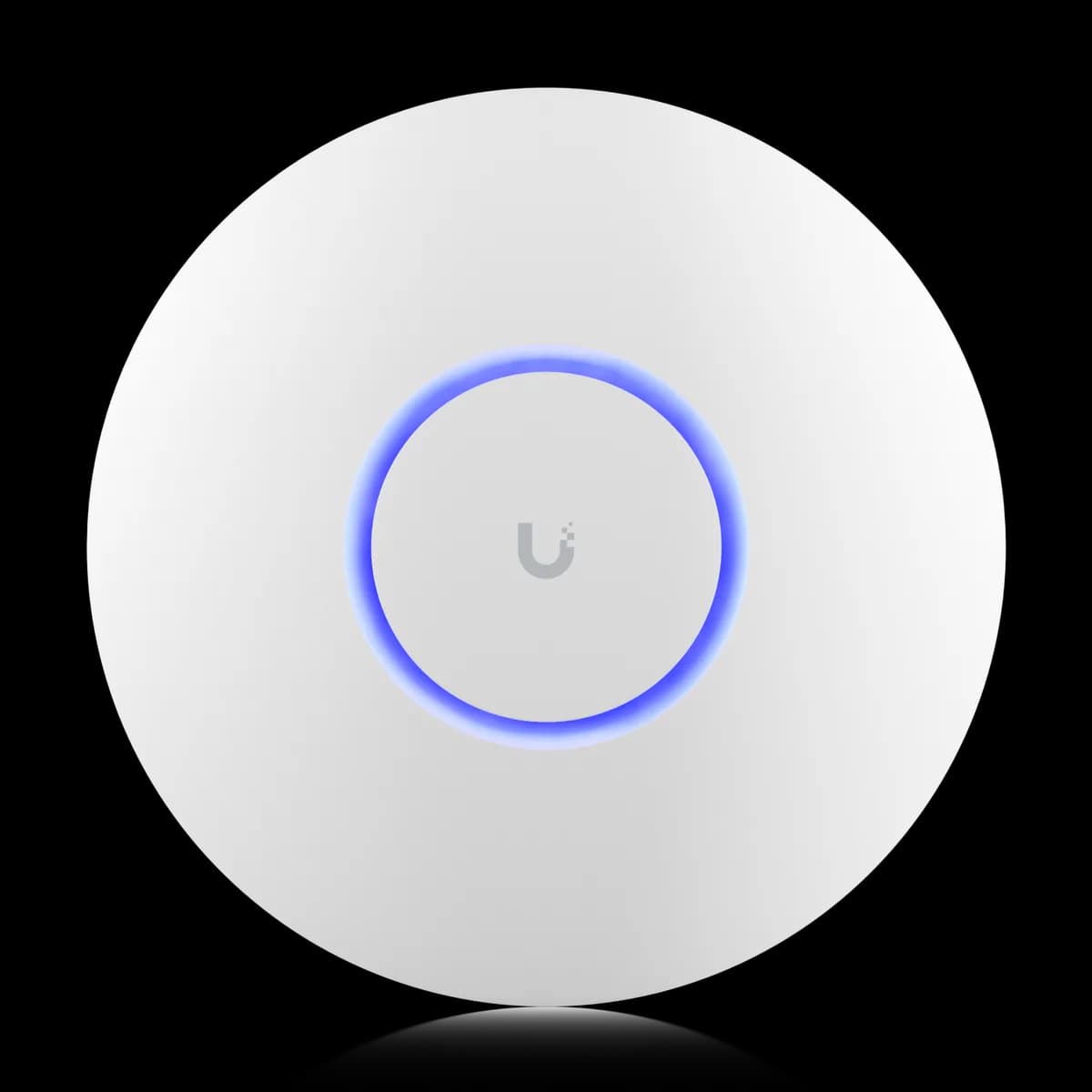
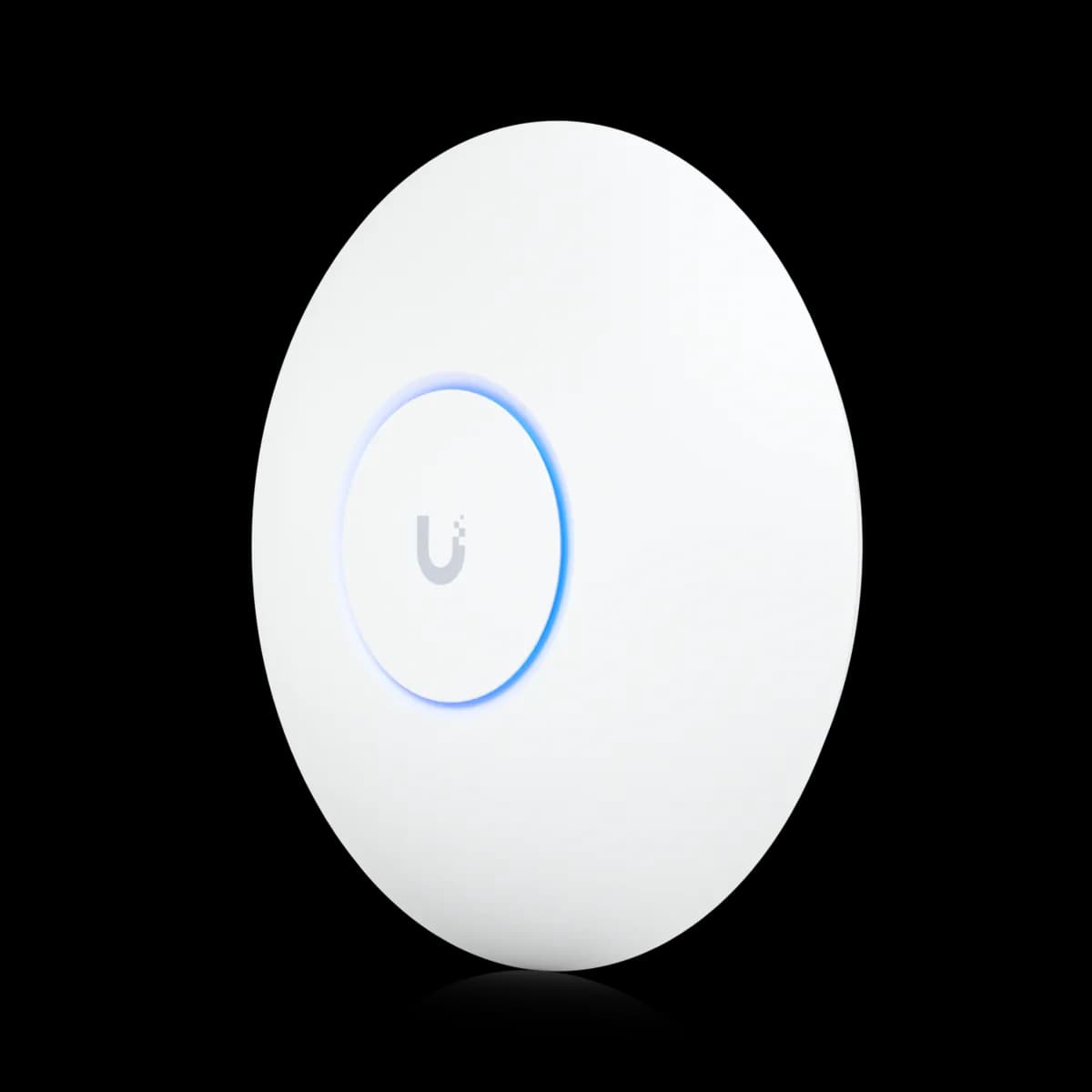
Comparison

UniFi U6 Lite vs U7 Pro: Wi-Fi 6 vs 7

The $99 U6 Lite (Wi-Fi 6) and $189 U7 Pro (Wi-Fi 7) compared: 6 GHz radio, 320 MHz, 2.5 GbE uplink, the 802.3af-vs-PoE+ gate, and who should buy which.

Should I buy the UniFi U6 Lite or the U7 Pro?

These are the cheapest Wi-Fi 6 and cheapest Wi-Fi 7 APs in the UniFi lineup, and the $90 gap ($99 vs $189) buys a whole generation: the U7 Pro adds a 6 GHz radio, 320 MHz channels, and a 2.5 GbE uplink. But there is a real budget-end gate — the U6 Lite runs on standard 802.3af PoE that any switch delivers, while the U7 Pro needs 802.3at (PoE+) and draws 21 W. A budget buyer on a cheap 802.3af switch must add a PoE+ injector or a switch upgrade. If your switch already does PoE+ and you have Wi-Fi 7 clients, buy the U7 Pro; if you are powering off an 802.3af switch and your devices are Wi-Fi 6, the U6 Lite stays in budget.

Spec Comparison

SpecUniFi U6 LiteUniFi U7 Pro
Wi-Fi StandardWi-Fi 6 (802.11ax)Wi-Fi 7 (802.11be)
5 GHz Rate1.2 Gbps (BW80)4.3 Gbps (BW240)
2.4 GHz Rate300 Mbps (BW40)688 Mbps (BW40)
Spatial Streams46
Uplink Port(1) GbE RJ45(1) 1/2.5 GbE RJ45
Power MethodPoEPoE+
Max Power Draw12 W21 W
Max Clients300+300+
Coverage Area115 m² (1,250 ft²)140 m² (1,500 ft²)
6 GHz Rate5.8 Gbps (BW320)

Pricing & Positioning

What does the extra $90 buy? The U6 Lite lists at $99 and the U7 Pro at $189 — a $90 jump that buys an entire generation. It adds a 6 GHz Wi-Fi 7 radio, 320 MHz channels, and a 2.5 GbE uplink the Lite has no answer for. (U7 Pro specs)

This is the widest gap in the UniFi access-point lineup: the cheapest Wi-Fi 6 AP against the cheapest Wi-Fi 7 AP. Both are compact ceiling-mount units managed through UniFi Network and uplinked to a gateway, but they sit a full Wi-Fi generation apart. The U6 Lite launched in early 2021 as the entry Wi-Fi 6 AP; the U7 Pro arrived in January 2024 as the first genuinely affordable Wi-Fi 7 unit.

Because the gap is so wide, the decision is rarely about a few dollars — it is about whether you want this year's radio or a budget upgrade that still works. If you are mapping the whole range, start with how to choose a UniFi access point or browse the Access Points hub. The mid-tier U6 Pro sits between these two, and the U6 Pro vs U7 Pro comparison covers the narrower step up.

Wi-Fi 6 vs Wi-Fi 7: The 6 GHz Band

Is Wi-Fi 7 worth it? The U6 Lite is dual-band Wi-Fi 6 with no 6 GHz radio. The U7 Pro is tri-band Wi-Fi 7 and adds a 6 GHz radio at 5.8 Gbps (320 MHz) — clean, uncongested spectrum only Wi-Fi 7 clients can reach. If you own Wi-Fi 7 devices, that gap is decisive. (U7 Pro specs)

The 6 GHz band is the single biggest reason to choose the U7 Pro. It opens a wide slice of spectrum and the 320 MHz channels that Wi-Fi 7 clients use for peak throughput. In a dense building — apartments, open-plan offices — that clean band sidesteps the 2.4 GHz and 5 GHz congestion the U6 Lite has to share with every neighbour.

The catch is the same one every Wi-Fi 7 AP carries: only Wi-Fi 7 devices reach 6 GHz. A 2026 phone or laptop will use it; an older one will not. If your client fleet is entirely Wi-Fi 6 or older, the 6 GHz radio sits mostly idle and the U6 Lite gives up far less than the price gap suggests — see the buying guide for how to weigh that.

Will it run on the same switch? Maybe not. The U6 Lite runs on standard 802.3af PoE (12 W) that any UniFi switch delivers. The U7 Pro needs 802.3at (PoE+) and draws up to 21 W — a cheap 802.3af-only switch cannot power it without an injector or upgrade. (U7 Pro specs)

This is the gate that catches budget buyers, and it deserves more than a footnote. The U6 Lite is the easiest AP in the lineup to power: 802.3af is the oldest PoE standard, so almost any switch or injector you already own will run it. The U7 Pro's 21 W draw pushes past what 802.3af supplies, so it requires 802.3at (PoE+) — and an entry-level 802.3af switch will leave it dead on the wire.

Before you save up the extra $90, confirm your switch lists PoE+ / 802.3at on the port you will use, or budget for a PoE+ switch or a single PoE+ injector. The uplink follows the same split: the U6 Lite has a 1 GbE port while the U7 Pro adds a 2.5 GbE uplink that only earns its keep behind multi-gig switching. If you are sizing that switch, how to choose a UniFi switch walks through PoE budgets and multi-gig ports.

Radios, Speed & Coverage

How much faster? A lot, on paper. The U6 Lite tops out at 1.2 Gbps on 5 GHz (BW80). The U7 Pro lists 4.3 Gbps on 5 GHz (BW240) plus a 5.8 Gbps 6 GHz radio (BW320), and covers 140 m² versus the Lite's 115 m². (U7 Pro specs)

The radio gap is the largest in the lineup. The U6 Lite is a straight 2×2 dual-band AP rated at 1.2 Gbps on 5 GHz and 300 Mbps on 2.4 GHz — fine for everyday browsing and a handful of devices. The U7 Pro more than triples the 5 GHz rating to 4.3 Gbps, adds the 5.8 Gbps 6 GHz band, and lifts 2.4 GHz to 688 Mbps. Both list six spatial streams in total, but the U7 Pro spreads them across three bands instead of two.

Coverage favours the U7 Pro modestly — 140 m² (1,500 ft²) versus the U6 Lite's 115 m² (1,250 ft²) — though 6 GHz signals fade faster through walls, so that band rewards open rooms. Both APs are rated for 300+ clients, so capacity is a tie. Where they diverge is headroom: the U7 Pro can push fast clients onto clean 6 GHz while older devices stay on 5 GHz, leaving more airtime for everyone.

When the U6 Lite Is Enough

When is the U6 Lite enough? When your devices are Wi-Fi 6 or older, your switch supplies only 802.3af PoE, and you want the cheapest path onto Wi-Fi 6. At $99 on 12 W, the U6 Lite covers a small home or apartment without a switch upgrade — and skips a 6 GHz radio it could not use. (U6 Lite specs)

The U6 Lite is not a compromise everywhere — it is the right answer in specific, common cases. For an apartment, a small home, or a low-density room with mostly Wi-Fi 6 phones and laptops, its 1.2 Gbps 5 GHz radio and 115 m² coverage are plenty, and the 802.3af PoE means it runs off whatever switch you already have.

It also makes an excellent second or third AP. If a U7 Pro anchors your main living space, a couple of U6 Lite units can fill bedrooms and a garage on a budget without adding PoE+ load. For a deeper look at the entry tier, the U6 Lite vs U6 Pro comparison weighs the Lite against the next step up, and the buying guide maps the full range.

Who Should Buy Which

With a $90 gap and a real PoE gate, the choice comes down to two questions: does your switch deliver PoE+ (802.3at), and do you have or plan to buy Wi-Fi 7 clients? Answer those and the pick is usually obvious.

Buy the U7 Pro if:

  • Your switch already delivers PoE+ (802.3at). The 21 W draw is no obstacle, and you get a full-generation jump to Wi-Fi 7.
  • You own or plan to own Wi-Fi 7 clients. Only they can use the 6 GHz band and 320 MHz channels.
  • You want real speed headroom. The 4.3 Gbps 5 GHz radio, 5.8 Gbps 6 GHz band, and 2.5 GbE uplink dwarf the Lite's 1.2 Gbps and 1 GbE port.
  • Your environment is dense. Clean 6 GHz spectrum matters most in apartments and open-plan offices.

Buy the U6 Lite if:

  • Your switch is 802.3af only. The 12 W draw runs without a PoE+ injector or switch upgrade — the deciding factor for many budget builds.
  • Your clients are all Wi-Fi 6 or older. With no Wi-Fi 7 devices, the U7 Pro's 6 GHz radio sits idle.
  • You want the cheapest Wi-Fi 6 AP at $99, or a low-cost second AP to extend an existing UniFi site.

Still deciding across the whole range? Start with how to choose a UniFi access point, compare the mid step in U6 Pro vs U7 Pro, or browse the Access Points hub.

Frequently Asked Questions

Only if that switch supplies 802.3at (PoE+). The U6 Lite runs on standard 802.3af PoE (12 W), which almost every switch and injector delivers. The U7 Pro draws up to 21 W and requires 802.3at (PoE+). If your switch is 802.3af only, you need a PoE+ injector or a switch upgrade to power the U7 Pro.

It is if you own or plan to own Wi-Fi 7 clients and your switch delivers PoE+. The $90 buys a 6 GHz radio, 320 MHz channels, and a 2.5 GbE uplink the U6 Lite has no equivalent for. If your devices are all Wi-Fi 6 or older and you are powering off an 802.3af switch, the 6 GHz radio sits idle and the U6 Lite stays the cheaper, simpler pick.

On paper, substantially. The U6 Lite tops out at 1.2 Gbps on 5 GHz (BW80). The U7 Pro lists 4.3 Gbps on 5 GHz (BW240) plus a 5.8 Gbps 6 GHz radio (BW320), and raises 2.4 GHz from 300 Mbps to 688 Mbps. Real-world throughput on the U7 Pro also depends on its 2.5 GbE uplink and on having Wi-Fi 7 clients to use the 6 GHz band.

Yes. UniFi Network manages both under the same controller, and they roam seamlessly under one SSID configuration. A common setup is a U7 Pro in the main living area with one or more U6 Lite units extending coverage to bedrooms or a garage, keeping the cheaper APs on standard 802.3af PoE.

The U7 Pro is rated for 140 m² (1,500 ft²) versus the U6 Lite's 115 m² (1,250 ft²). Both are rated for 300+ clients. In practice, 6 GHz signals attenuate faster through walls, so the U7 Pro's 6 GHz band favours open rooms or line-of-sight; 5 GHz and 2.4 GHz range is closer between the two.