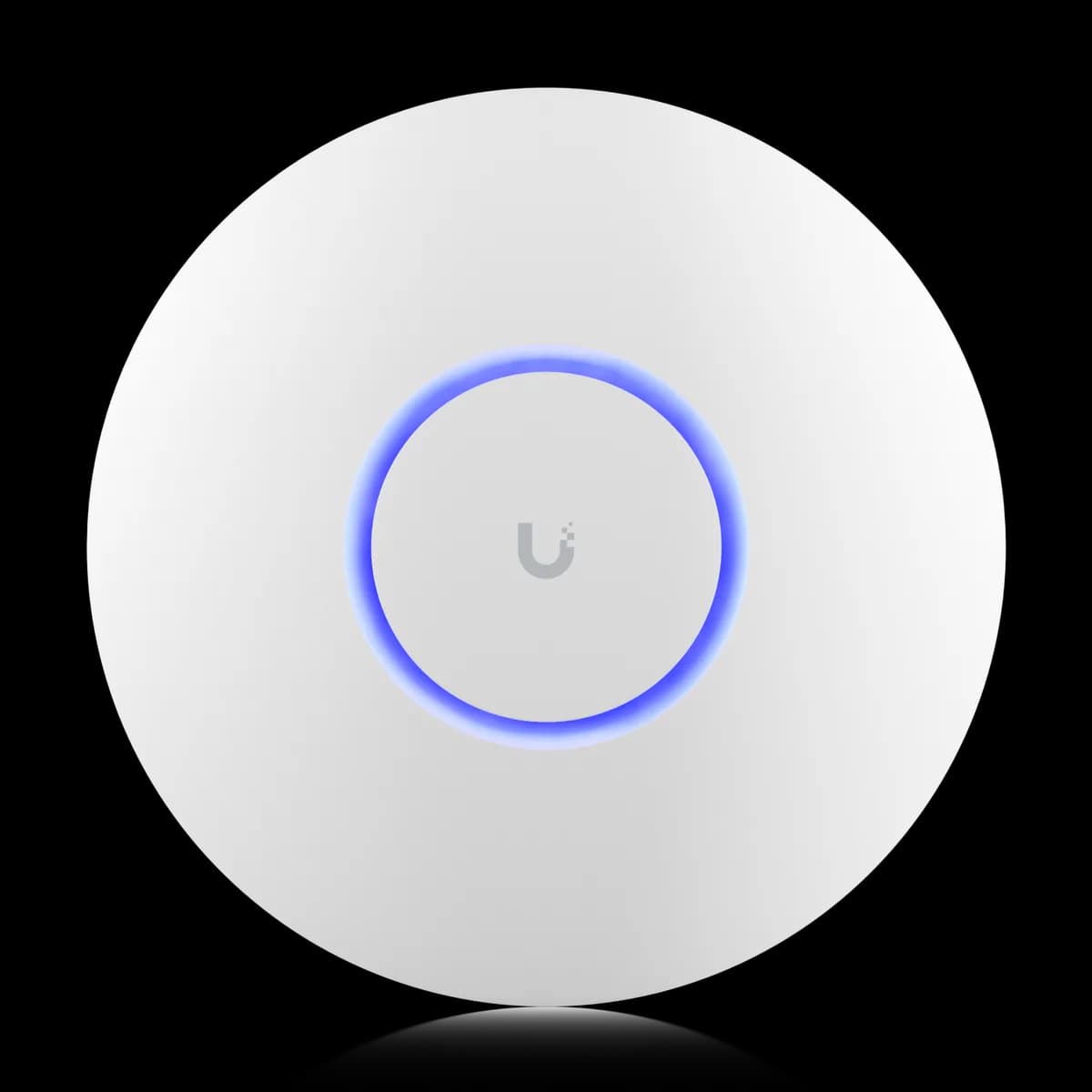
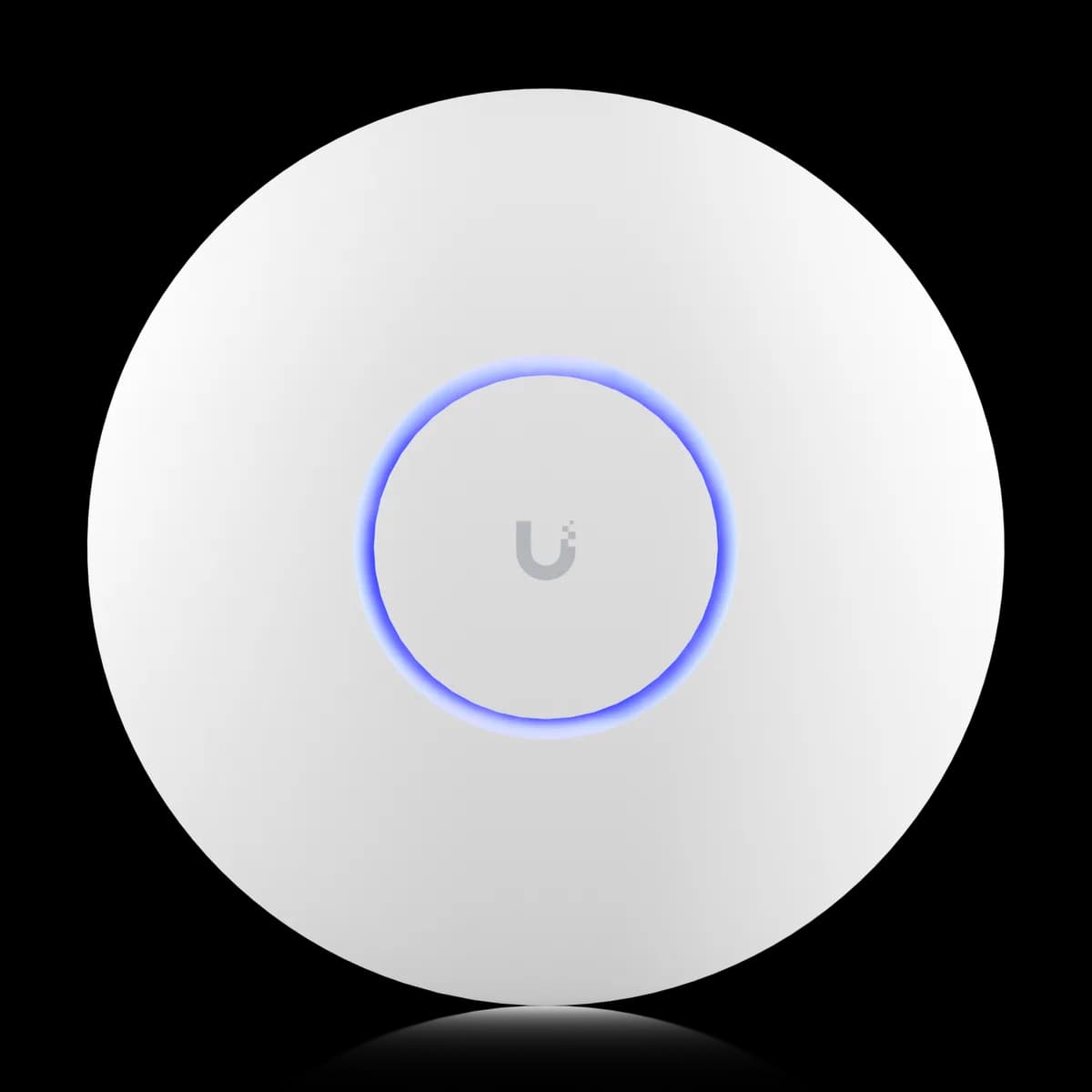
Comparison

UniFi U6 Lite vs U6 Pro: Which Wi-Fi 6?

The $99 U6 Lite and $159 U6 Pro compared: 5 GHz speed, spatial streams, rated client count, coverage, PoE draw — and which entry Wi-Fi 6 AP to buy.

Should I buy the UniFi U6 Lite or the U6 Pro?

For most homes and small offices the U6 Lite ($99) is enough Wi-Fi 6, and the U6 Pro ($159) is worth the extra $60 only when you need its faster 5 GHz radio. Both are Wi-Fi 6, both run on standard 802.3af PoE, both have a single 1 GbE uplink, and neither has a 6 GHz band. The $60 buys one thing that matters: the U6 Pro's 4×4 / 160 MHz 5 GHz radio (4.8 Gbps versus the Lite's 2×2 / 80 MHz 1.2 Gbps) plus more coverage (140 m² versus 115 m²). The wrinkle: the cheaper U6 Lite is rated for more clients (300+) than the U6 Pro (250+) — a capacity rating, not a throughput one.

Spec Comparison

SpecUniFi U6 LiteUniFi U6 Pro
Wi-Fi StandardWi-Fi 6 (802.11ax)Wi-Fi 6 (802.11ax)
5 GHz Rate1.2 Gbps (BW80)4.8 Gbps (BW160)
2.4 GHz Rate300 Mbps (BW40)573.5 Mbps (BW40)
Spatial Streams46
Uplink Port(1) GbE RJ45(1) GbE RJ45
Power MethodPoEPoE
Max Power Draw12 W13 W
Max Clients300+250+
Coverage Area115 m² (1,250 ft²)140 m² (1,500 ft²)

Pricing & Positioning

What does the extra $60 buy? The U6 Lite lists at $99 and the U6 Pro at $159. The $60 does not add a band or a faster uplink — both are Wi-Fi 6 with a single 1 GbE port. It buys a 4×4 / 160 MHz 5 GHz radio (4.8 Gbps vs 1.2 Gbps) and more coverage. (U6 Pro specs)

Both are ceiling-mount access points aimed at homes and small offices, both are managed through UniFi Network, and both uplink to a gateway over a single 1 GbE port. The U6 Lite is the cheapest way onto Wi-Fi 6 in the UniFi lineup; the U6 Pro is the step-up flagship of the same generation — not a newer one.

This is a within-generation decision, not a Wi-Fi 6 versus Wi-Fi 7 one. If you are weighing the newer tier instead, the U7 Pro adds a 6 GHz radio and a 2.5 GbE uplink — covered in U6 Pro vs U7 Pro and U6 Lite vs U7 Pro. If you are still mapping the lineup, start with how to choose a UniFi access point or browse the Access Points hub.

The 5 GHz Radio: 4×4 vs 2×2

How much faster on 5 GHz? The U6 Pro rates 4.8 Gbps on 5 GHz with a 4×4 radio and 160 MHz channels; the U6 Lite rates 1.2 Gbps with a 2×2 radio and 80 MHz channels — four times the PHY rate. The U6 Pro's 2.4 GHz radio is also faster, 573.5 Mbps vs 300 Mbps. (U6 Pro specs)

The 5 GHz radio is the whole reason the U6 Pro costs more. Its 4×4 MU-MIMO design and 160 MHz channel width give it real airtime headroom: it can serve more simultaneous 2×2 clients and push a higher peak rate to a single capable device than the U6 Lite's 2×2 / 80 MHz radio.

Two caveats keep this honest. First, both APs share the same single 1 GbE uplink, so no single client clears ~940 Mbps over the wire regardless of the 4.8 Gbps air rating — the radio headroom shows up as aggregate capacity, not one blistering download. Second, most phones and laptops are 2×2 clients on 80 MHz, so a lone device often sees similar speeds on either AP; the Pro's advantage emerges when many clients contend at once. The shared uplink is detailed under what is identical.

Rated Client Capacity

Why does the cheaper Lite rate higher? The U6 Lite lists 300+ max clients and the U6 Pro 250+. Rated client count is a stability ceiling Ubiquiti publishes per model — it is not a throughput measure. The U6 Pro's 4×4 radio gives each connected client more headroom, even at a lower head count. (U6 Lite specs)

This looks backwards and is worth stating plainly: the cheaper U6 Lite is rated to associate more devices than the pricier U6 Pro. The numbers are real — they come straight off Ubiquiti's spec sheets — but they describe how many clients the AP will hold a connection for, not how well it serves them.

A "max clients" figure says nothing about per-client bandwidth. Thirty active devices on the U6 Pro's 4×4 / 160 MHz radio share far more capacity than thirty on the U6 Lite's 2×2 / 80 MHz radio, even though the Lite's headline ceiling is higher. Treat the rating as a guardrail for very dense rooms, and treat the radio width as the thing that determines the experience. If raw density is the constraint, the buying guide covers when to add a second AP instead of chasing one bigger number.

Coverage Area

Same coverage? No — the U6 Pro is rated for 140 m² (1,500 ft²) and the U6 Lite for 115 m² (1,250 ft²). The Pro reaches roughly 20% more floor area, a modest edge that follows from its higher-output radio. Both still want a second AP once you cross their rating or add thick walls. (U6 Pro specs)

Coverage is a real but moderate difference here, not a tie. The U6 Pro's extra 25 m² can be the deciding factor in a larger open-plan room where one AP needs to stretch; the U6 Lite is sized for apartments, small homes, and single rooms.

Neither rating is a guarantee through real-world walls — published coverage assumes open space. For a two-storey house or a floor broken up by masonry, two U6 Lites often beat one U6 Pro on both coverage and cost. The cheaper AP also makes a fine satellite alongside a stronger one; the U6 Lite vs U7 Pro comparison weighs mixing tiers, and the multi-gig backbone that links them is covered under switches.

What Is Identical on Both

What is the same? Both the U6 Lite and U6 Pro are Wi-Fi 6 (802.11ax), both have a single 1 GbE uplink, both run on standard 802.3af PoE (12 W vs 13 W), and neither has a 6 GHz band. They share the same controller, SSIDs, and roaming. (U6 Lite specs)

Four things do not change with the upgrade, and they matter to the decision. Both are the same Wi-Fi generation — Wi-Fi 6, no Wi-Fi 6E or Wi-Fi 7, so no 6 GHz spectrum on either. Both terminate in a single 1 GbE RJ45 port, so the wired ceiling is the same ~940 Mbps regardless of radio rating.

Both also draw little enough power to run on standard 802.3af PoE — 12 W for the U6 Lite, 13 W for the U6 Pro — so any UniFi PoE switch powers either without an injector or a PoE+ upgrade. That keeps both cheaper to deploy than the U7 Pro, which needs 802.3at (PoE+). If you are sizing the switch that feeds them, how to choose a UniFi switch and the switches hub cover it.

Who Should Buy Which

The decision comes down to one question: do you need the U6 Pro's faster 5 GHz radio and extra coverage, or is plain Wi-Fi 6 enough? Both run on the same PoE and the same 1 GbE uplink, so neither power nor wiring forces the choice.

Buy the U6 Lite if:

  • You want the cheapest Wi-Fi 6 AP. At $99 it is the lowest-cost way onto 802.11ax in the UniFi lineup.
  • The space is an apartment, small home, or single room. 115 m² of coverage and a 2×2 5 GHz radio are plenty for density-light rooms.
  • You would rather buy two APs than one bigger one. Two Lites often beat one Pro on coverage through real walls, for similar money.
  • Your clients are ordinary 2×2 phones and laptops. They cannot use the Pro's extra spatial streams anyway.

Buy the U6 Pro if:

  • You want the faster 5 GHz radio. 4×4 / 160 MHz (4.8 Gbps) gives real aggregate headroom over the Lite's 2×2 / 80 MHz (1.2 Gbps).
  • One AP must cover a larger area. 140 m² versus 115 m² is a meaningful edge in an open-plan room.
  • The room runs many devices at once. The 4×4 radio serves contending 2×2 clients with more headroom, despite the lower rated client count.
  • You want more 2.4 GHz throughput too. 573.5 Mbps versus 300 Mbps helps IoT-heavy environments.

Still deciding across the whole range? Start with how to choose a UniFi access point, step up a generation with U6 Pro vs U7 Pro, or browse the Access Points hub.

Frequently Asked Questions

It is worth it when you need the faster 5 GHz radio or the extra coverage. The U6 Pro's 4×4 / 160 MHz radio rates 4.8 Gbps versus the U6 Lite's 2×2 / 80 MHz 1.2 Gbps, and it covers 140 m² versus 115 m². For an apartment, a small home, or a single density-light room, the $99 U6 Lite is enough Wi-Fi 6 and the upgrade adds little.

The U6 Lite lists 300+ max clients and the U6 Pro 250+, but that figure is a connection-stability ceiling Ubiquiti publishes per model, not a measure of throughput. The U6 Pro's 4×4 / 160 MHz radio gives each client far more headroom, so the same number of active devices gets a better experience on the Pro despite its lower rated head count.

Yes. Both run on standard 802.3af PoE — the U6 Lite draws up to 12 W and the U6 Pro up to 13 W. Any UniFi PoE switch powers either without a PoE+ injector or switch upgrade. This is unlike the U7 Pro, which draws 21 W and requires 802.3at (PoE+).

No. Both are Wi-Fi 6 (802.11ax) and are dual-band only — 5 GHz and 2.4 GHz, with no 6 GHz radio. The 6 GHz band arrived with Wi-Fi 6E and Wi-Fi 7; in the UniFi Pro line, the U7 Pro is the first to add it.

Yes. UniFi Network manages both under the same controller, and they share the same SSID configuration and roam seamlessly. A common setup uses a U6 Pro in the busiest room and cheaper U6 Lites as satellites elsewhere; clients connect to whichever AP offers the best signal.