UniFi Pro 24 PoE
$699 MSRP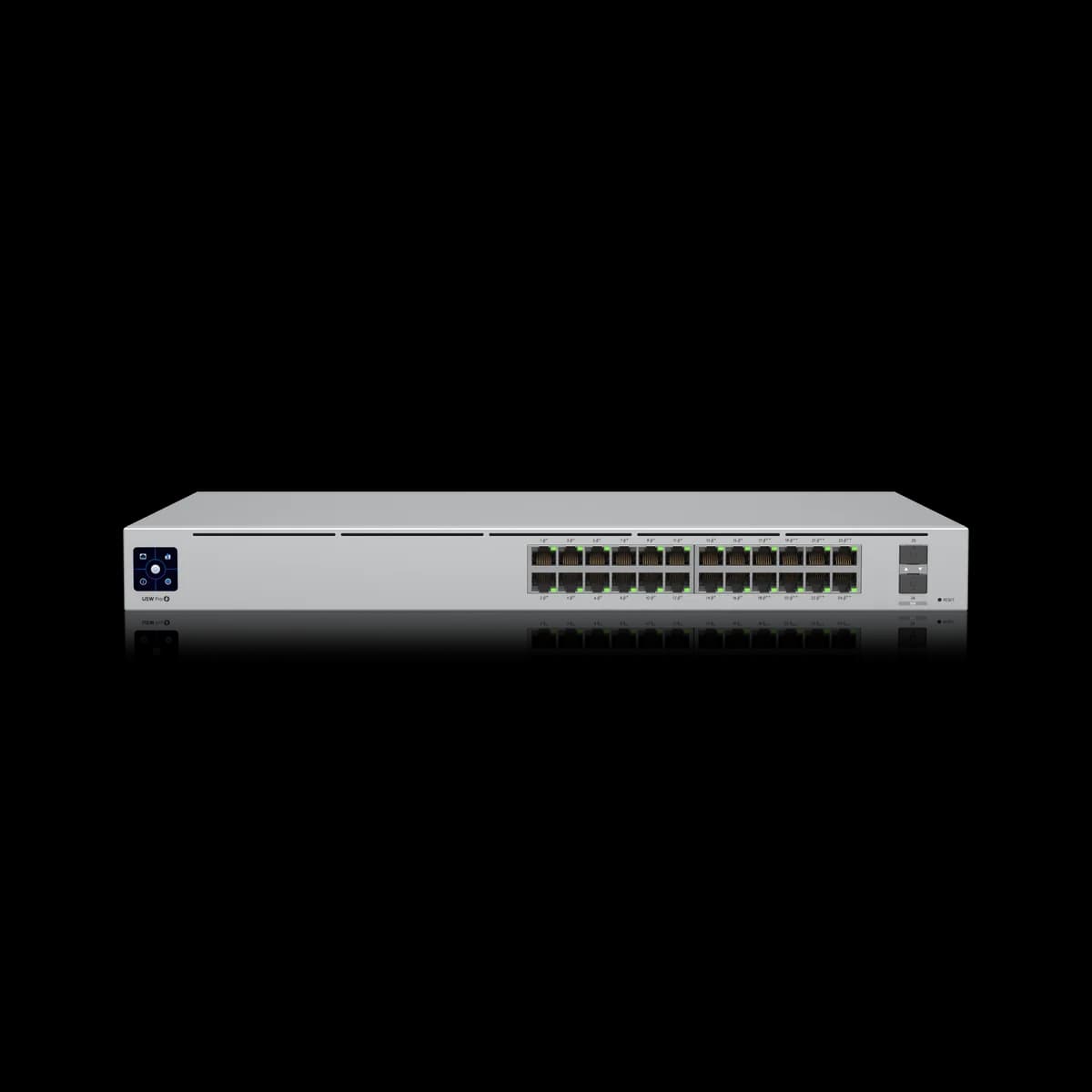
UniFi Pro 24 PoE: what it is & who it's for
The 24-port gigabit workhorse. 400 W of PoE across 24 GbE ports, dual 10G SFP+ uplinks, and full Layer 3 routing in a 1U chassis — the default access switch for a UniFi rack, as long as 1 GbE to each device is enough. UniFi racks that need 24 ports of gigabit PoE with 10G uplinks and Layer 3 routing, where 1 GbE per device is sufficient.
Specifications
| RJ45 Ports | (24) 1 GbE (16 PoE+, 8 PoE++) |
|---|---|
| Uplinks | (2) 10G SFP+ |
| PoE Ports | 24 |
| PoE Standards | 802.3af / at / bt |
| Total PoE Budget | 400 W |
| Switching Capacity | 88 Gbps |
| Forwarding Rate | 65 Mpps |
| Layer | Layer 2 + Layer 3 |
| Form Factor | Rackmount (1U) |
| Max Power Draw | 450 W (incl. PoE) / 50 W (excl. PoE) |
| Power Adapter | Internal |
| Management | UniFi Network |
| Max PoE per Port | 60 W (PoE++) |
| Non-Blocking Throughput | 44 Gbps |
| MAC Address Table | 16,000 |
| Power Redundancy | Yes (USP-RPS) |
| Dimensions | 442 × 285 × 44 mm |
| Weight | 4.3 kg |
| Supported Rack Depth | 400–1,200 mm |
Verdict
The 24-port gigabit workhorse. 400 W of PoE across 24 GbE ports, dual 10G SFP+ uplinks, and full Layer 3 routing in a 1U chassis — the default access switch for a UniFi rack, as long as 1 GbE to each device is enough.
Pros
- 400 W PoE budget shared across all 24 GbE ports
- Two 10G SFP+ uplinks for a 10G aggregation core
- Layer 3: inter-VLAN routing, DHCP server, static routing
- 1U rackmount; 88 Gbps switching, 65 Mpps
Cons
- Every RJ45 port is 1 GbE — no multi-gig to clients or APs
- Rackmount only; not a desktop unit
- A large step up in price from the desktop switches
Best forUniFi racks that need 24 ports of gigabit PoE with 10G uplinks and Layer 3 routing, where 1 GbE per device is sufficient.
Alternatives
Compared head-to-head
Buying guide