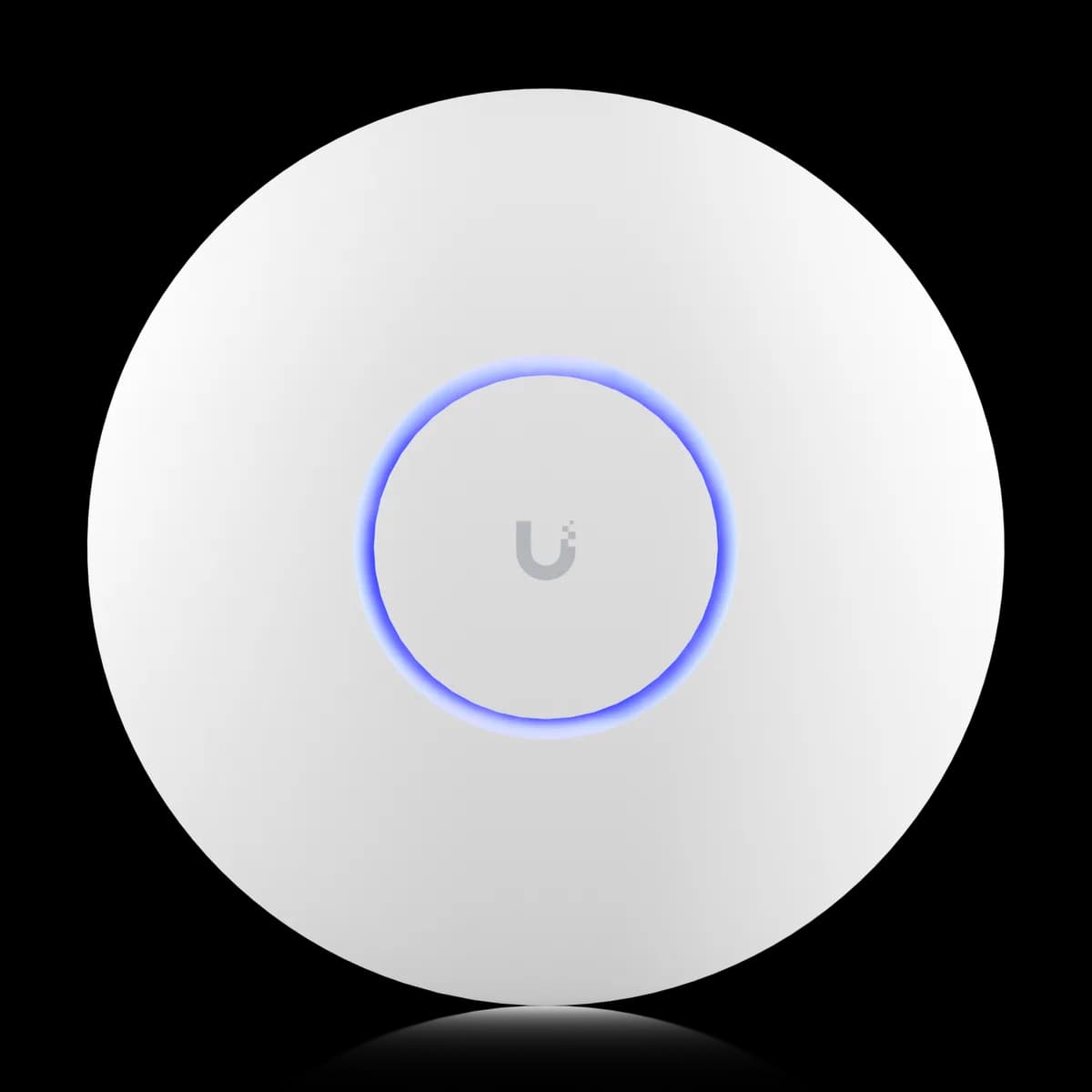
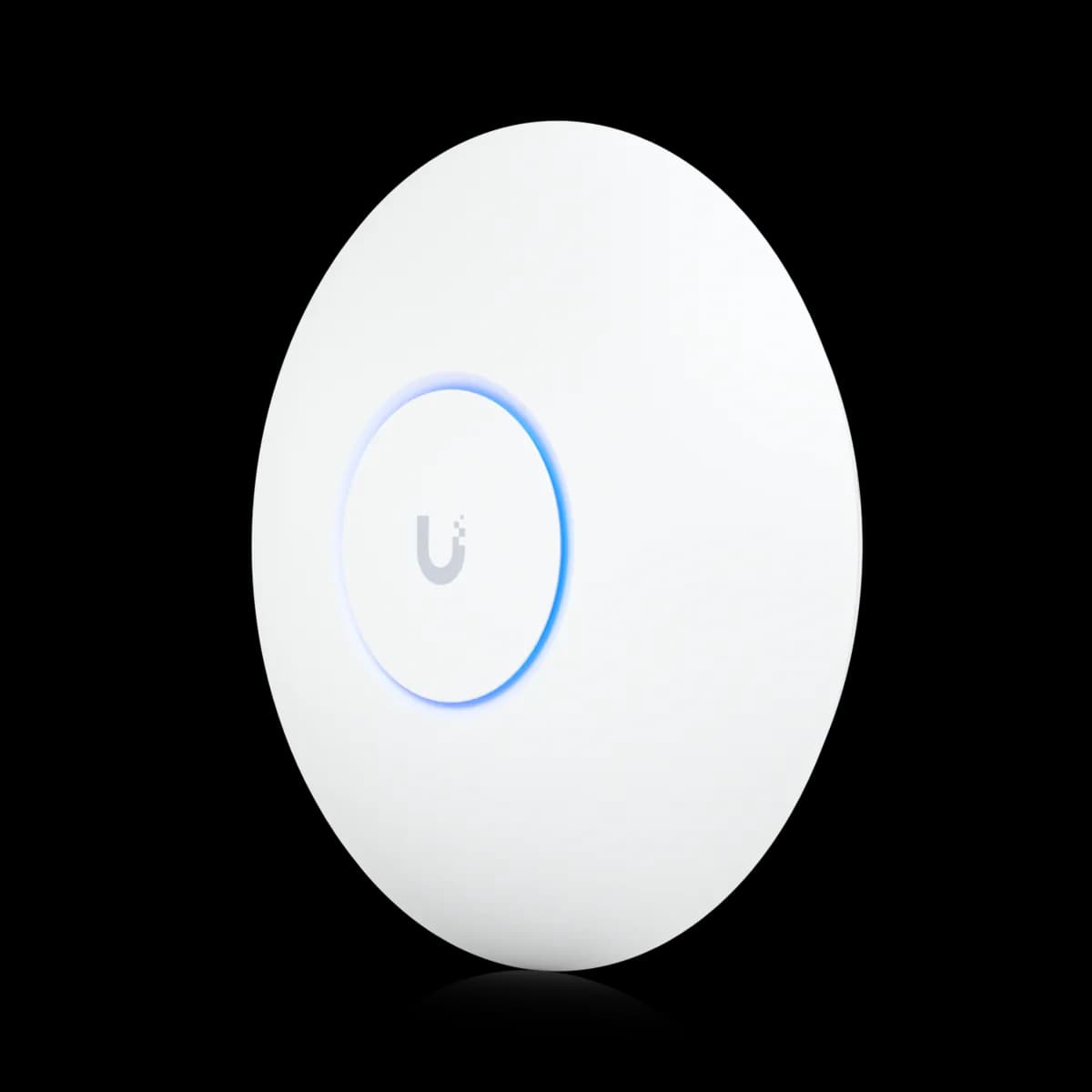
Comparison

UniFi U6 Pro vs U7 Pro: Wi-Fi 6 or Wi-Fi 7?

The $159 U6 Pro (Wi-Fi 6) and $189 U7 Pro (Wi-Fi 7) compared: 6 GHz radio, 2.5 GbE uplink, PoE+ draw, spatial streams, coverage, and who should buy which.

Should I buy the UniFi U6 Pro or the U7 Pro?

For most new installs in 2026 the U7 Pro ($189) is the better buy over the U6 Pro ($159). The extra $30 buys a 6 GHz Wi-Fi 7 radio, 320 MHz channels, and a 2.5 GbE uplink that removes the bottleneck the U6 Pro's 1 GbE port creates. The one exception: if your switches deliver only 802.3af PoE, the U7 Pro's 21 W draw (it needs 802.3at / PoE+) is a hard blocker — there the U6 Pro's 13 W keeps you running without a switch upgrade.

Spec Comparison

SpecUniFi U6 ProUniFi U7 Pro
Wi-Fi StandardWi-Fi 6 (802.11ax)Wi-Fi 7 (802.11be)
5 GHz Rate4.8 Gbps (BW160)4.3 Gbps (BW240)
2.4 GHz Rate573.5 Mbps (BW40)688 Mbps (BW40)
Spatial Streams66
Uplink Port(1) GbE RJ45(1) 1/2.5 GbE RJ45
Power MethodPoEPoE+
Max Power Draw13 W21 W
Max Clients250+300+
Coverage Area140 m² (1,500 ft²)140 m² (1,500 ft²)
6 GHz Rate5.8 Gbps (BW320)

Pricing & Positioning

What does the extra $30 buy? The U6 Pro lists at $159 and the U7 Pro at $189. That $30 does not add coverage or spatial streams — both cover 140 m² (1,500 ft²). It buys a 6 GHz Wi-Fi 7 radio, 320 MHz channels, and a 2.5 GbE uplink. (U7 Pro specs)

Both are ceiling-mount, mainstream access points aimed at homes and small offices, and both are managed through UniFi Network and uplink to a gateway. The U6 Pro launched in late 2021 as the flagship Wi-Fi 6 AP; the U7 Pro arrived in January 2024 as its Wi-Fi 7 successor at a near-identical price.

They are not aimed at different room sizes — they are aimed at different generations of Wi-Fi. If you are still mapping the lineup, start with how to choose a UniFi access point or browse the Access Points hub. The cheaper U6 Lite sits below both; that trade-off is covered in U6 Lite vs U6 Pro.

Wi-Fi 6 vs Wi-Fi 7: The 6 GHz Band

Wi-Fi 6 vs Wi-Fi 7? The U6 Pro is dual-band Wi-Fi 6 — 5 GHz at 4.8 Gbps (160 MHz) and 2.4 GHz at 573.5 Mbps, with no 6 GHz band. The U7 Pro is tri-band Wi-Fi 7 and adds a 6 GHz radio at 5.8 Gbps (320 MHz) — clean spectrum only Wi-Fi 7 clients can use. (U7 Pro specs)

The 6 GHz band is the single biggest reason to choose the U7 Pro. It opens a wide, uncongested slice of spectrum and the 320 MHz channels that Wi-Fi 7 clients exploit for peak throughput. In a dense building — apartments, open-plan offices — that clean band sidesteps the 2.4 GHz and 5 GHz congestion the U6 Pro has to share with every neighbour.

The catch: only Wi-Fi 7 devices reach 6 GHz. A 2026 phone or laptop will use it; a three-year-old one will not. If your client fleet is entirely Wi-Fi 6 or older, the 6 GHz radio sits mostly idle and the U6 Pro gives up little — see the buying guide for how to weigh that.

Spatial Streams: 4×4 vs 2×2

Is 2×2 weaker than 4×4? On 5 GHz the U6 Pro runs 4×4 MU-MIMO while the U7 Pro runs 2×2 per band. Both list six total spatial streams, just distributed differently. The 4×4 only pulls ahead when many 2×2 clients hit one AP at once in a dense room. (U6 Pro specs)

This is the one spec where the older U6 Pro wins on paper. Its 4×4 5 GHz radio can serve more simultaneous 2×2 client streams than the U7 Pro's 2×2 5 GHz radio — useful in a packed conference room or classroom full of laptops.

For a typical home or small office, the difference is imperceptible: most phones and laptops are 2×2 devices, so they cannot use the U6 Pro's extra streams anyway. The U7 Pro answers with its 6 GHz band and a faster uplink, covered next.

Does the U7 Pro need PoE+? Yes. The U7 Pro draws up to 21 W and requires 802.3at (PoE+); the U6 Pro draws 13 W on standard 802.3af. The U7 Pro also upgrades the uplink to 2.5 GbE versus the U6 Pro's 1 GbE, removing the wired bottleneck. (U7 Pro specs)

The uplink is where the U6 Pro shows its age. Its single 1 GbE port caps real-world throughput regardless of the 4.8 Gbps radio rating — fine for everyday use, but a ceiling in a wired-backhaul or dense-AP build. The U7 Pro's 2.5 GbE uplink lifts that ceiling wherever multi-gig switching is already in place.

The PoE+ requirement is a real constraint, not a footnote. Older 802.3af-only switches cannot power the U7 Pro without an injector or a switch upgrade — so factor a PoE+ switch into the cost. If you are sizing that switch too, how to choose a UniFi switch and the multi-gig Pro 24 vs Pro Max 24 breakdown cover it.

Coverage & Client Capacity

Same coverage? Yes — both are rated for 140 m² (1,500 ft²). The U6 Pro lists 250+ max clients and the U7 Pro 300+. In practice 6 GHz signals fade faster through walls, so the U7 Pro's 6 GHz band favours open rooms; 5 GHz and 2.4 GHz range is comparable. (U6 Pro specs)

Coverage is effectively a tie, so it is not a deciding spec between these two. Both blanket a typical floor; both want a second AP once you cross roughly 1,500 ft² or add thick walls. A cheaper U6 Lite makes a fine second AP on a budget — the U6 Lite vs U7 Pro comparison weighs mixing tiers.

Where the two genuinely diverge is which band carries the load. The U7 Pro can push its fastest Wi-Fi 7 clients onto clean 6 GHz close to the AP, while older clients stay on 5 GHz — leaving more 5 GHz airtime for everyone. The U6 Pro has only 5 GHz and 2.4 GHz to work with.

Who Should Buy Which

The decision comes down to two questions: do your switches deliver PoE+, and do you have (or plan to buy) Wi-Fi 7 clients? Write those down and the choice is usually obvious.

Buy the U7 Pro if:

  • You are starting a new install and your switches deliver PoE+ (802.3at). The 21 W draw is no obstacle, and you get the newest radio for $30 more.
  • You own or plan to own Wi-Fi 7 clients. Only they can use the 6 GHz band and 320 MHz channels.
  • Your environment is dense. Clean 6 GHz spectrum matters most in apartments and open-plan offices.
  • You want the uplink to match the radio. The 2.5 GbE port removes the 1 GbE ceiling.

Buy the U6 Pro if:

  • Your switches are 802.3af only. The 13 W draw runs without a PoE+ injector or switch upgrade.
  • Your clients are all Wi-Fi 6 or older. With no Wi-Fi 7 devices, the 6 GHz radio sits idle.
  • You need 4×4 on 5 GHz in a high-density room full of 2×2 clients — the one place the older radio wins.

Still deciding across the whole range? Start with how to choose a UniFi access point, compare the budget pick in U6 Lite vs U6 Pro, or browse the Access Points hub.

Frequently Asked Questions

Yes. The U7 Pro draws up to 21 W and requires 802.3at (PoE+). If your switch only provides 802.3af (15.4 W), you need a PoE+ injector or a switch upgrade. The U6 Pro draws 13 W and runs on standard 802.3af.

On 5 GHz, yes — the U6 Pro's 4×4 MU-MIMO radio can serve more simultaneous 2×2 clients than the U7 Pro's 2×2. In practice this matters primarily in dense, high-client-count environments (conference rooms, classrooms). For typical home and small-office use the difference is not perceptible. The U7 Pro compensates with 6 GHz band access and a 2.5 GbE uplink.

Yes. UniFi Network manages both under the same controller. They roam seamlessly and share the same SSID configuration. Clients connect to whichever AP offers the best band and signal.

Partially. Wi-Fi 6 clients on the U7 Pro get the same 5 GHz and 2.4 GHz performance they would on the U6 Pro. They cannot use the 6 GHz band or Wi-Fi 7 features (MLO, 4K-QAM). The uplink upgrade to 2.5 GbE still benefits all clients by reducing backhaul congestion.

Both are rated for 140 m² (1,500 ft²) coverage. In practice, 6 GHz signals attenuate more quickly through walls than 5 GHz, so the U7 Pro's 6 GHz band is best suited to open-plan areas or rooms with direct line of sight. 5 GHz and 2.4 GHz range is comparable between the two APs.